NOTE
If the computer USB
socket incorporates
an appropriate power
supply, the headphone
baery will charge while
connected.
Mini jack and Bluetooth
audio have priori over
USB audio. USB audio will
mute when a headphone
Mini jack connection is
made or Bluetooth audio
is played.
4.4 Wired Connections
USB Connections
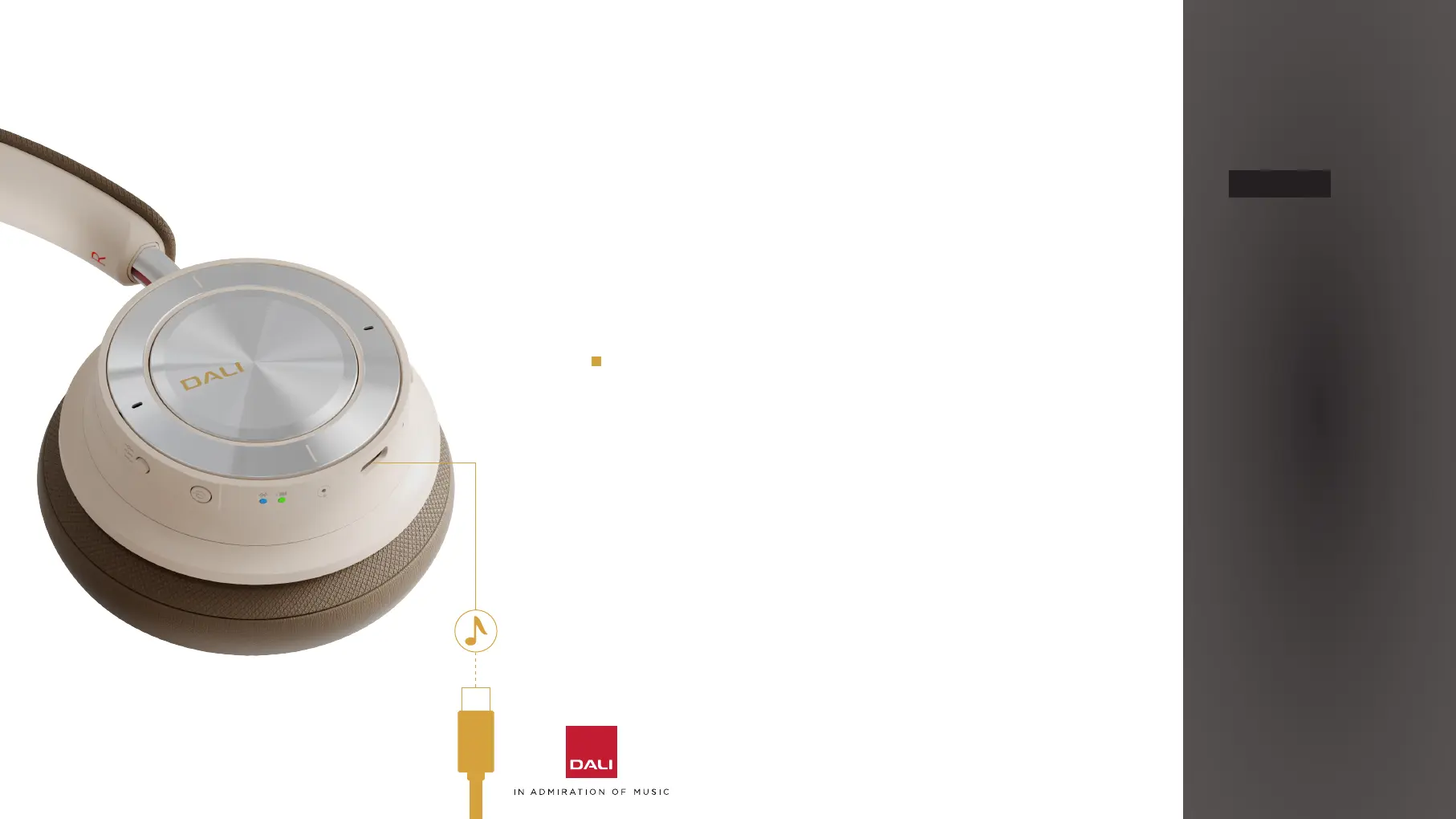
You can play audio on your IO-8 headphones via a USB
connection to a laptop or desktop computer.
Simply connect an appropriate USB cable to
the socket on the right headphone cup and to a
computer USB socket.
The headphones will become available to the computer
as a USB audio output device.
Of all the IO-8 headphones connection modes, USB is
likely to provide the best sound quali. This is because
a USB connection avoids the extra digital signal
processing and potential for transmission errors of
wireless connection.
4. USING YOUR DALI IO-8 HEADPHONES
12



 To Next Page