18
6. Fault Indication
Wireless audio link error
All seven speaker position indicators
repeatedly blink twice.
Fix:
First check that the SOUND HUB or
SOUND HUB COMPACT is switched on. If
this doesn’t fix the problem, switch the failing
OBERONC loudspeaker o and on. If the
problem persists then reset the system
(SOUND HUB/ SOUND HUB COMPACT
and speakers) as described in its user
manual and re-connect the speakers as
described in Section 4 of this manual.
General hardware failure
The rear panel service
indicator alternates between
red and amber.
Fix:
Switch the OBERONC o
and on again. If the problem
persists, contact DALI
or your local retailer or
distributor for service advice.
Amplifier over-temperature
The rear panel service
indicator blinks red.
Fix:
Pause the music and allow the
amplifier to cool down. It will
switch back on automatically.
If the problem persists, a
General hardware failure
will be indicated. Contact
DALI or your local retailer or
distributor for service advice.
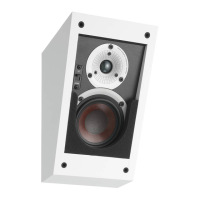
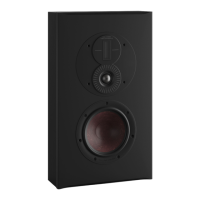
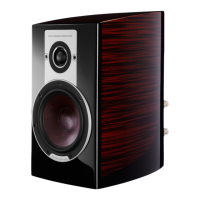
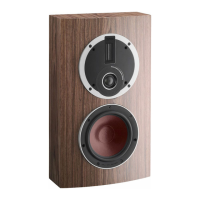
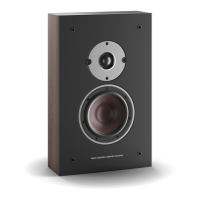
ON-WALL C
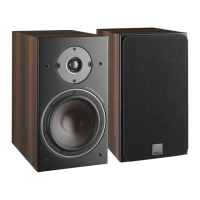
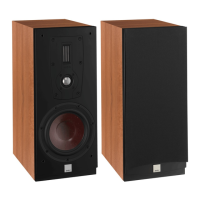
OBERON 1C
Service
indicator
In the unlikely event of your OBERON C speakers failing to operate
correctly, the fault indications and fixes described here may provide
a solution. Further help is always available from DALI, your local
retailer, or via the support pages of the DALI website.
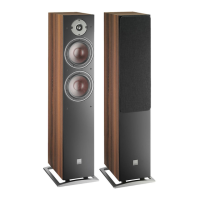
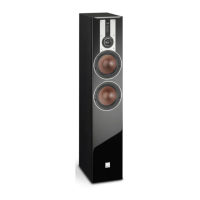
OBERON 7C

 To Next Page
 Loading...