30
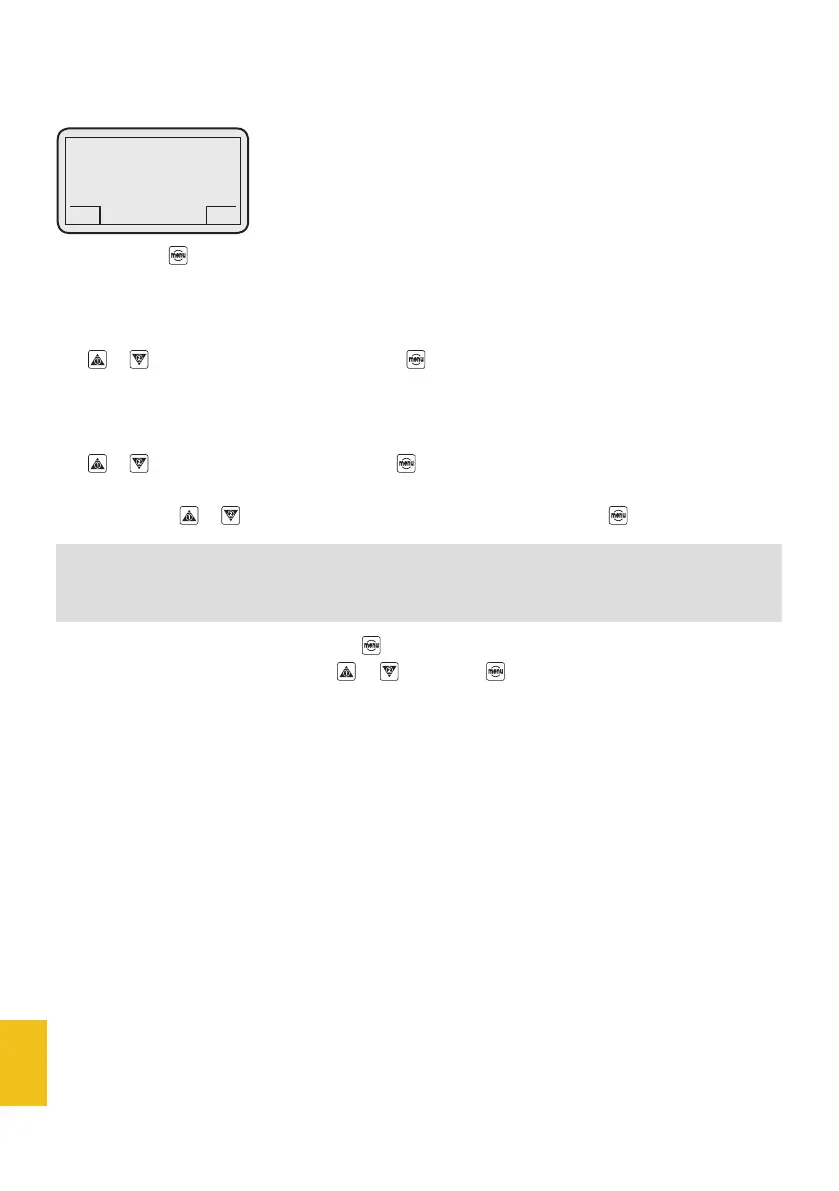
If you press the button, the following items are displayed:
1.1 - Enter
1.2 - Modify
Use or to select the ENTER item and press to enter. The display will show:
1.1.1 - User
1.1.2 - Service
Use or to select the USER item and press to enter. The display will show:
Enter 0000
To enter PW, use or buttons – when the desired digit is displayed, press .
After the last digit has been entered, press to confirm it and to go back to the menu list.
The menu list can be scrolled by using or . Just press for 3 seconds if you wish to go back to
main page.
By entering the USER PW, the user can access some set-up menus.
The default USER PW is 0000.
1. Password (PW)
NOTE
If the wrong PW is entered, restart the PW entering procedure.
DC-ONE
GCS
1. Password
GCS


 To Next Page