31
(accessible by the user by entering the PW, if GCS is not in function)
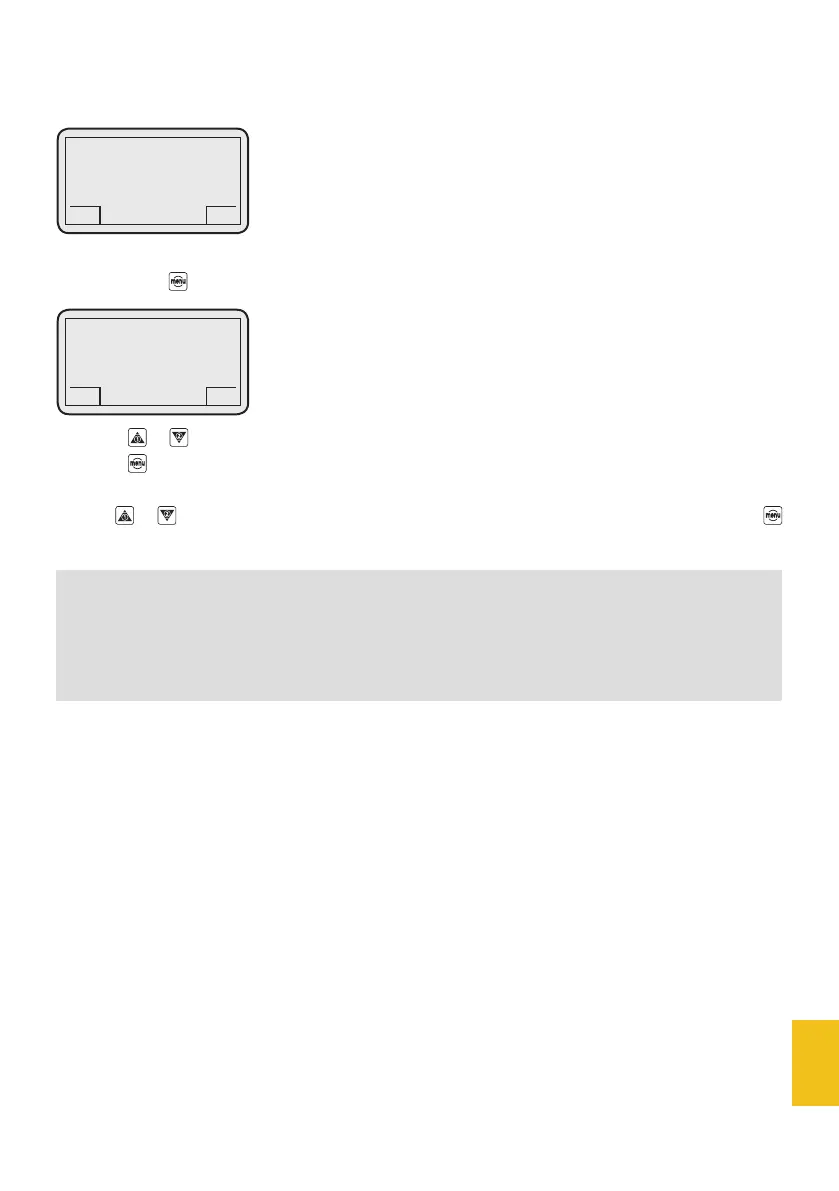
If you press the button, the display will show:
Press the or buttons to modify grind fineness.
Press the button to go back to the menu list.
Use the or buttons to scroll the menu list; if you want to go back to the main page, just press
for 3 seconds.
2. Grind adjustment
NOTE
During coffee grind adjustment, ground coffee doses can still be poured without quitting the menu –
this quickens coffee grinder adjustment.
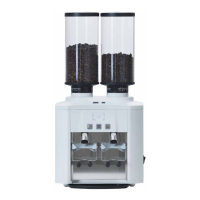
DC-ONE
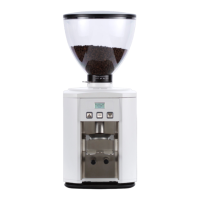
GCS
Grinder 1
n° = 15
< >
GCS
DC-ONE
GCS
2. Grind adjustment
GCS


 To Next Page