98 |
16. Programming
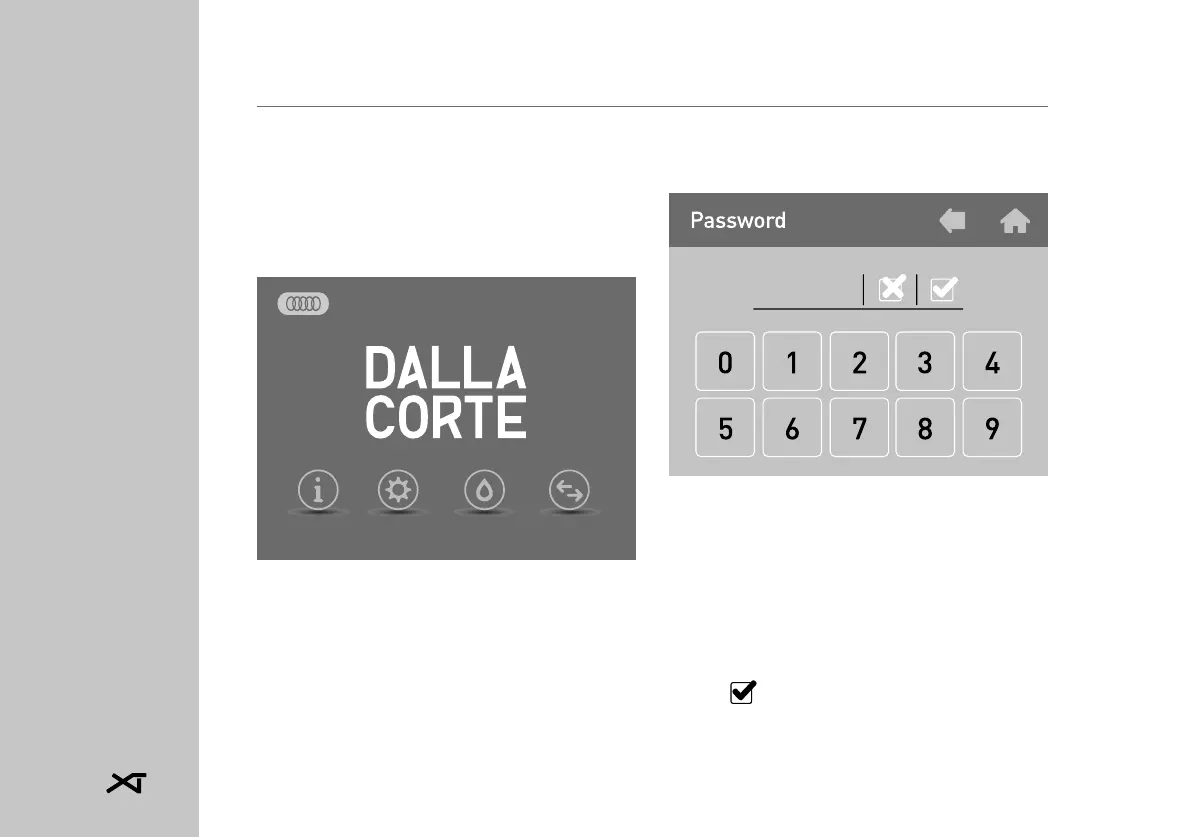
From the main screen, by tapping
SETTINGS, you can program diffe-
rent settings such as the group and
boiler temperature and the activa-
tion of the weekly timer.
Entering the SETTINGS menu the
following screen is displayed:
16.0 Password
This screen requests the password
for access to the SETTINGS menu.
• Enter the password using the nu-
meric keypad. By default the SER-
VICE password is 0000.
• Tap ) to confirm the password.
Info Settings Cleaning Groups
10:51
Tue 28 Aug 2018














 To Next Page