Damm Cellular Systems A/S, Denmark
TetraFlex® 7.5
Manual
3-242
To find the actual projection the webpage http://www.spatialreference.org could be used by
selecting ESRI references, the actual ESRI number corresponding to your map and then
Proj4.
Example: +proj=utm +zone=32 +ellps=GRS80 +units=m +no_defs
A description of the different parameters is to be found at:
http://trac.osgeo.org/proj/wiki/GenParms
o Actual positions Max age: This is the max. time the actual position of a Radio will be
shown on a map after the Radio has deregistered or the GPS signal is lost. The
value can be from 1 to 600 minutes.
o Position History Max age: The time frame that the position history will be shown on
map. The setting can be from 1 hour to 1 day or you can set the date from where
you want to show the history.
o Show Speed: Shows information regarding speed and direction (heading) in the
positions history list and detail information on each GPS point on the map
o Use IE Proxy settings: If this is checked online, maps like Google and Open Street
view will use the proxy setting of IE to locate a proxy server to get access to the
internet.
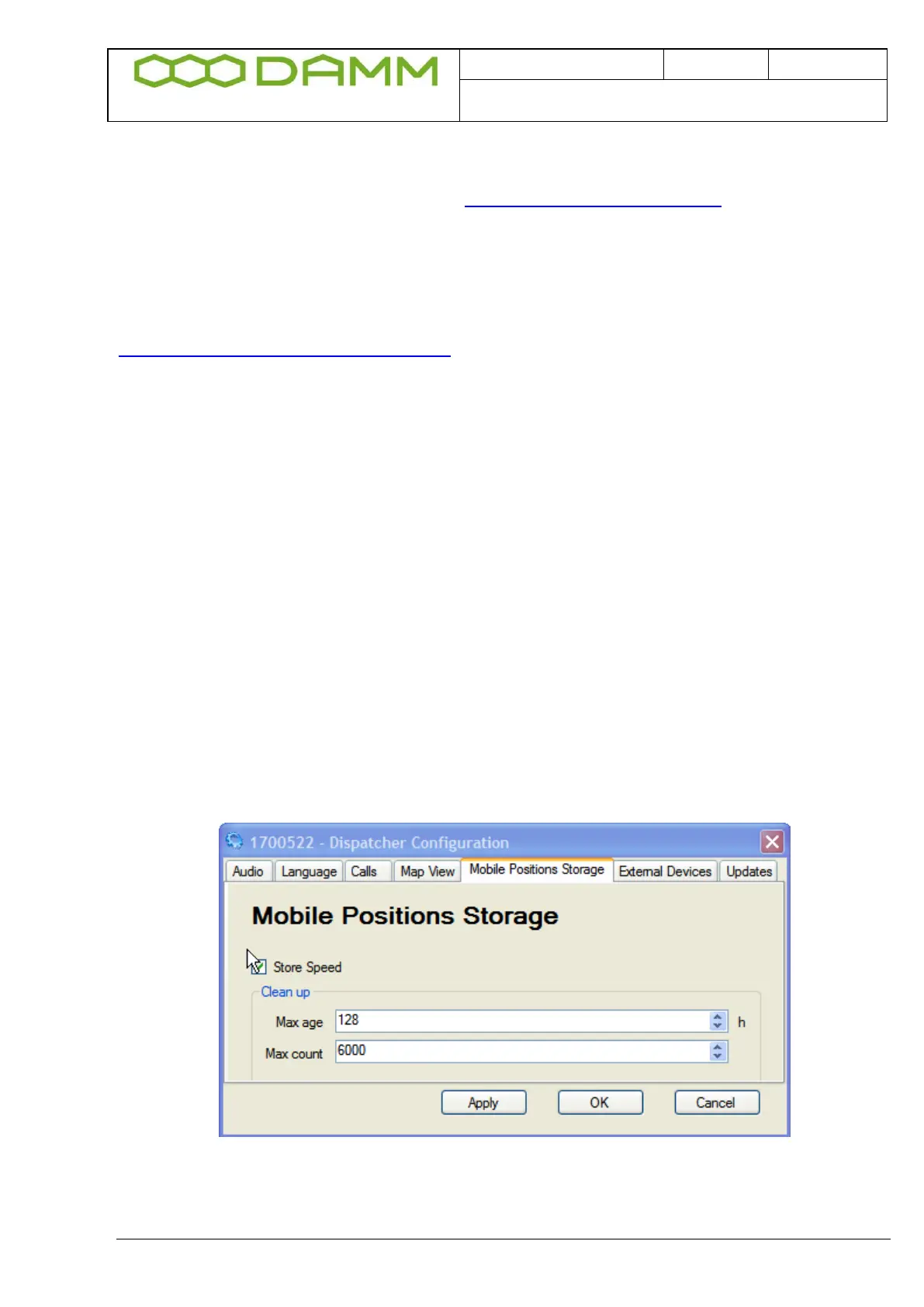
3.5.3.2.5 Mobile Positions Storage
Figure 3-41: Mobile Positions Storage
Shows selections for:
o Speed Stored: The Speed information is saved in the database



 To Next Page