EasyManua.ls Logo

Danalogic Ambio - Multi-Function Buttons

Default Icon
60 pages
Print Icon
To Next Page IconTo Next Page
To Previous Page IconTo Previous Page
Loading...
15
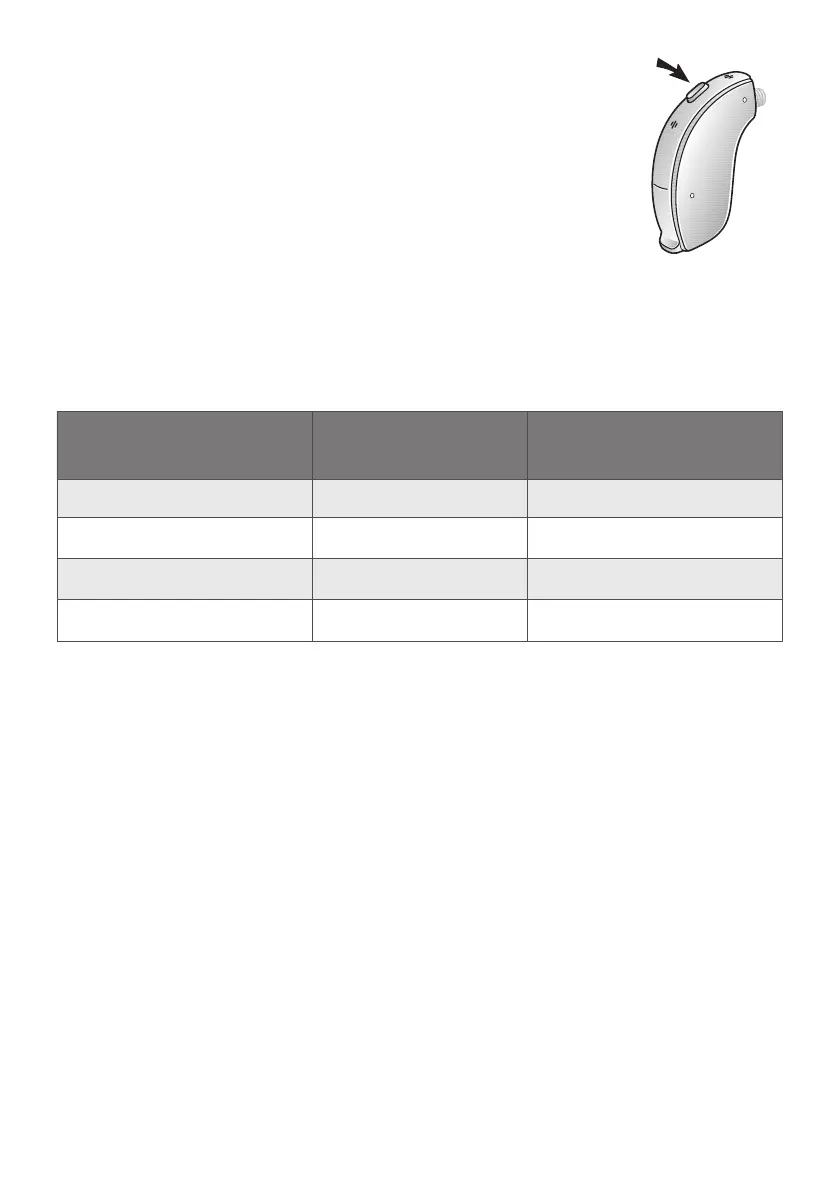
7.2.3 Mul-funconbuons


and switch between programmes. The design of the

aid depending on the way you press it.
i
NOTE: If necessary your hearing care
professional can change the default

Mul-funcon buon
acon
Default seng New seng
Short press up
Increase volume
Short press down Decrease volume

Change programme


Mulfuncon buon,
model 67.

Table of Contents

Related product manuals