15
5.6 File Management
Select the FILE icon in the main menu then press ENTER to access the file library.Select the file
with the direction keys and press ENTER to play the selected file.
Sélectionnez le fichier à l’aide des touches de direction, et appuyez sur ENTER pour lire le fichier
sélectionné.
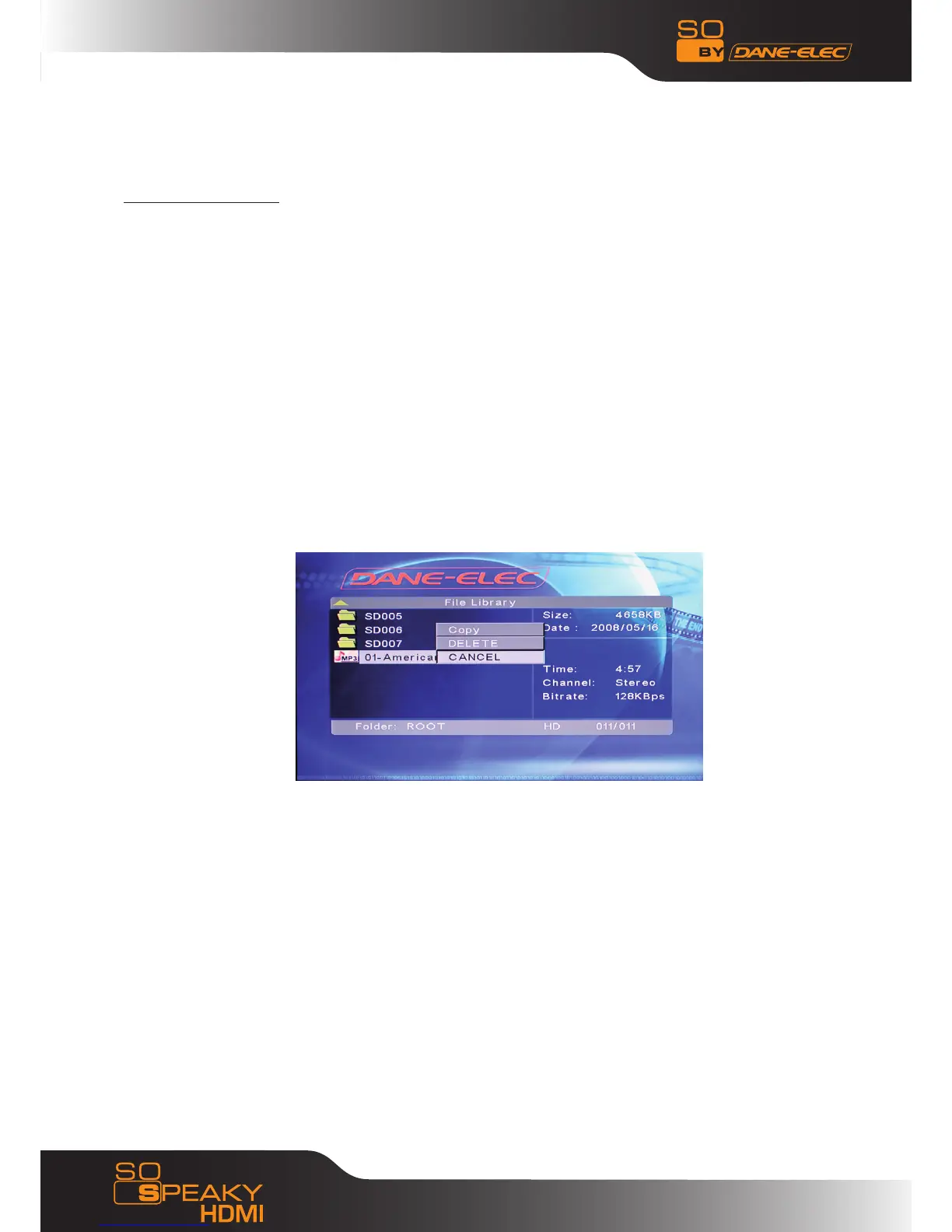
Copying Files: Press the RIGHT direction key and a dialog box will be displayed.
Select the COPY command and press ENTER; a copying message will be displayed on the right-
hand screen.
Press the RIGHT direction key, and the selected line will be transferred to the right-hand screen.
Select a directory to save to and press ENTER.
Press the LEFT direction key to return to the left-hand screen, and the selected line will transfer
to the selected file in the left-hand screen. Press ENTER to begin copying.
Furthermore, the OTB option allows the memory card files to be saved.
It copies data from the memory card that has been inserted into the media player. Simply press
the OTB key on the remote or press and hold ENTER on the control panel for a few seconds.
Deleting Files : Select the unwanted files and press the RIGHT direction key, then press ENTER
to display the Command dialog box. Press DELETE to delete the file.



 To Next Page