16
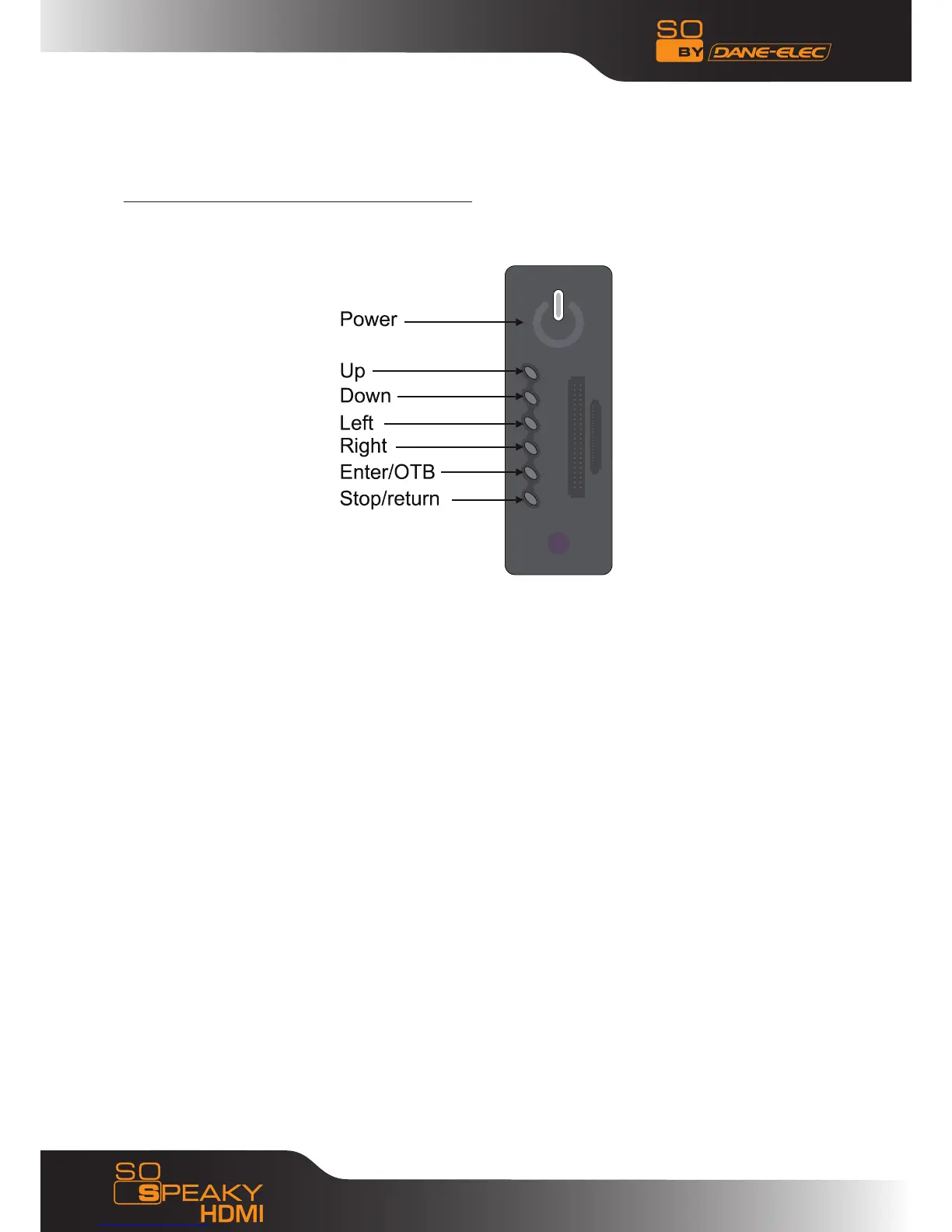
5.7 Buttons on the Front of the So Speaky HDMI
To return to the main menu, press the STOP/RETURN key, and wait for a few seconds.
The POWER key turns your So Speaky HDMI on or off.
The LEFT and RIGHT keys are used for selecting the type of file you would like to see (Photos,
Videos, Music, and Files).
The UP and DOWN keys are used for scrolling through your music files to select an option such
as selecting a title.
The ENTER/OTB key has two functions: by pressing it once, you make your selection (for example,
to begin a movie), by pressing and holding for a few seconds, you will begin copying your saved
files from your memory card onto the So Speaky HDMI’s hard disk so they can be read faster.
Pressing the STOP/RETURN key will stop the file being played; pressing and holding it for a few
seconds will return you to the main menu.



 To Next Page