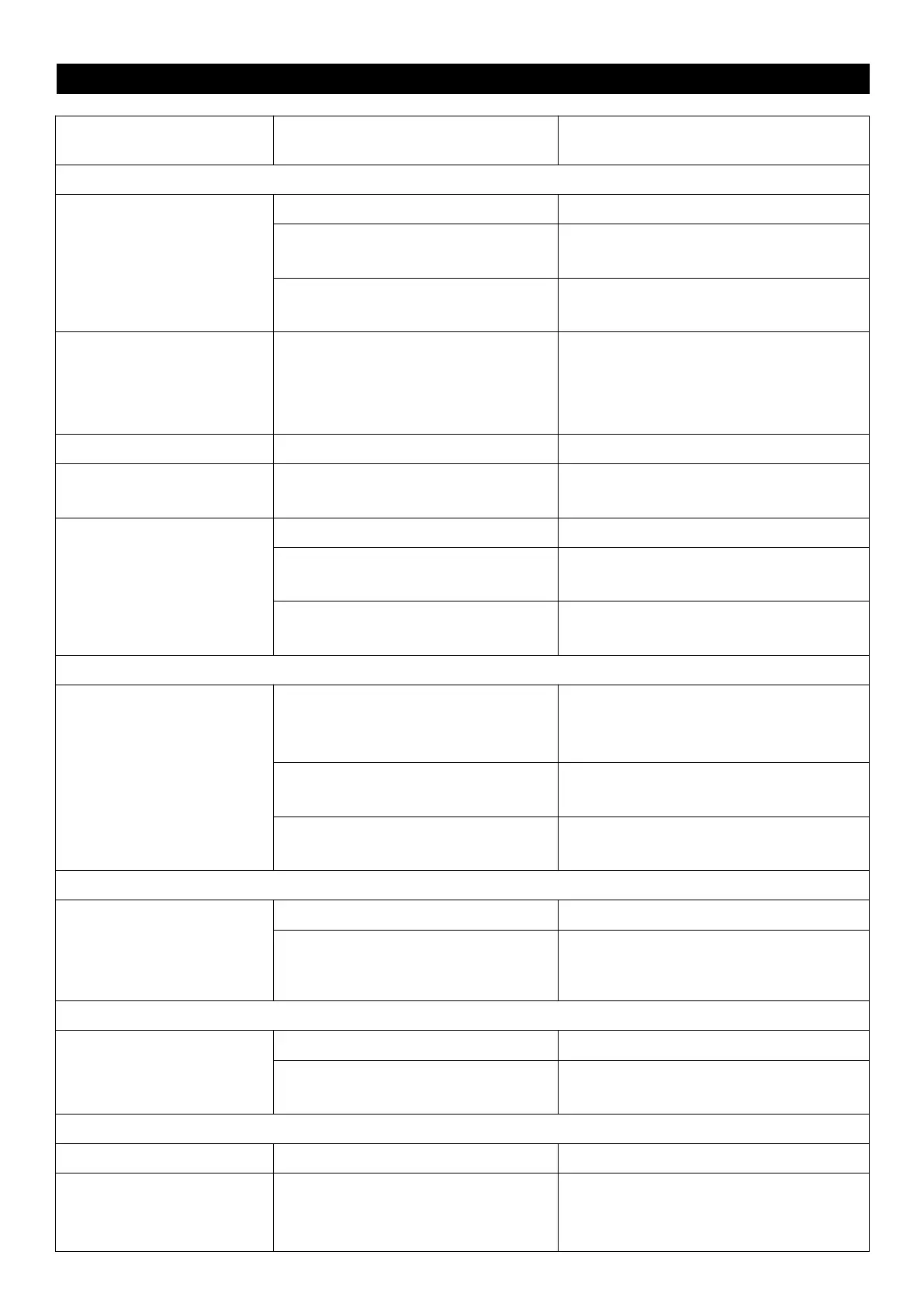
TROUBLE SHOOTING GUIDE
Source mode in wrong position.
Using the Mode button, select the proper
function as required.
Power cable disconnected or loose.
Check the connection or the Power
cable.
The unit does reset to
operation of any button
Under the influence of electrostatic
phenomenon, the product may
malfunction and require user to
disconnect
Turn off the unit, disconnect the mains
plug, and reconnect after a few seconds.
No sound when playing
vinyl records
The sound is breaking up or
buzzing.
There are many dust on vinyl records
Clean your records with an anti-static cloth.
45RPM vinyl without use 45RPM
adaptor
Use 45RPM adaptor when play 45 RPM vinyl
records
There has obstacles when rotating
Remove the obstacles and put the deviseon
a horizontal table or place.
No sound when playing
audio via Bluetooth
Your Bluetooth device has not been
paired properly.
Pairing your Bluetooth device according
to the Pairing name "TE-012"to a
Device Section. and playing Audio.
The volume control of your Bluetooth
device is set at too low.
Increase the volume of your Bluetooth
device.
The volume control of the main unit is
set at too low.
Increase the volume of the main unit to
turn to your wish.
broken U-disk/TF card or
storage device is in NTSF
format
Clear contacts pins and connect again.
Change your U-disk to FAT32 or FAT
format
External device not connected
properly.
Clear contacts pins and connect again.
No sound in FM radio mode
The FM antenna needs to be
loosened.
Loosen the FM antenna back of side,
and adjust the external cable position to
get clear channel


 To Previous Page