PAGE 10 46210/46220-0998 <90-00036>
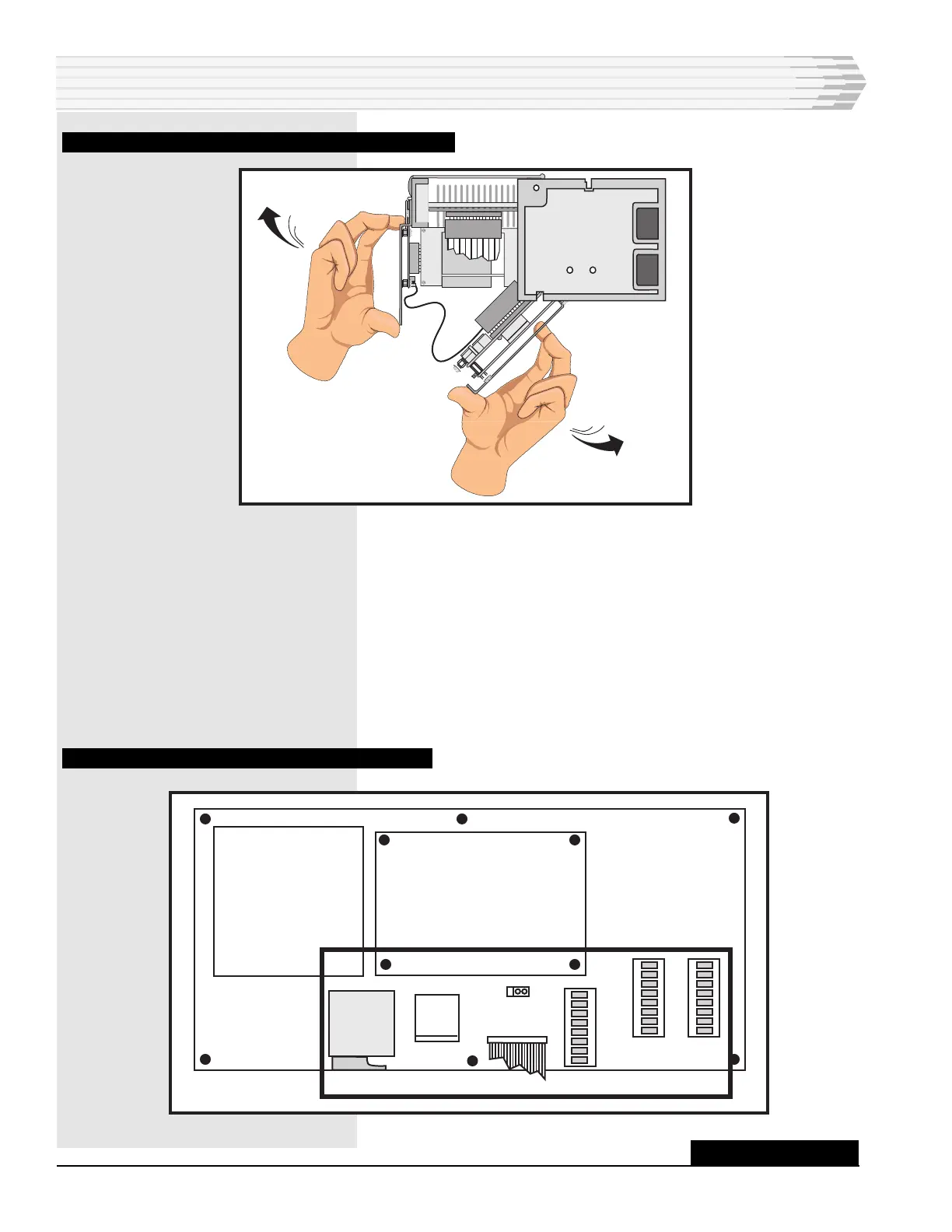
FIG. 8 - PULLING DOWN POWER SUPPLY AND CPU BOARDS
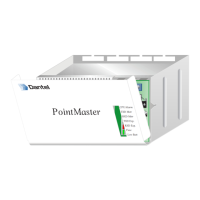
3. Set the AUX LED strap (refer to Fig. 9).
Place the strap across pins 1 and 2 if you want the front panel
LEDs to indicate transmit and receive data activity on the master
and auxiliary ports.
-or-
Place the strap across pins 2 and 3 if you want the front panel
LEDs to indicate transmit and receive data activity on the master
port only.
FIG. 9 - POWER SUPPLY BOARD COMPONENT LOCATION
INSTALLATION
F1
TB1
P1
S1
S2
S3
AUX LED
1
3
-48
ALM
GND
RS-232 OR 202
SUBASSEMBLY
CONTINUED . . .



 To Next Page