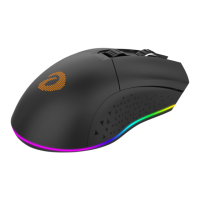
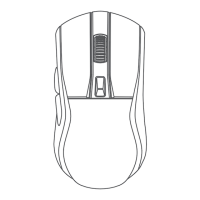
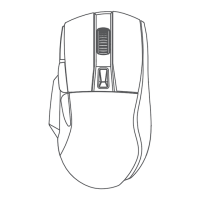
Professional operation
1. 4-band frequency, adjustable by driver
2. By default DPI is adjustable in 6-segment by
DPI button.(default:1200)
Blue (600dpi) Red (1200dpi)
Green (2400dpi) Yellow (3600dpi)
Cyan (4800dpi) Purple(10000dpi)
125Hz, 250Hz, 500Hz, 1000Hz(Default: 500Hz)
3. Lighting switch method
b. Press Backward+Scroll buttons for 3s to enter the light setting
(Lighting flashes);
c. Click Left button to change lighting effects;
d. Click Right button to change lighting colors;
e. Scroll forward/backward to adjust brightness;
f. Press Backward+Scroll buttons for 3s to exit the light setting
(Lighting flashes).
a. Default lighting effect is Neon;
3 English


 To Next Page