Display User Manual
DDJ08001001 1-Mar-04
Page 7
3.3 Installation
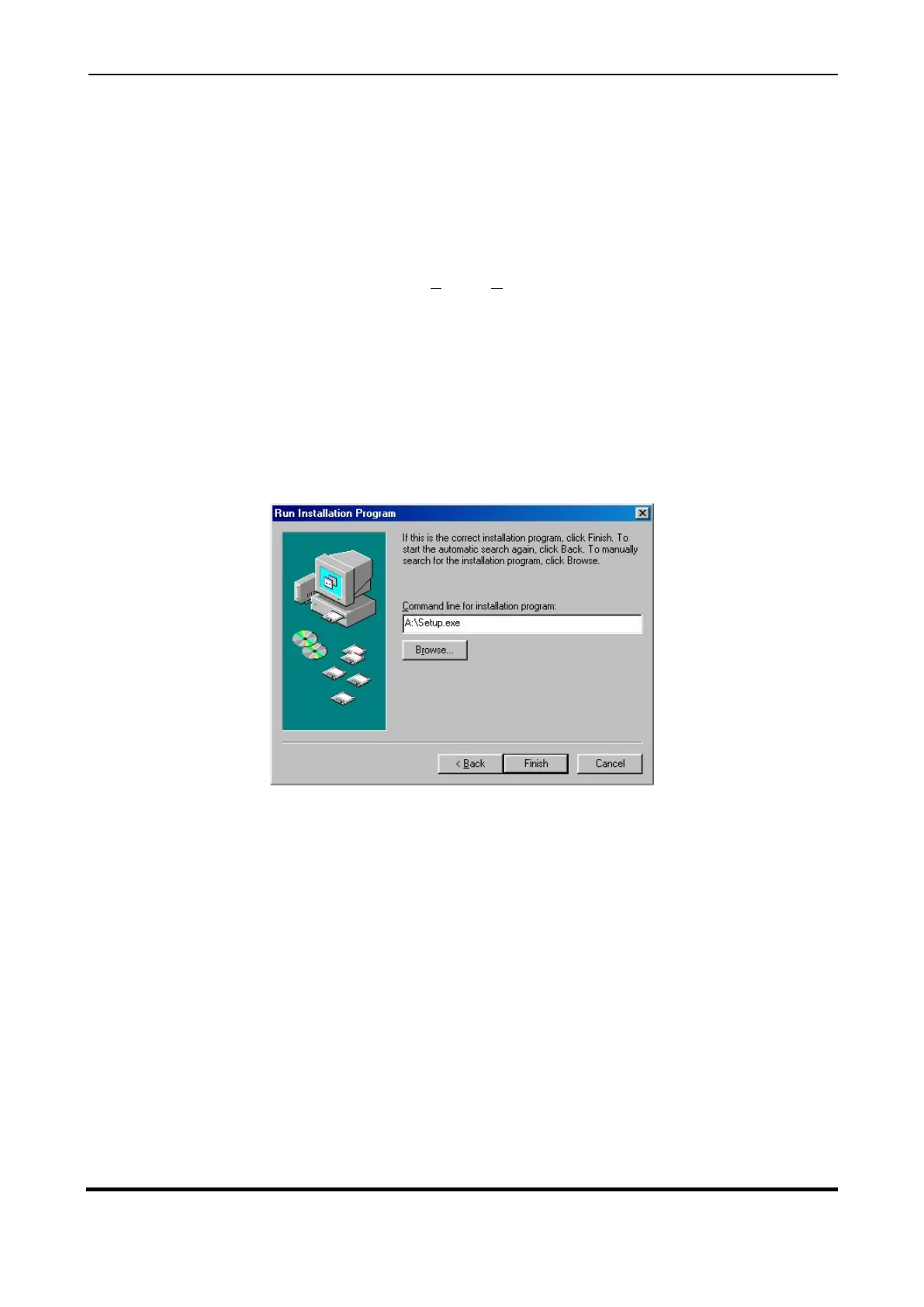
The GRAFIT software package is supplied on floppy disk. To install the software, do the following
steps:
1. Insert the GRAFIT Software Disk into your floppy drive.
2. Click the
Start
button, then select
Settings|Control
Panel
.
3. Double-click the
Add/Remove Programs
icon and follow the instructions shown on the
screen.
4. Click on the
Next >
button to begin the installation and follow the on-screen instructions.
5. When the process is complete, all files are stored in the C\GRAFIT folder unless the
destination folder has been changed.
Figure 3.2 – Installation Screen.
Add GRAFIT to the Start menu or your Desktop by creating a short-cut as described in your
Windows User Manual. The executable file to run the software package is as follows:
GRAFIT Version 1.18ß = C:\GRAFIT\GRAFIT.EXE



 To Next Page