page 10 TrafficDrone: How to start
Quick start guide
Deployment of the TrafficDroneUnit is very straightforward. Let’s demonstrate it on a
typical use case.
First, we need to connect the unit to the power source and turn the main power switch
on as described above.
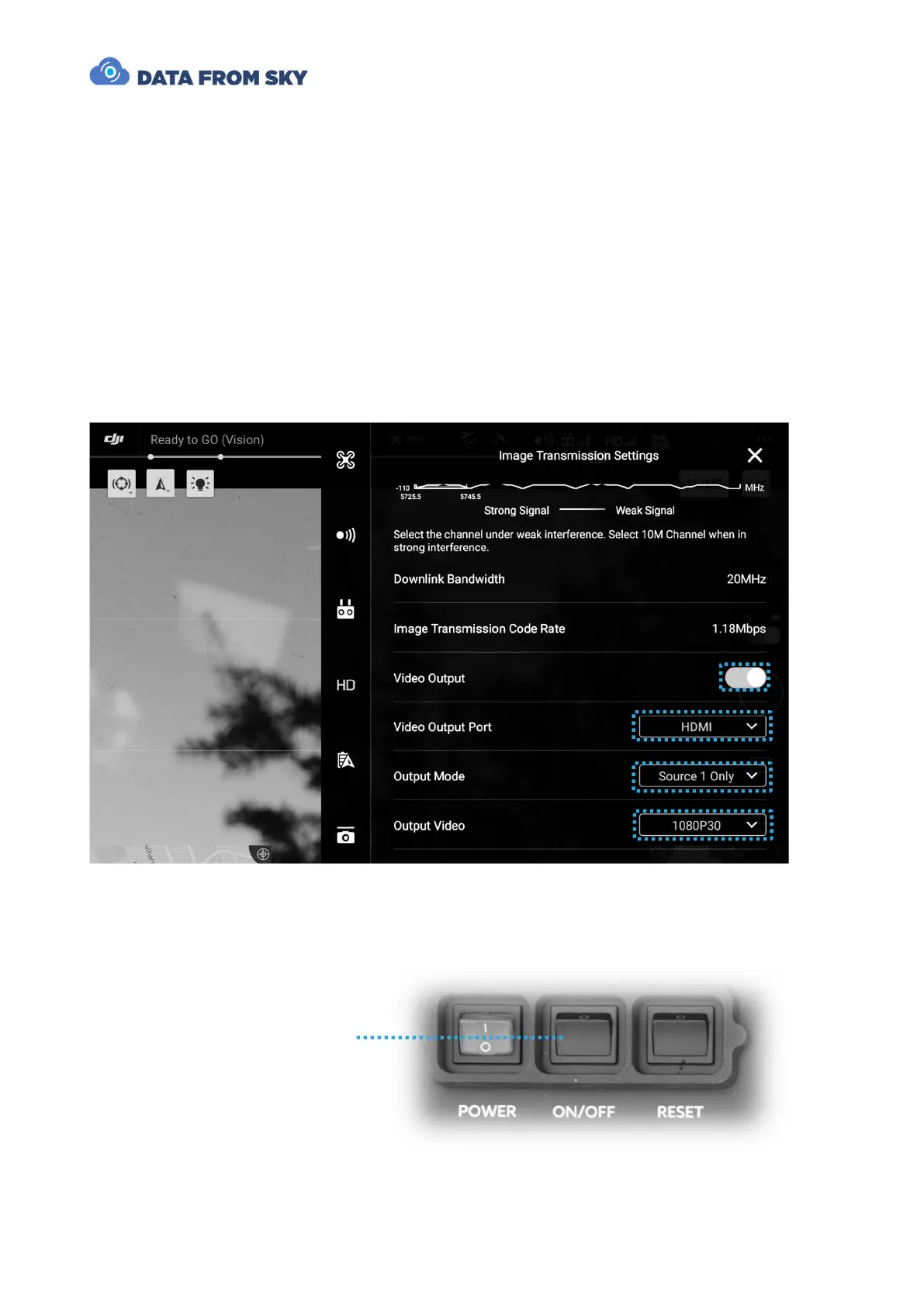
Video stream will be fed to the unit via HDMI cable from a DJI CrystalSky/Cendence
ground station connected to DJI Matrice M210v2 UAV. We will make sure to set the
remote controller to input clean video signal without overlay and in appropriate format
(1080p30):
We are done with the HW setup and ready to start the TrafficDrone processing unit. Let’s
do it by pressing the On/Off momentary switch:



 To Next Page