page 12 TrafficDrone: How to start
Touch screen operation
FLOW environment has been conceived with touch screen operation as one of the
primary use cases. The user experience is therefore very natural and perhaps even more
intuitive compared to using a mouse.
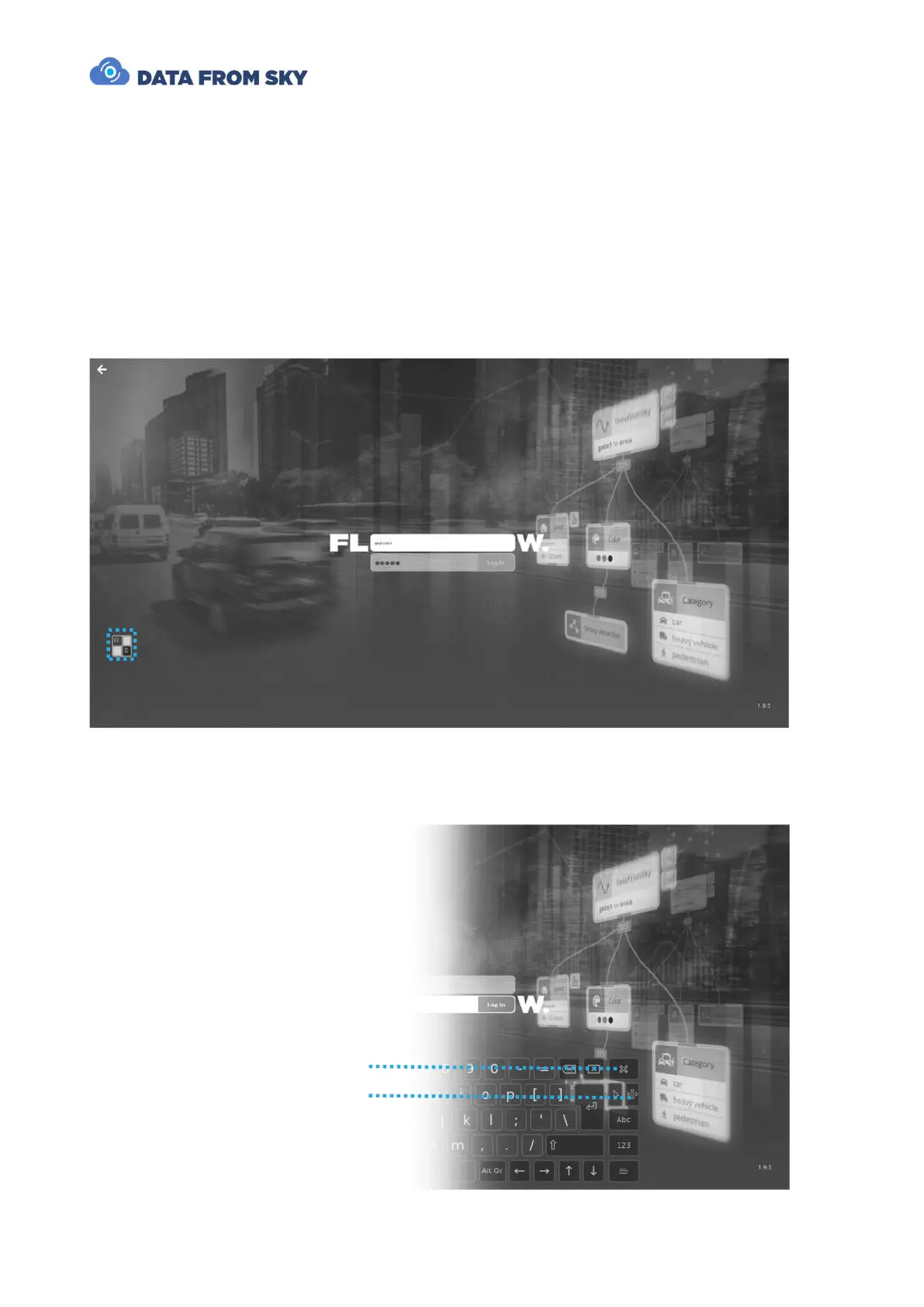
In order to support text input, the system features an on-demand software keyboard that
can be evoked by pressing on the following icon:
The keyboard can be moved around the screen and closed when no longer needed with
dedicated buttons:



 To Next Page