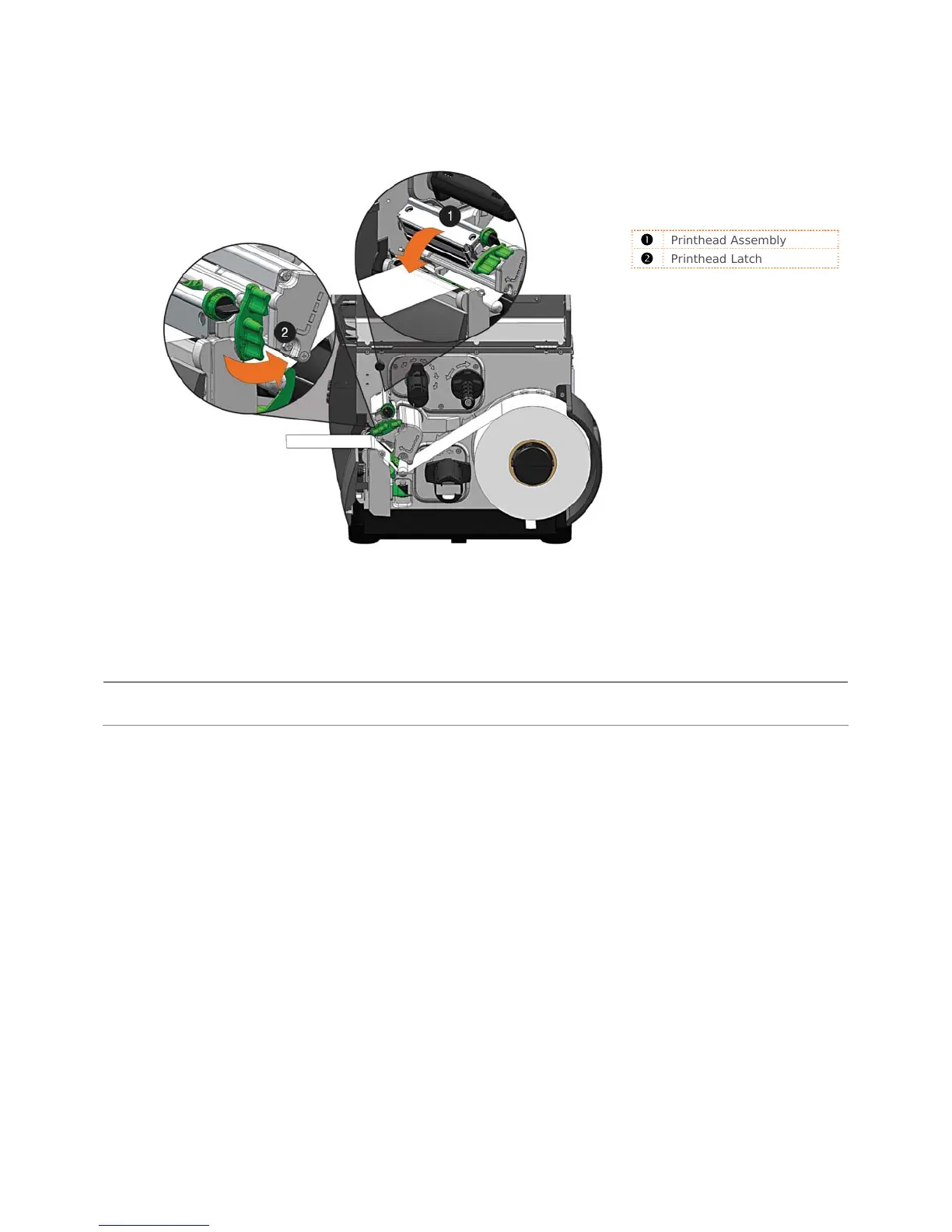
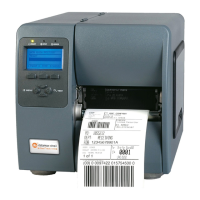
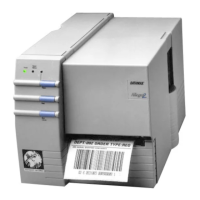
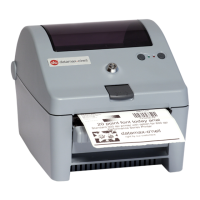
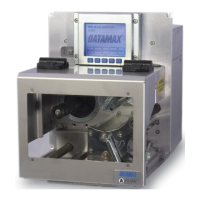
5. Close the Printhead Assembly and rotate the Printhead Latch to the locked position.
6. Close the cover and press the FEED button several times to position the media and ensure
proper tracking.
Printhead Assembly
Printhead Latch
If the printer does not corr
ectly sense the top of each label, it may be necessary to calibrate the
printer (see Section 3.4 Media Calibration).
The printer is factory set to use 4-inch media (and ribbon, if thermal transfer equipped). When using
a different width of media/ribbon, refer to Section 5.3.


 To Next Page