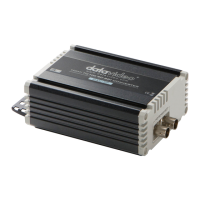
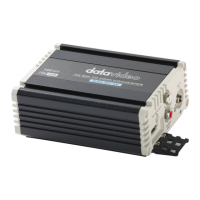
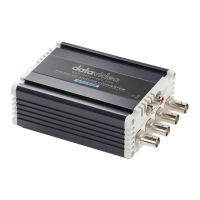
FRONT (Input)
CAPTURING
3
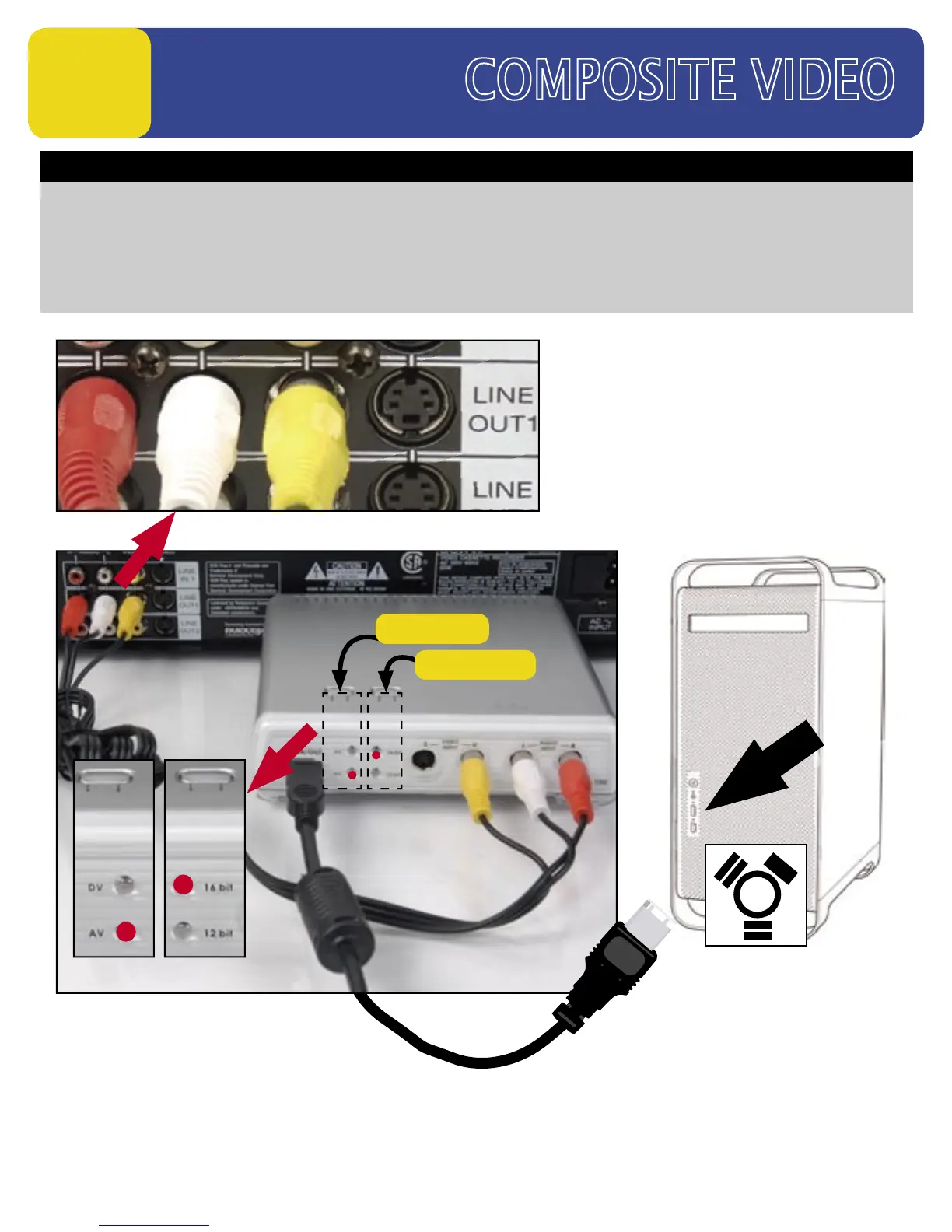
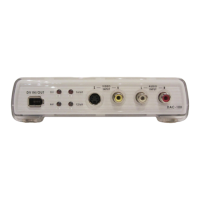
How to connect DAC-100 to capture Video from a VCR or Camcorder
1. Connect the RCA Video/audio cables from the VCR’s Line output to the input on the DAC-100.
2. Connect the FireWire cable to the DAC-100, connect opposite end to the PC or Mac’s FireWire Port.
3. Power on the DAC-100 and the VCR.
4. Start the Editing Software. (Not Supplied)
5. Press the DAC-100’s Source Button to switch it to “AV” and the A Encode Button to “16 bit”.
6. Go to the “Capture or Import” mode on the Editing software to begin capturing video to a PC or a MAC
FireWire to
PC/MAC
FireWire
PRESS
Set to “16 bit”
Set to “AV”
PRESS
SOURCE
A ENCODE
DAC-100 Input Side


 To Next Page