18
Connecting to a NON-DHCP Network (Static IP)
Upon connection to a non-DHCP network, the NVS-33 will not be assigned of any IP
addresses. As such it is recommended that you manually assign a fixed IP address to
the device or use the default IP address (192.168.1.60).
Default Fixed IP
Default Fixed IP is primarily used in point-to-point connection, such as connecting
the PC to the NVS-33 directly. In a non-DHCP environment, the NVS-33 works in fixed
IP mode only. To configure the NVS-33 to the default IP, please follow the steps
outlined below:
1. Connect the NVS-33’s LAN port to the network via an Ethernet cable.
2. Turn on the NVS-33’s power and the NVS-33 will also be turned ON in
the DHCP mode by default.
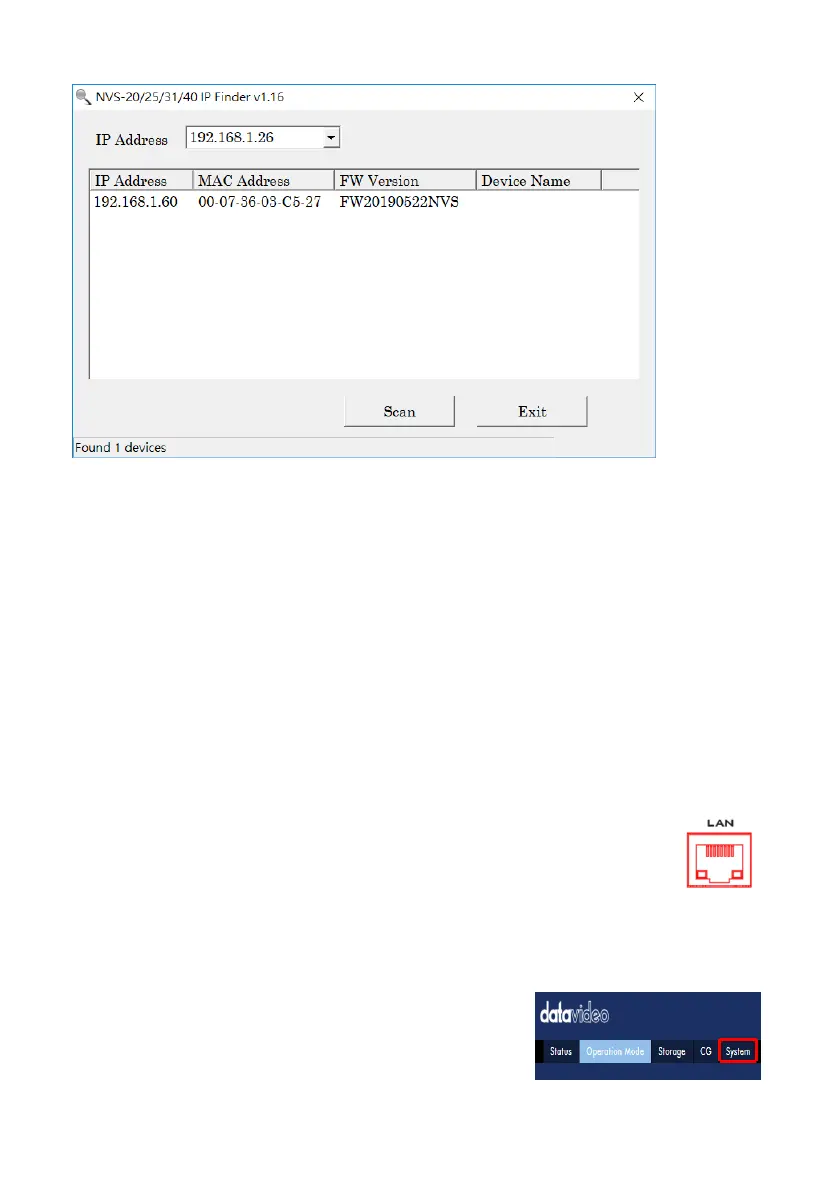
3. Search for the NVS-33device according to the method as detailed in the previous
DHCP section. Once found, log into the user interface on the web browser.
4. Enter the system page by clicking the “System” tab on the home of the user
interface.


 To Next Page