41
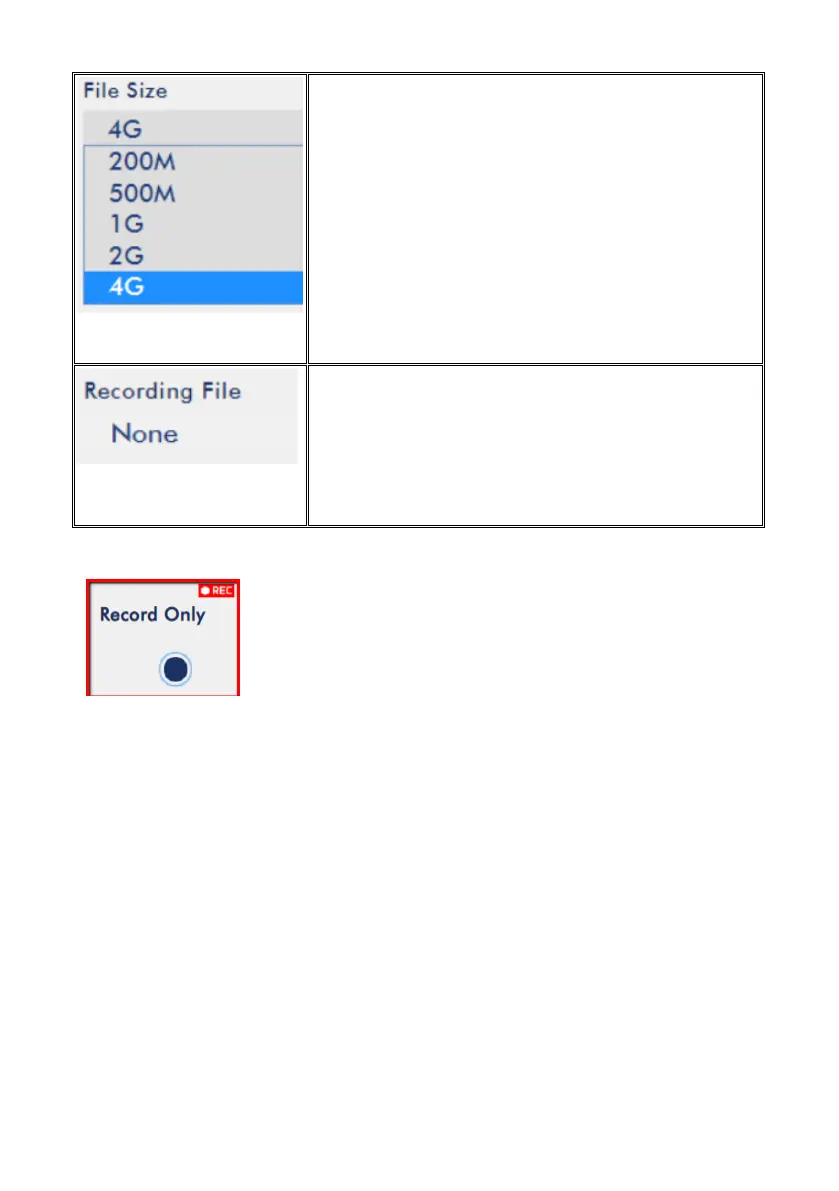
File Size
Select the file size of a single recording file.
Recording File
Display the file that is currently being recorded.
Note: The record function is activated after the Start Record
button is clicked. The REC indicator will appear as shown on
the left. Flashing indicates that the record function is
starting. A constant lit indicator means the record function
has been activated successfully (The indicator flashing three
times then turned off indicates errors). The activation time is approximately 2 to 3
seconds.
Storage
The menu bar of the NVS-33 web based control interface provides storage option for
users to check the status of the SD card. The main interface of the storage option is
shown as following diagram.


 To Next Page