EasyManua.ls Logo

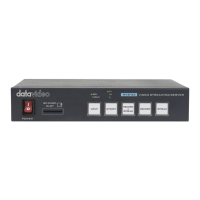
Datavideo NVS-33 - Chapter 2 Connections and Control; 2.1 Front Panel

Datavideo NVS-33
72 pages
Print Icon
To Next Page IconTo Next Page
To Previous Page IconTo Previous Page
Loading...
9
Chapter 2 Connections and Control
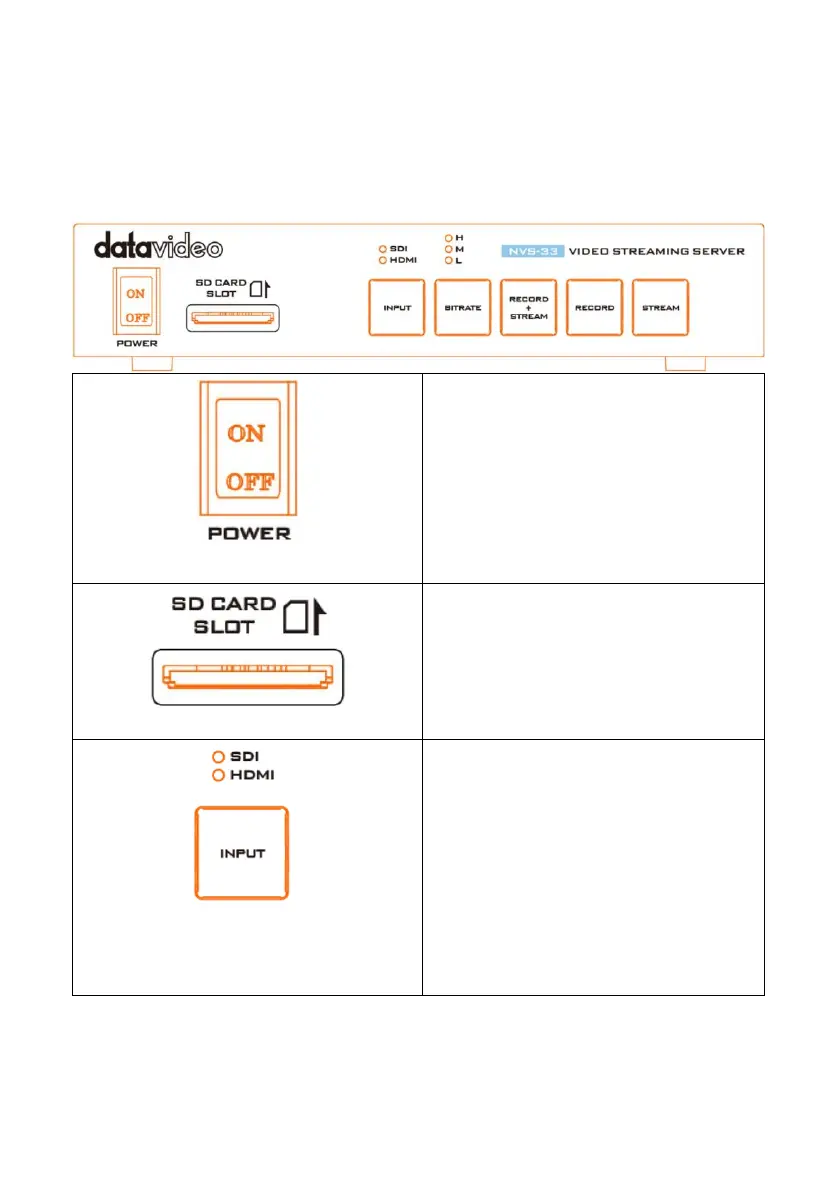
2.1 Front Panel
Power Switch
Used to turn on or turn off the NVS-33.
SD Card Slot
This SD Card Slot allows users to insert
SD Card to be the storage media of the
recorded contents.
INPUT
This INPUT button is the switching
button of the input source. Users can
press this button to select the SDI or
HDMI input source. About the INPUT
button and its LED indictor behaviors,
please refer to the related paragraphs
of Front Panel’s Buttons and LED
Indicators Behaviors.

Related product manuals