53
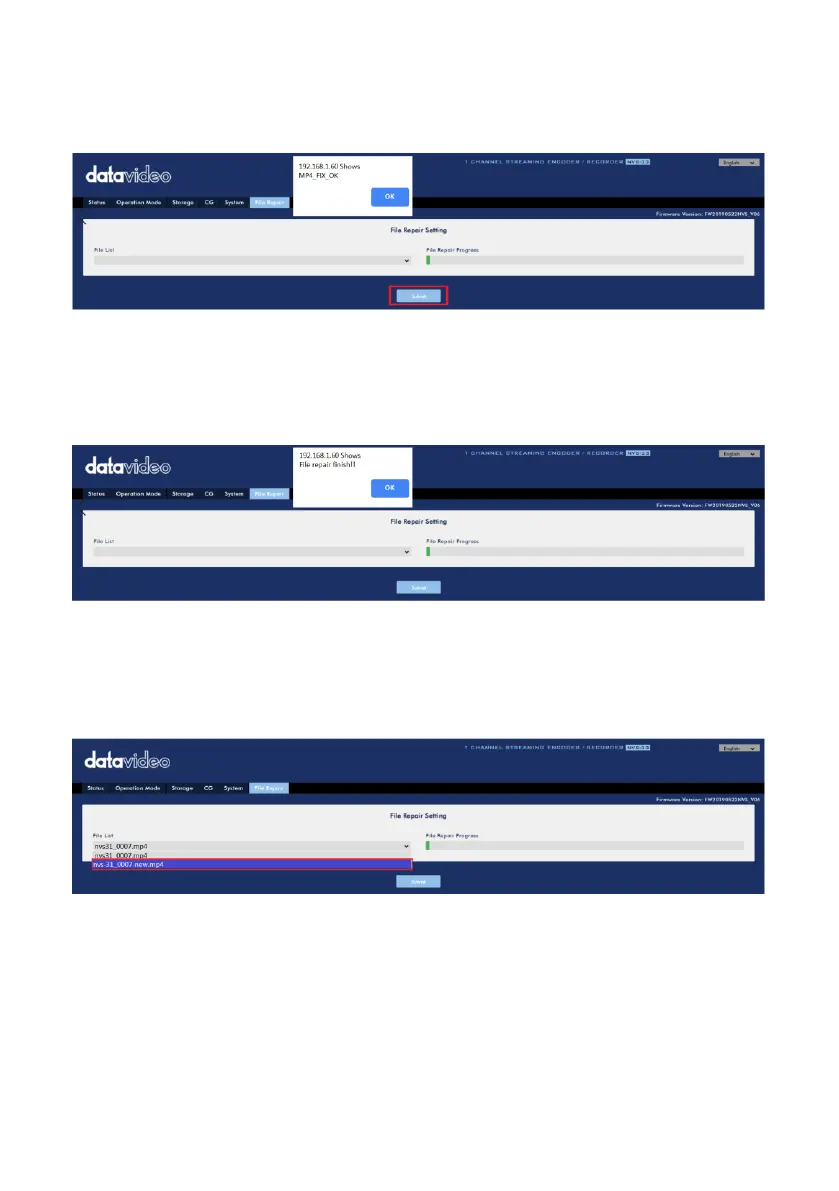
2:If the MP4 file can be fixed, the MP4_FIX_OK window will be shown. Please press
the OK button and then press the Submit button.
Note: If the MP4 file can not be fixed, the MP4_FIX ERROR MDATA window will be
shown.
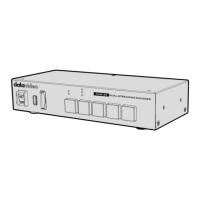
3. After the File repair finish!! Window is shown, please press the OK button and
then it is recommended to reboot the NVS-33.
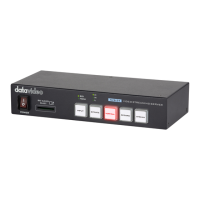
4. In the File List drop-down menu, there is a new file that will be generated with the
word “new”after the original file name. This file is the one that is fixed by the File
Repair function.


 To Next Page