19
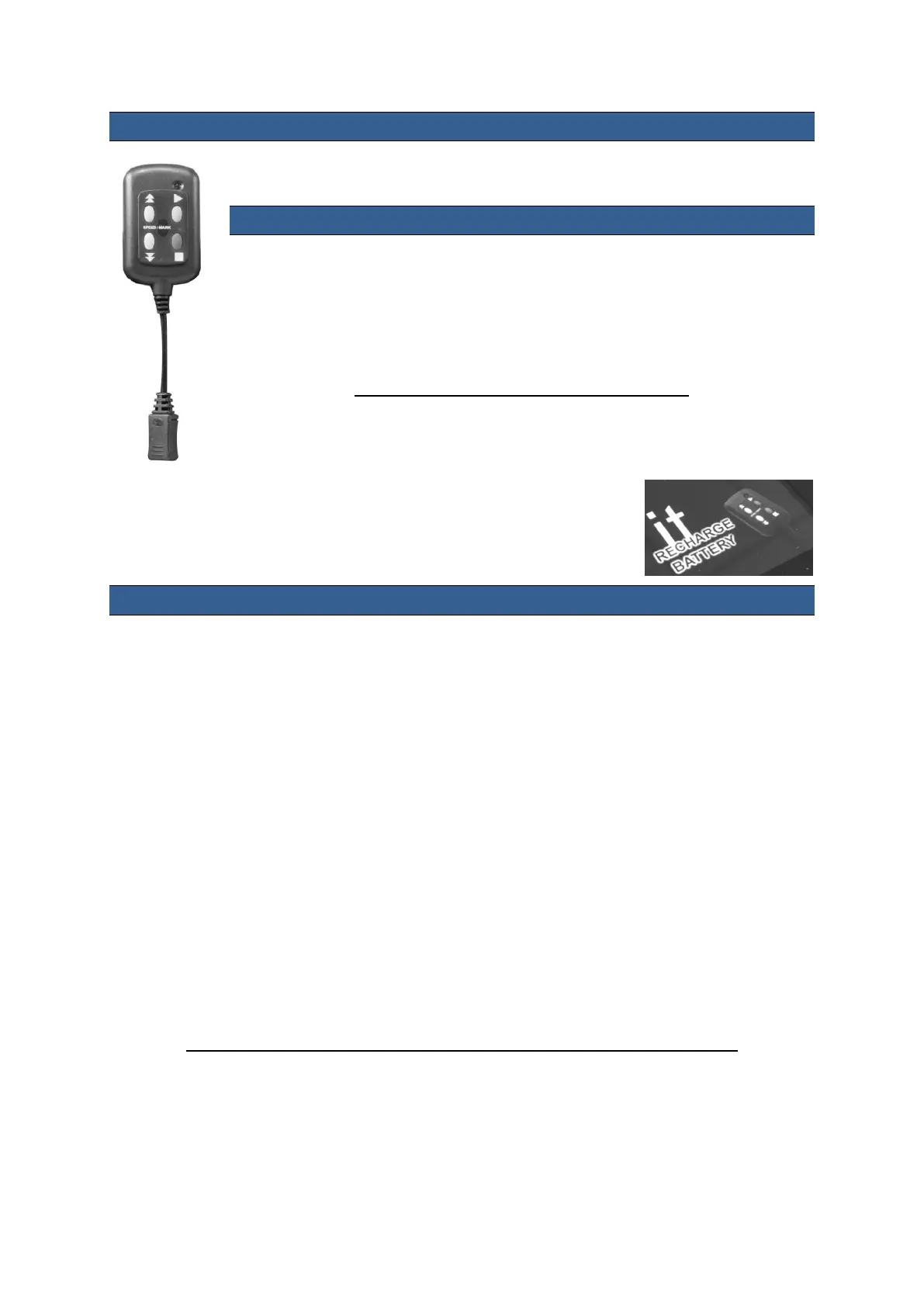
Using the optional Bluetooth Remote Control
This remote is designed for use with Android™ and iOS/apple™ devices.
How to charge the Bluetooth remote control
Plug the USB charging cable into a free USB A slot on your desktop computer and
connect the remote control to the charger cable.
It is always best to charge the remote for at least two hours before a prompting
session. When the remote is charging you will see a flashing red LED light,
this will stop flashing once it is fully charged.
The remote will turn itself off if it is not used for 30 minutes.
When fully charged the remote will last for approximately 6 hours depending on use.
The DV Prompter app will display RECHARGE BATTERY in the bottom
right hand corner of the application window when the battery is running low
in the Bluetooth remote control.
How to pair the Bluetooth remote control
1. Ensure the Bluetooth remote has been charged fully beforehand.
2. Go in to the settings menu on your phone or tablet device.
3. Go to the Bluetooth settings and turn Bluetooth On and ensure your device is visible.
4. Press and hold the green button on the remote for 1 to 2 seconds until the LED starts
flashing Green.
5. You should then see DV Prompter appear on the handset or tablet device when searching for
nearby Bluetooth devices.
6. Tap on the DV Prompter label to start the pairing process with the remote control.
7. The tablet or mobile device should recognise the remote as a Bluetooth keyboard type device.
If a message says that you are unsuccessful in pairing the devices then reset the remote control.
How to reset the Bluetooth remote: Press the green button on the remote and wait for the green
LED to come on and go off and keep the green button depressed until the LED then glows red. You
are then ready to repeat the pairing process as above. Once paired for the first time the mobile device
or tablet will then remember the Bluetooth remote making later pairing attempts easier.
NB: The remote will automatically power off if it is not used for 30 minutes.
.



 To Next Page