EasyManua.ls Logo

Datavideo TP-300 - TP-300 Assembly Guide; TP-300 Normal Tripod Assembly

Datavideo TP-300
24 pages
Print Icon
To Next Page IconTo Next Page
To Previous Page IconTo Previous Page
Loading...
7
Below Camera Lens Set Up
Assembly
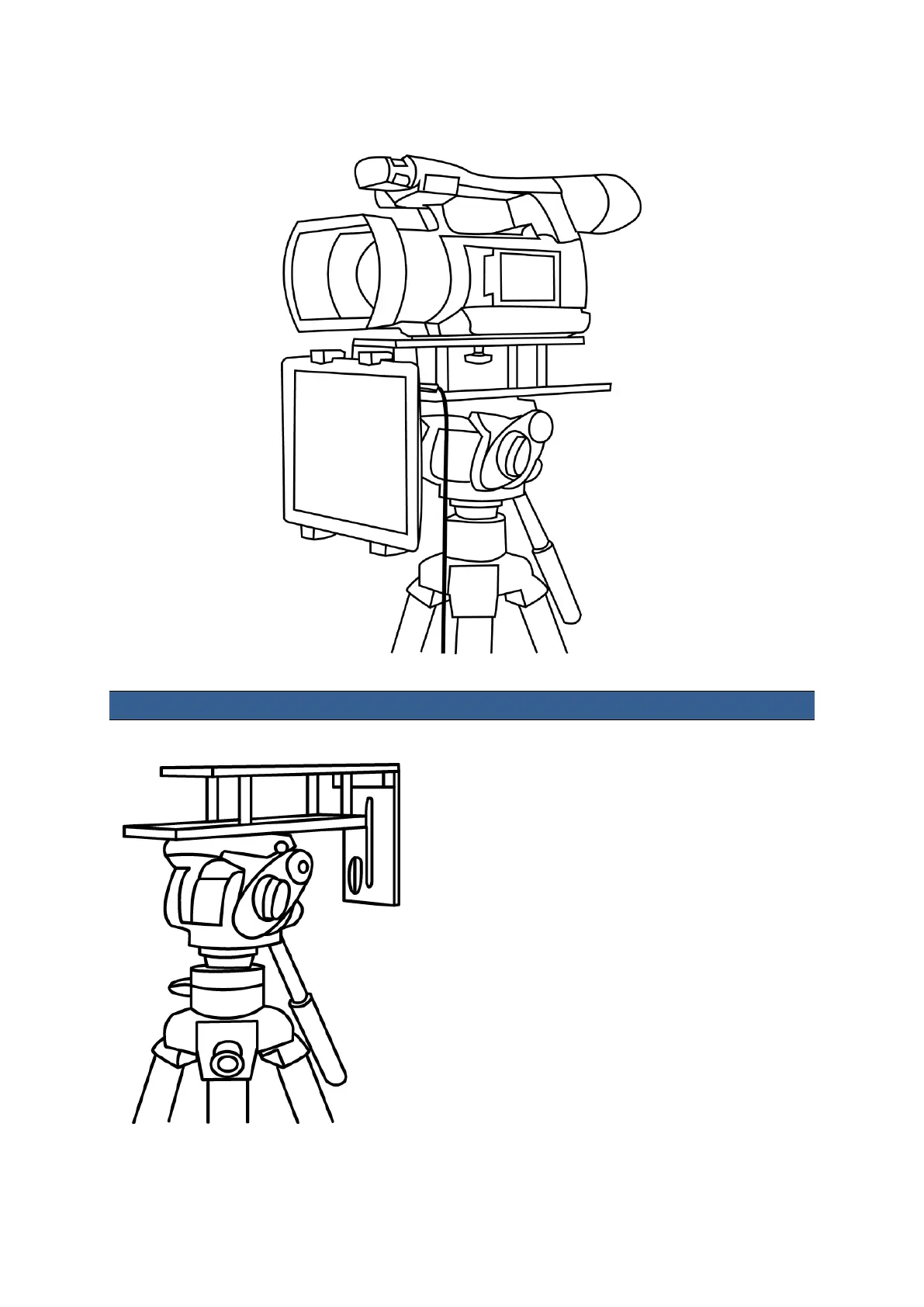
Normal Tripod Set Up
1. Attach/screw the tripod camera quick release plate
to the screw holes on the base of the prompter
frame, item A. If necessary use the adaptor screw,
item C. Then slide and secure tripod plate, with
prompter frame on top, onto the head of the tripod.


Related product manuals