Fiscal Printer DATECS FP-2000 Version 3.10
This command switches training mode on and off. If executed without parameters, the curren setting is returned
only.
The command must be executed after Z-report, before the first fiscal receipt for the day.
Before the fiscalisation the printer is unconditionally in training mode.
7FH (127) RAM RESET
Data field: None
Response: None
The command clears the operational memory of the printer (like the CMOS error). After executing it, the clock
must be set with command 61, which writes a “CMOS error” record in the fiscal memory with this date and time.
The command is permitted only when the service jumper is placed on the main board of the printer.
There is place for 100 records in the fiscal memory.
APPENDIX 1
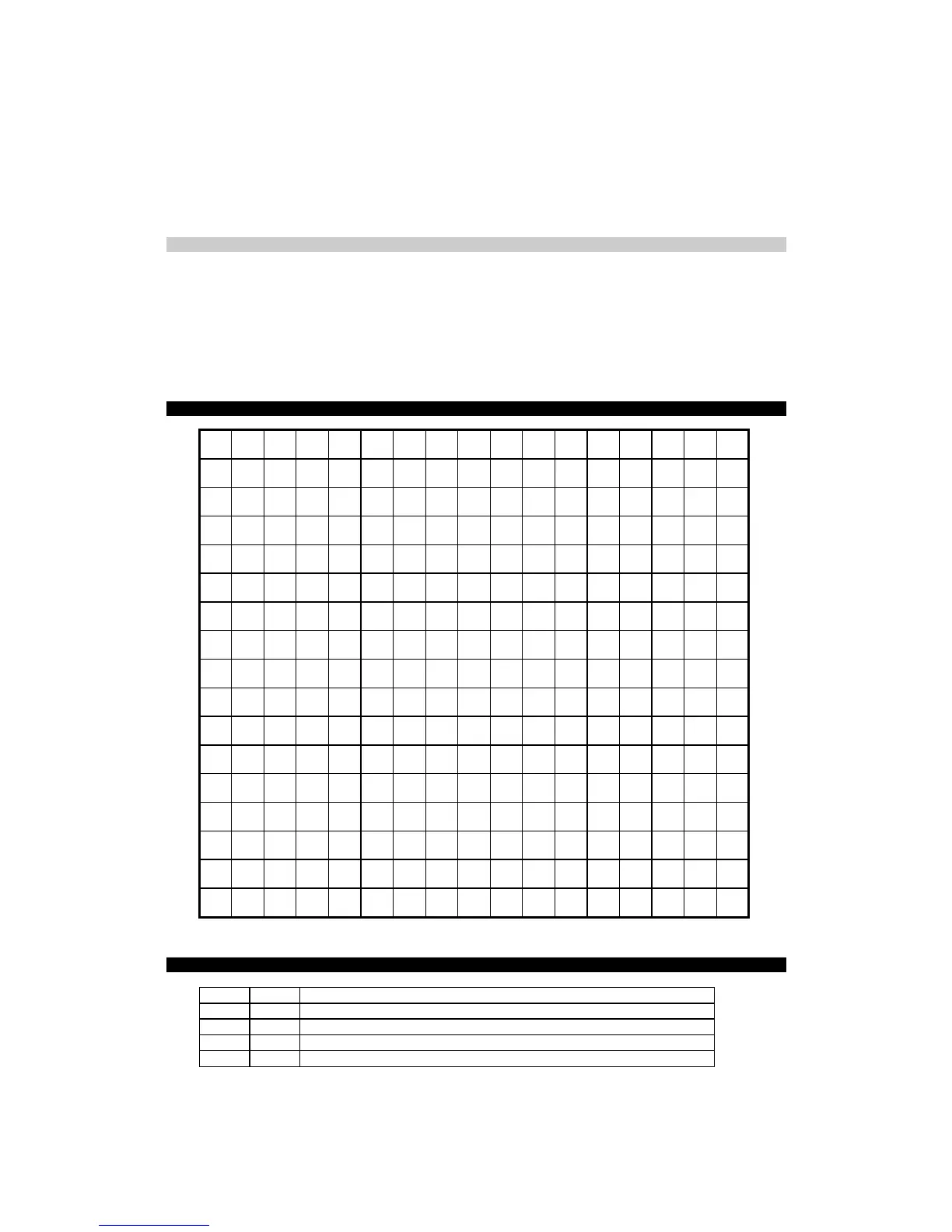
FP-2000 CHARACTER SET
0_ 1_ 2_ 3_ 4_ 5_ 6_ 7_ 8_ 9_ A_ B_ C_ D_ E_ F_
_0
0 @ P ` P € ° Ŕ Đ ŕ đ
_1
! 1 A Q a Q ‘ ˇ ± Á Ń á ń
_2
“ 2 B R b R ‘ ’ ˘ ˛ Â Ň â ň
_3
# 3 C S c S ƒ “ Ł ł Ă Ó ă ó
_4
$ 4 D T d T „ ” ¤ ´ Ä Ô ä ô
_5
% 5 E U e u … • Ą µ Ĺ Ő ĺ ő
_6
& 6 F V f v † – | ¶ Ć Ö ć ö
_7
‘ 7 G W g w ‡ — § · Ç × ç ÷
_8
( 8 H X h x ˜ ¨ ¸ Č Ř č ř
_9
) 9 I Y I y ‰ ™ © ą É Ů é ŭ
_A
* : J Z j z Š š Ş ş Ę Ú ę ú
_B
+ ; K [ k { ‹ › « » Ë Ű ë ű
_C
, < L \ l | Ś ś ¬ Ľ Ě Ü ě ü
_D
- = M ] m } Ť ť - ˝ Í Ý í ý
_E
. > N ^ n ~ Ž ž ® ľ Î Ţ î ţ
_F
/ ? O _ o Ź ź Ż ż Ď ß ð
APPENDIX 2
LIST OF FISCAL COMMANDS - IN ASCENDING ORDER
HEX DEC Function
21h (33) Clear the display
23h (35) Show text on lower line of display
24h (36) Set LAN Settings
26h (38) Open non-fiscal receipt


 To Next Page
 Loading...




