EasyManua.ls Logo

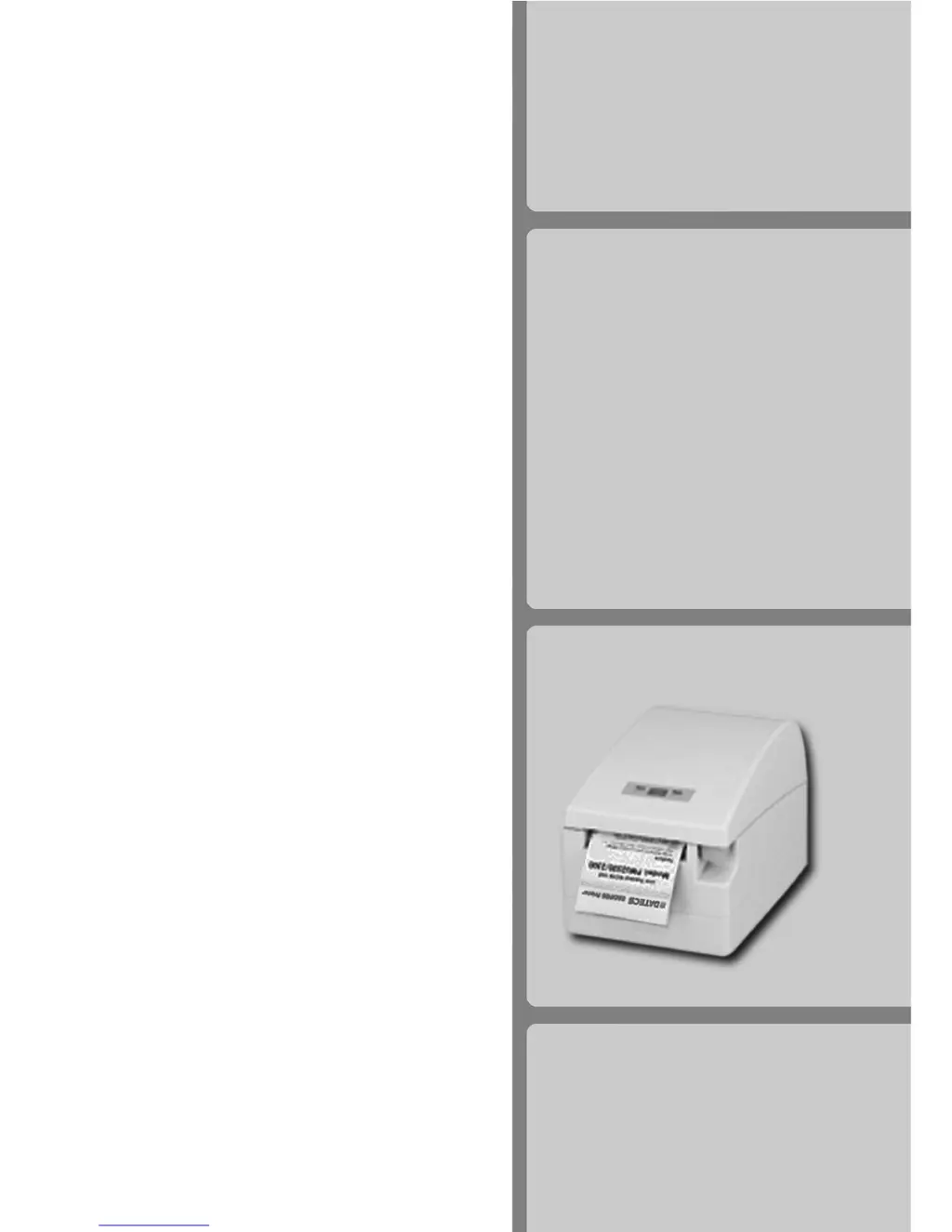
Datecs EP-2000 - User Manual

Datecs EP-2000
25 pages
Print Icon
To Next Page IconTo Next Page
Loading...
DATECS
USER'S
MANUAL
ESC/POS
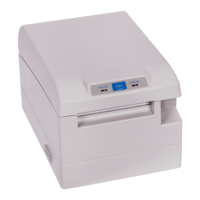
Thermal Printer
EP-2000

Questions and Answers

  • J
    john94Jul 30, 2025
    What to do if ERROR LED is permanently lit red on Datecs EP-2000?
    • J
      Jose RussellJul 30, 2025
      If the ERROR LED on your Datecs Printer is permanently lit red, it likely indicates that the paper roll has run out. To resolve this, load a new paper roll. After loading, press the FEED button; the POWER LED should then flash green, indicating the printer is ready to print.
  • J
    Jerry ChenAug 15, 2025
    Why POWER and ERROR lights are rotated on Datecs EP-2000?
    • C
      Charles PooleAug 15, 2025
      The POWER LED flashes green and the ERROR LED lights red because the printer thermal head is overheating. When the printer head temperature returns to normal, the POWER LED will flash green, and the Datecs printer will continue printing.

Summary

Technical Specifications

Safety Instructions

General Safety Precautions

Details crucial safety measures for printer operation, handling, and environment to prevent hazards and damage.

Printer Setup and Operation

Printer Installation and Connection

Guides on the physical installation of the printer and connecting power and interface cables.

Printer Configuration Settings

Details how to change default settings like Baud Rate, Print Density, and Character Table via the hardware menu.

Memory Switches Setup

Explains the 13 memory switches and the procedure for changing their settings to customize printer behavior.

Loading and Replacing Paper Rolls

Provides step-by-step instructions for loading and replacing thermal paper rolls, including best practices.

Troubleshooting

Common Printing Problems and Solutions

Lists typical printing issues and their potential causes and resolutions.

ESC;POS Command Reference

Datecs EP-2000 Specifications

General IconGeneral
Print MethodDirect Thermal
Resolution203 DPI
Paper Roll Diameter83 mm
Auto CutterYes
Power Supply24V DC
Print Width72 mm
ConnectivityUSB, Ethernet
Paper TypeThermal Paper

Related product manuals