EasyManua.ls Logo

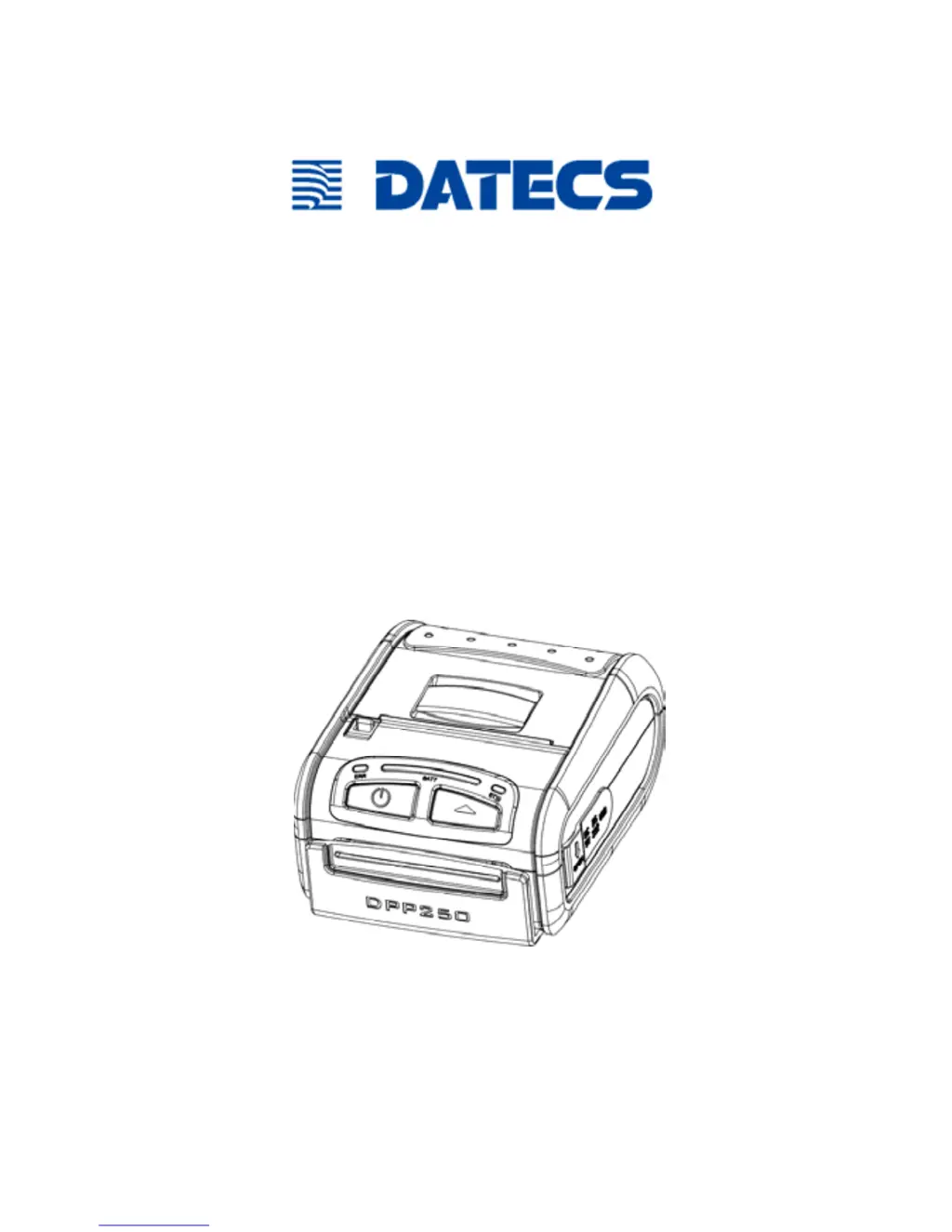
Datecs DPP-250 - User Manual

Datecs DPP-250
32 pages
Print Icon
To Next Page IconTo Next Page
Loading...
Thermal Printer
User Manual
DPP-250

Questions and Answers

  • K
    katherine79Sep 10, 2025
    Why is the text printing so light on my Datecs Label Maker?
    • K
      Kenneth MyersSep 10, 2025
      If the text and/or graphics are printing very lightly on your Datecs Label Maker, it could be due to a low battery voltage. Refer to the section on charging the battery pack. Another possible cause is that the thermal media is not imaging correctly. Ensure that you are using the recommended thermal media.
  • O
    Oscar YatesAug 22, 2025
    Why is the ERR LED blinking red on my Datecs Printer?
    • T
      Tara GalvanAug 22, 2025
      If the ERR LED on your Datecs Printer blinks red continuously, it could be due to the paper cover not being installed properly or the printer being out of paper, or the paper not being loaded correctly. Refer to the section on loading paper for details on replacing the paper cover or loading paper.
  • A
    angelaleeAug 25, 2025
    Why is printing light on only half of the Datecs Printer width?
    • R
      ryanmontoyaAug 25, 2025
      If your Datecs Printer is printing light or missing print on only half of the print width, it may be because the paper cover is not properly installed. Refer to the section on loading paper. It could also be due to the mechanism being jarred loose; in this case, contact technical support.
  • J
    Joseph BarnesAug 26, 2025
    How to fix Datecs Printer when paper feeds but no text prints?
    • C
      Chad MartinAug 26, 2025
      If your Datecs Printer feeds paper after a print job but no text is visible, it's likely that the thermal media is specially coated on the outside of the roll. Remove the paper roll and reload it properly, consulting the "Loading Paper" section for detailed instructions.
  • C
    Caroline CaseyAug 27, 2025
    Why is my Datecs DPP-250 printing strange characters?
    • M
      Mary MorganAug 28, 2025
      If your Datecs Printer prints strange characters, the battery voltage may be low. Please refer to the section on charging the battery pack.
  • D
    Dr. April ColemanAug 29, 2025
    What does it mean when the ERR LED flashes green on my Datecs Printer?
    • M
      Michael LarsonAug 29, 2025
      If the ERR LED flashes green on your Datecs Printer, this indicates that the battery voltage is low.
  • J
    Joshua JohnsonSep 18, 2025
    Why does Datecs Label Maker print strange characters?
    • R
      robert03Sep 18, 2025
      If your Datecs Label Maker is printing strange characters, it may be due to low battery voltage. See the section on charging the battery pack.
  • U
    ubrownSep 12, 2025
    What to do if the online LED blinks red on Datecs Label Maker?
    • A
      Ashley WadeSep 12, 2025
      If the On-line LED is blinking red continuously on your Datecs Label Maker, it could indicate a low battery voltage or that the printer is out of paper, or the paper is not loaded properly. Refer to the section “Loading Paper” for details on loading paper.
  • E
    Elizabeth PittsSep 8, 2025
    Why does my Datecs Printer print strange characters?
    • A
      Adam RogersSep 8, 2025
      Your Datecs Printer might be printing strange characters because of low battery voltage; see the section on charging the battery pack.
  • R
    Raymond HallSep 5, 2025
    How to fix a Datecs DPP-250 that feeds paper but doesn't print?
    • S
      Sarah DavenportSep 5, 2025
      If your Datecs Printer feeds paper after issuing a print job but no printed text is visible, it might be because the thermal media is specially coated on the outside of the roll. Remove the paper roll and reload it properly. Also, the paper cover might not be installed properly.

Summary

Technical Data

Getting Started

Charging the DPP-250

Status & Operating Modes

Loading Paper

Diagnostic Information

Self-test

Dip Switch Settings

Memory Switch Settings

Setting Memory Switch

Memory Switch Details

Pairing Info Details

Communication Configuration

Connecting Device

Bluetooth Setup

Loading Drivers

Magnetic Card Reader (MS Version only)

Smart Card Reader (SC Version only)

Replacing Battery

Troubleshooting

Datecs DPP-250 Specifications

General IconGeneral
BrandDatecs
ModelDPP-250
CategoryPrinter
LanguageEnglish

Related product manuals