. . . . . . . . . . . . . . . . . . . .
DPP-250 User Manual Page 18
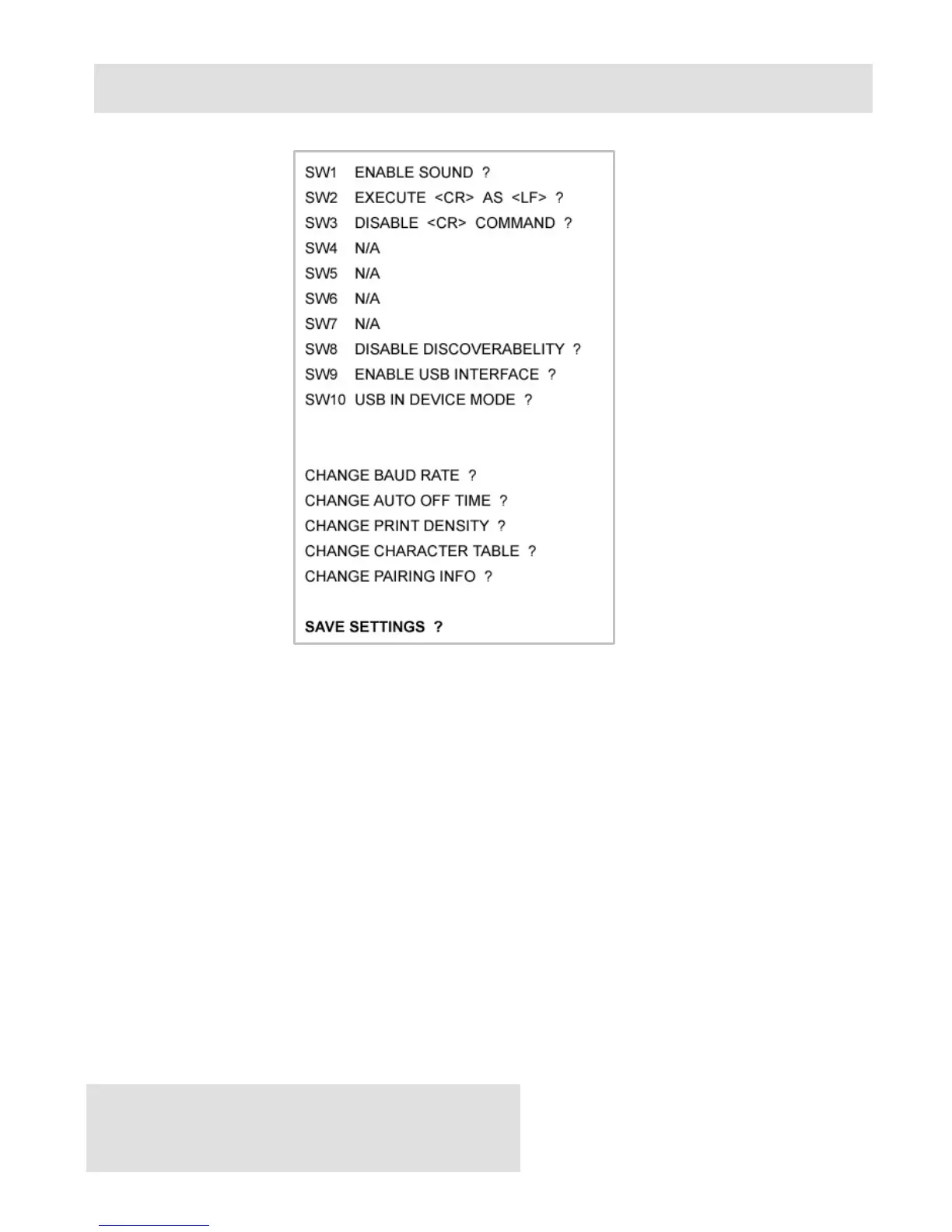
Memory Switch Details
♦ SW1: Enable/Disable buzzer.
♦ SW2: Disable CR / CR is executed as LF
♦ SW3: Enable/Disable LF
♦ SW4: LF immediately after CR/ Disable LF immediately after CR
♦ SW5: Font A (12x24)/ Font B (9x16)
♦ SW6-7: Reserved for future features.
♦ SW8: Prevents others from discovering printer when set to ENABLE.
Must be set after pairing is completed.
♦ SW9: Disable/Enable USB. Allow the use of USB port for communications.
♦ SW10: (OFF) set USB as the host mode. Host/Device



 To Next Page