. . . . . . . . . . . . . . . . . . . .
DPP-250 User Manual Page 25
Smart Card Reader (SC Version only)
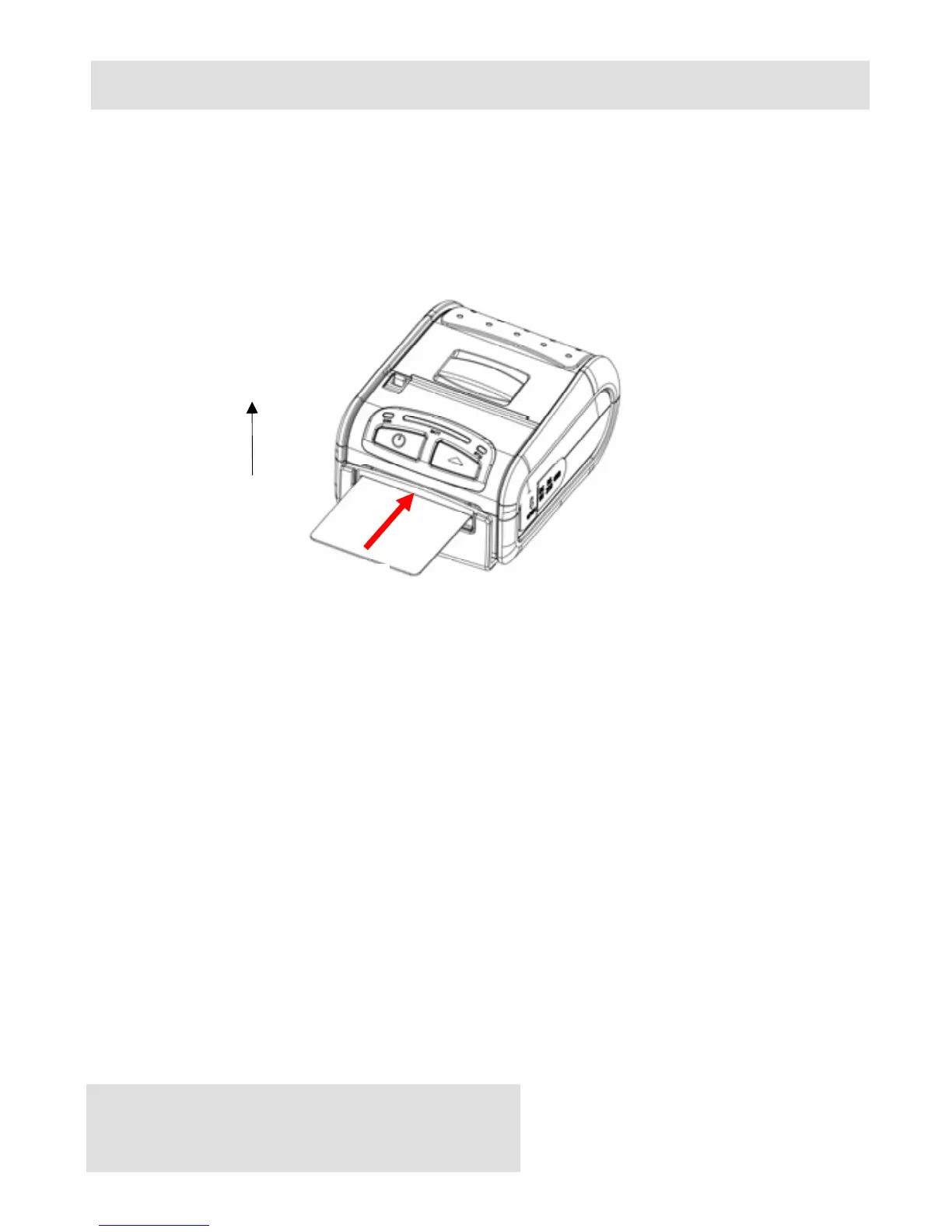
The DPP-250 has a built-in smart card reader (optional). The smart
card reader is designed to read information stored embedded on
smart chips and process the information using device side
software.
Figure 14
When placing the card into the reader, the smart chip must be
facing to the front of the printer as show in the figure above.
Insert the card in to the reader until the card stops.
User Notes:
To use the smart card reader feature, special software must be
used to read and process the smart chip information. Please
consult your reseller if this software is available or contact DATECS
for recommendations on compatible third party software solutions.
Smart Chip
(Face this direction)
Card Insert Direction



 To Next Page