. . . . . . . . . . . . . . . . . . . .
DPP-250 User Manual Page 21
Connecting Device
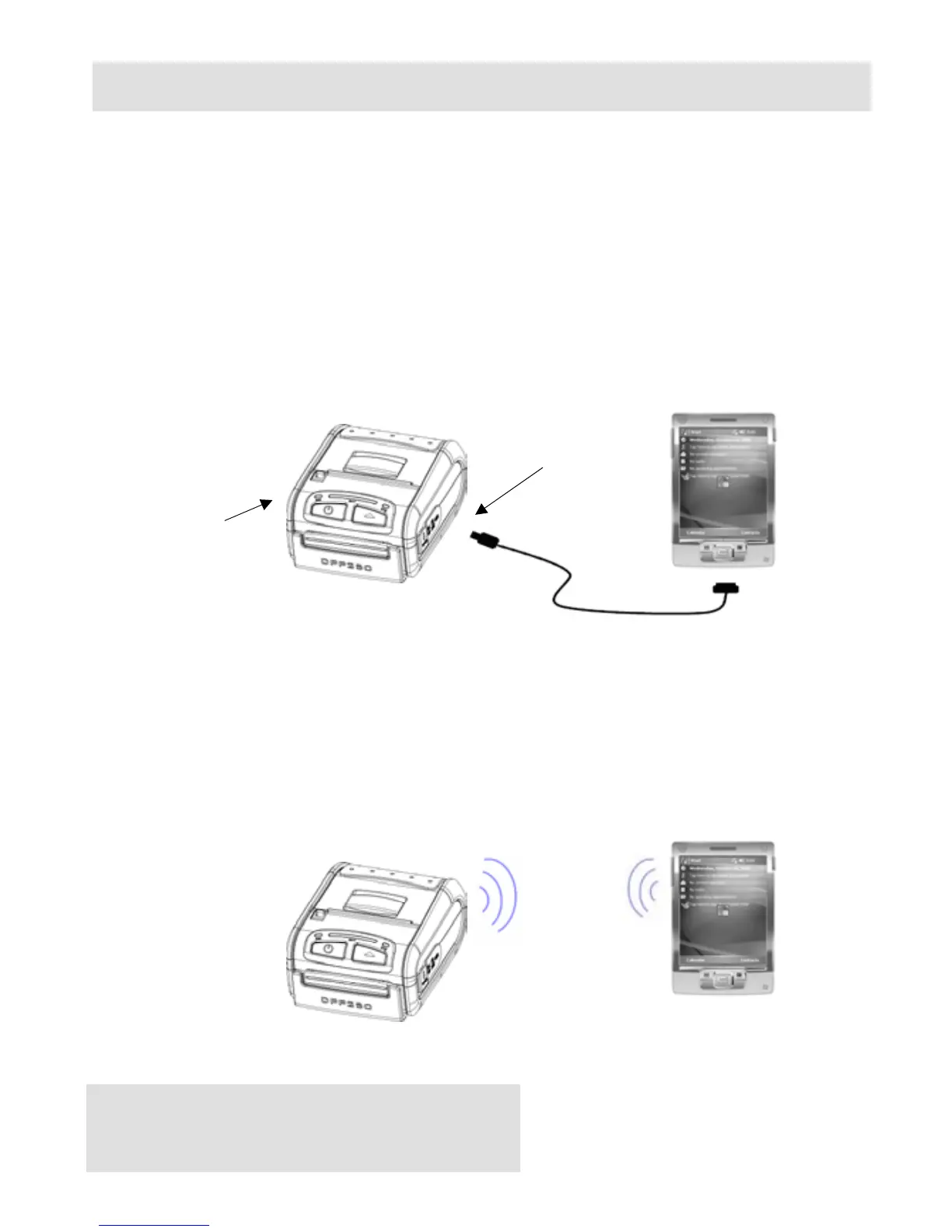
The DPP-250 is designed to use different methods of
communications. Care must be taken to ensure that the DPP-250
USB or Serial connector and PDA & Smartphone connector are not
accidentally damaged. The figures below show how to attach the
different device to the DPP-250.
♦ Serial / USB ( Cabled ) Version:
• Connect the DPP-250 using Mini USB or Serial cable is shown in
the figure below.
Figure 11
♦ BLUETOOTH
®
( Wireless ) Version:
• The DPP-250 Bluetooth
®
version uses Bluetooth
®
wireless
technology to connect to Bluetooth
®
enable devices. See page 22
for details on Bluetooth
®
setup.
Figure 12
Serial Port
USB Port



 To Next Page