12 FP-550F
Changing the paper rolls
An active “Error” indicator during a printing session indicates that the paper roll has
finished.
Replacing the cash receipts paper roll:
1. Swich the printer ON - both the “Power” and “Error” indicators are active.
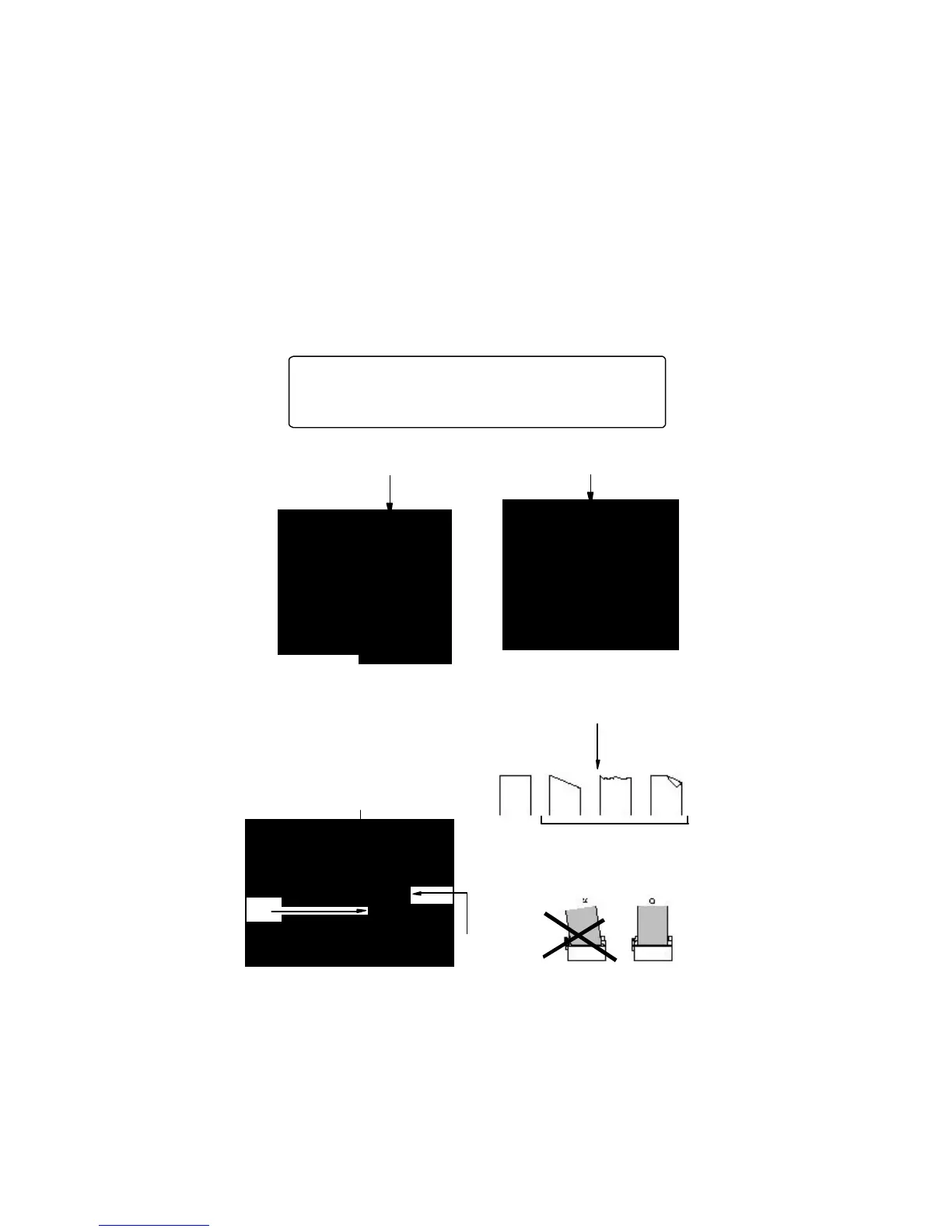
2. Take off the front cover and place the paper roll as shown on the illustration:
ATTENTION! Immediately after print the headsof the ther-
mal nechanisms as well as the automatic paper-cutter are hot.
Let them cool of several minutes before replacing the paper
rolls.
3. Raise the little lever of the printing mechanism to position the printing head
down. Place paper roll as shown in the illustration; be sure that the direction of the
unrolling of the paper is right /the end of the paper must be evenly cut/ as well as the
correct direction of the movement of the mechanism:
yes no
Wrong Right
lever
printing
mechanism
paper roll
Direction



 To Next Page