FP-550F 13
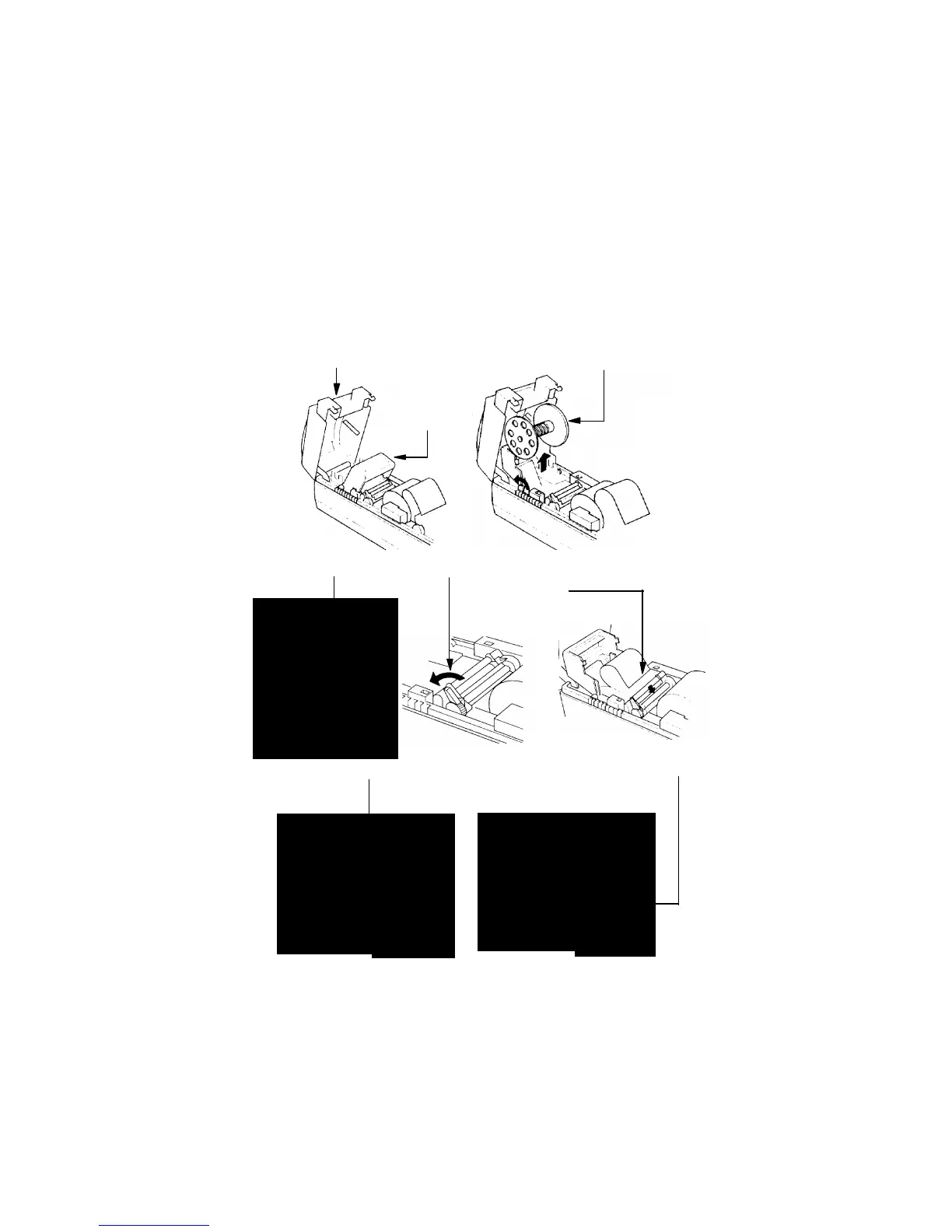
front cover spool
Electronic journal paper roll
Open the front cover. The opening of this cover is impossible if the front cover isn’t
opened too /illustration/. Take the spool out and place the plastic paper plate back-
ward /illustration/
plate
Place the paper roll in and raise the lever as shown in the illustration and place the
end of the paper in the mechanism:
Move about 30 cm of paper through the printing mechanism and push the plate back
in place.



 To Next Page