14 FP-550F
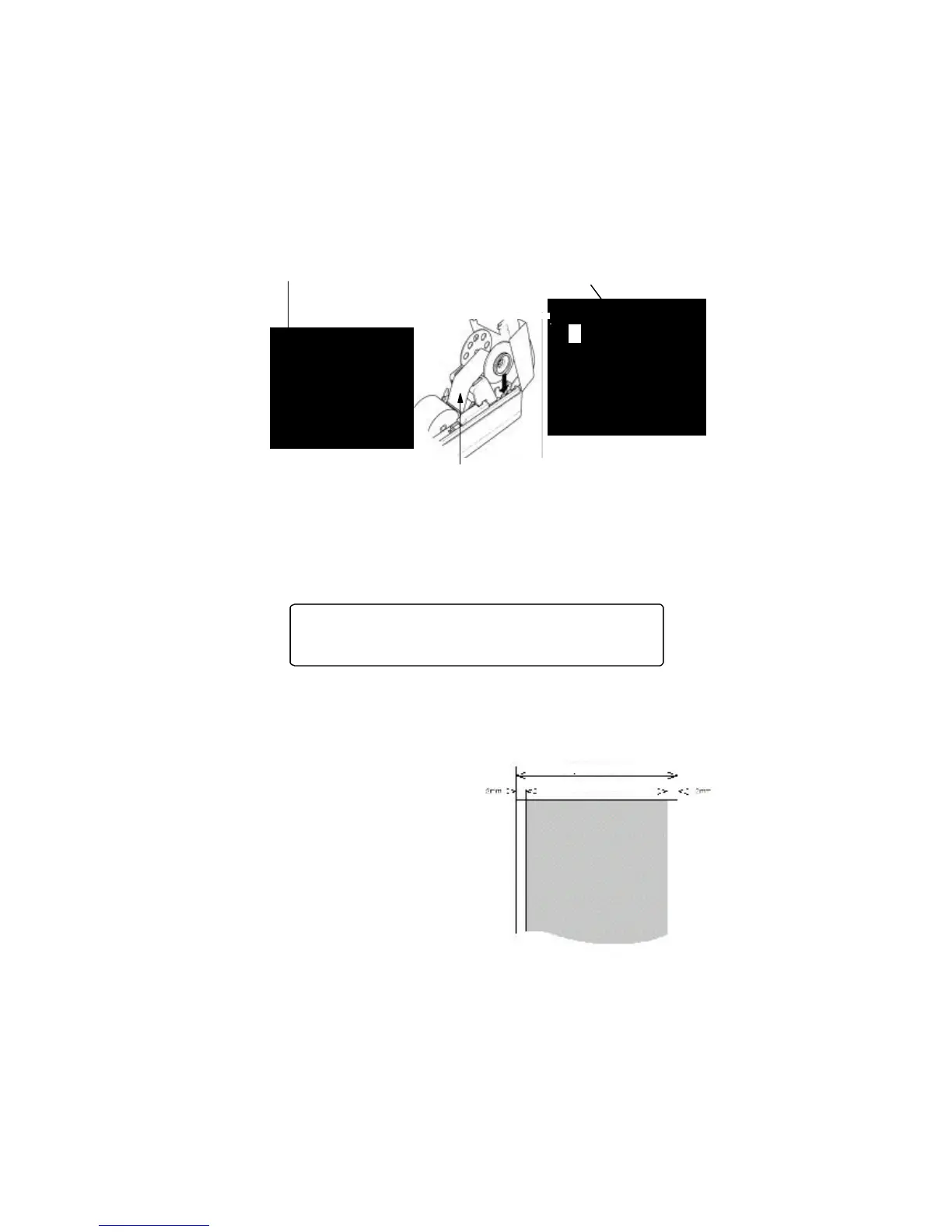
Disassemble the spool as shown in illustration and clip the paper end on.
Roll on some paper, put the spool together and place it back in its housing.
Printing area
Paper width
Area of print
When rolling on some paper be careful to follow the direction in which the device
operates. The paper strip must be we well tightened between the two paper-guides on
the plate.
After closing the front cover the indicator must go out and if this doesn’t occur check
wheather the paper is accurately placed through the printer mechanism and for the
correct position of the lever, which must be in its intial position.
ATTENTION! Immediately after print the printing mechanism
and the automatic paper-cutter are very hot. Leave to cool off
for several minutes before changing the paper rolls.
Paper specification:
Type: Termal paper rolls for printers
Width: 58 +0/-, ìì
Thickness: 60 - 75 mm
Diameter: 83 mm or less
Heat-sensitive layer: outer



 To Next Page