User’s Manual1 DATECS LP-1000
16 17
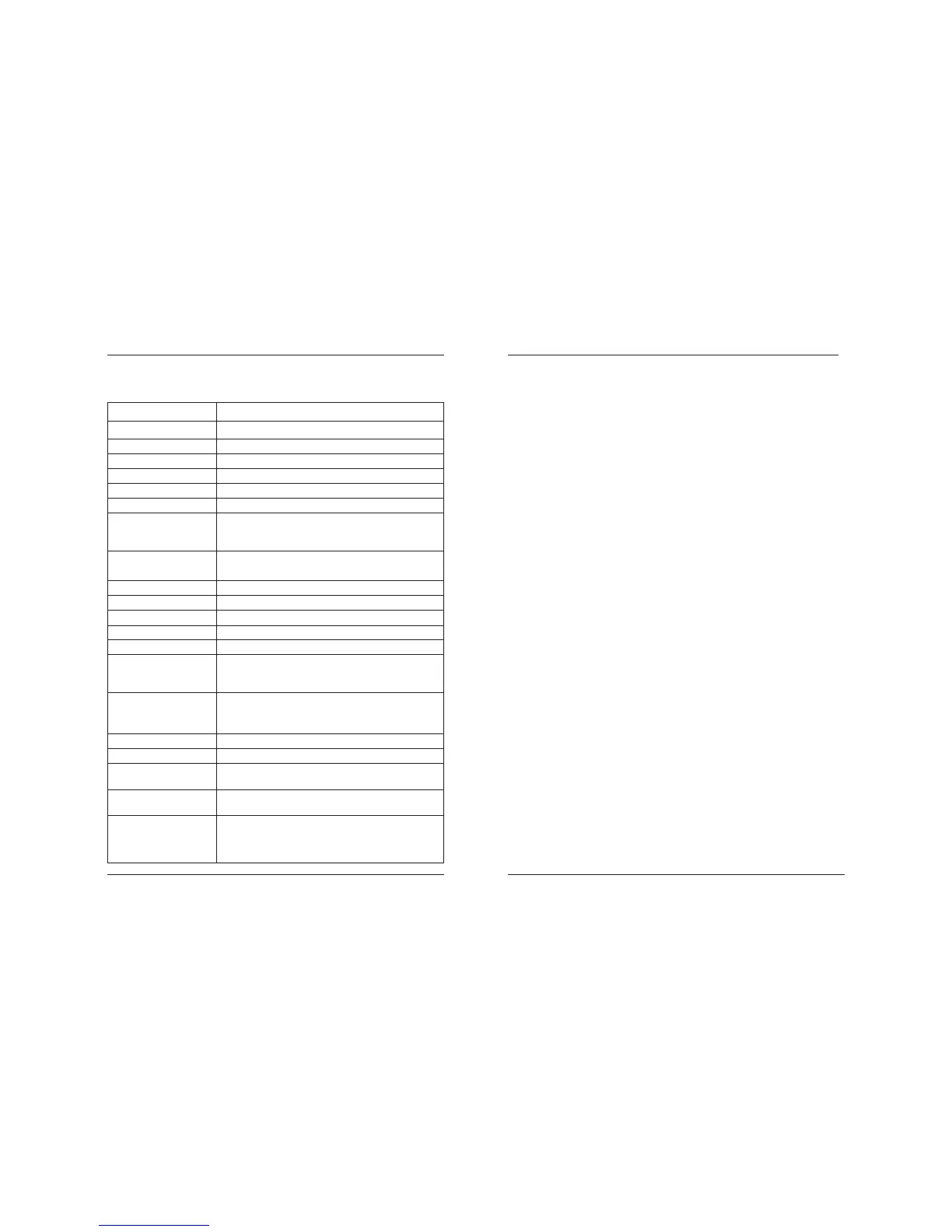
Item Specifications
Printing Method Direct thermal print method
Printer KF2003-GD30C
Label Width 58 mm or 79 mm
Label Length max 205mm , 1640dots
Dot Density 8 x 8 dots/mm (203dpi)
Printing Speed 50 to150 mm/sec
Fonts 5 internal fonts: 8 x 12,10 x 16,12 x 20,14 x 24,
32 x 48
modify by: style, rotation, size X, size Y
Bar Code Types Code39, Code93, EAN13, EAN8,EAN128, UPC-A,
UPC-E, Interleaved 2 of 5,Codabar,Code 128
Paper Label paper roll 58mm or 80mm , φ max 83mm
Interface RS-232 Interface, type RS-232C , max 115200 bps
MCU Winbond (W77E58P-40) - 8 bits microcontroller
Input Buffer 4K bytes
Power Consumption 50W max
Adaptor Model: 32AD
Input: AC 100 - 240V , 1.3A , 50/60Hz
Output: DC 24V, 2A
Indication Green LED - Power
Red LED - Error (cutter error,head overheat,
open cover)
Weight Approx. 2 kg
External Dimensions 190(W)mm X 145(D)mm X 114(H)mm
Operating Temperature
and Humidity 5~40°C 35~85%RH
Storage Temperature
and Humidity –-10~60°C 10~90%RH
Reliability Print head life: 100 million pulses and 100km wear
resistance
Printer Mechanism: 10 million lines
3. Basic specifications 4. OUTER VIEW - CONTROL
4.1 General description of the LP-50
The LP-1000H is a thermal printer designed to print small sized labels
and graphics on thermo-sensitive paper. It is particularly useful when print-
ing information, arranged in a template form, which has to be partially
modified under customer demand.
The memory of the printer contains a command file which stores data
for the arrangement and design of the separate graphic elements, easing
your work considerably when you have to print a greater number of labels.
On the other hand it supports the PCX format and gives you the opportunity
to design the graphics of parts of the label with an appropriate program
under Windows and store it in the memory of the printer in advance. The
built-in 5 matrix fonts with different sizes, as well as the freely selectable
option for additional scaling and rotation, gives you greater freedom in
designing the inscriptions on your labels. If those fonts do not satisfy your
requirements you are free to load additional fonts in the memory of the
device.
The device may be used to print information from Windows (Word,
Notepad or other programs) after the installation of the necessary driver.
In conclusion, the LP-1000H offers fast and flexible printing at a quality
which is very similar to that of most contemporary laser printers (printing
density - 203 dpi).
4.2 Operating the printer
The functions of the printer are controlled by commands, sent via a
serial interface. It is able to maintain 7 baud rates set up by adjusting the
configuration keys: 2400, 4800, 9600, 19200, 38400, 57600 and 115200
bps, 8 bits, no parity bit. The printer uses a hardware protocol, which per-
mits its direct control under DOS but can also support Xon/Xoff protocol.
Each printer command consists of one line of text ending with a LF
(0Ah). Commands are made up of one or two letters followed by a different
number of parameters divided by a comma. Intervals MUST NOT BE EN-
TERED in these commands – this will be treated as syntax error. Capital
and small letters are identified. A detailed description of the commands
follows but it must be underlined that if a command starts with “;” it will not



 To Next Page