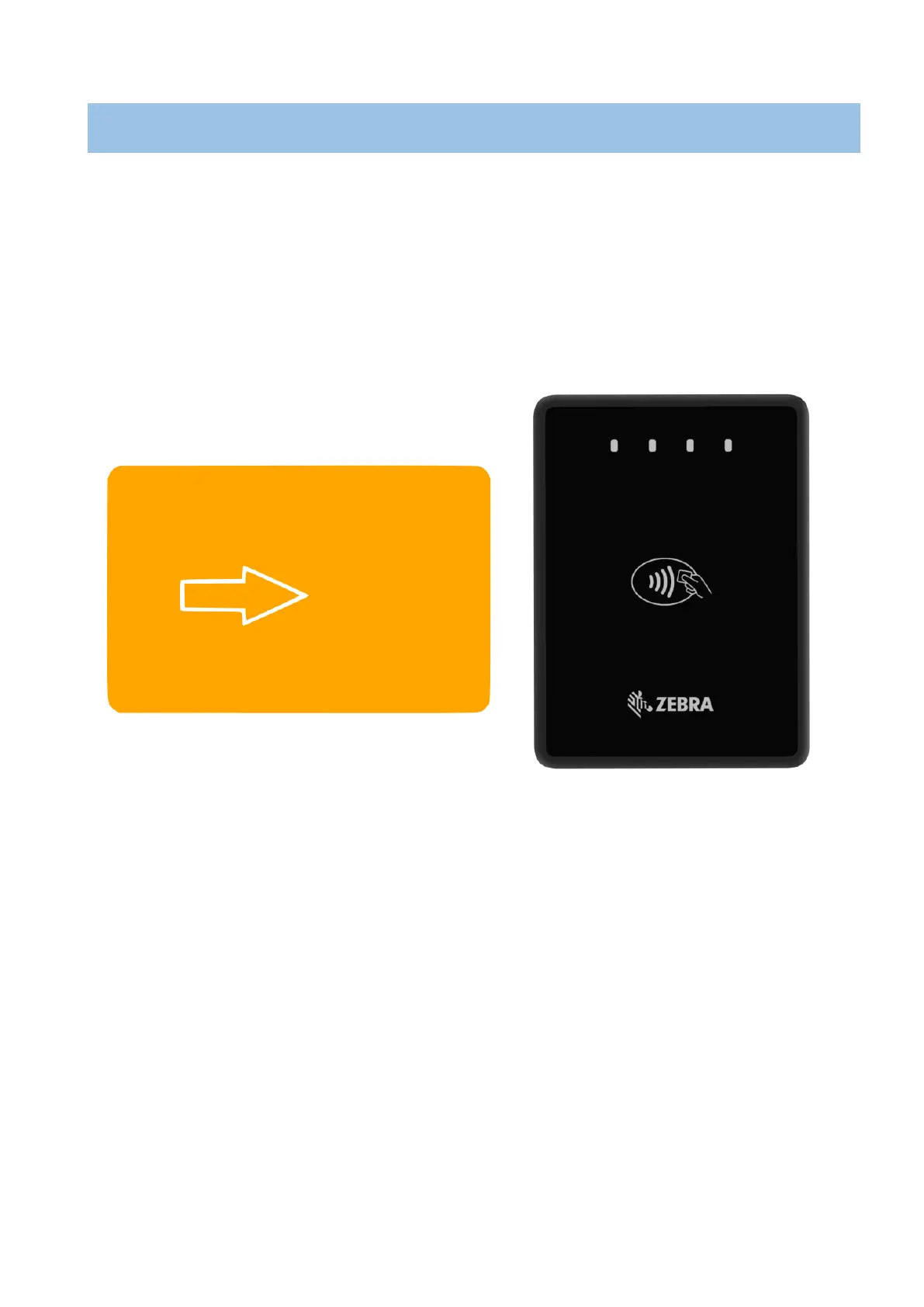
The smart card transaction procedure can vary depending on the application loaded on the
PD20/PD20-1. Verify the proper procedure with your application provider before performing a smart
card transaction.
To Conduct a Smart Card Transaction
1 Position a smart card with the gold contacts facing downward.
2 Insert it into the ICC card reader slot in a smooth, continuous motion until it seats firmly.
3 Remove the card when indicates the transaction is completed.
Figure 10


 To Next Page