1
Welcome to
Vantage Connect
(6621, 6621C, 6622 and 6622C)
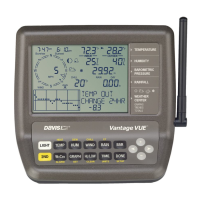
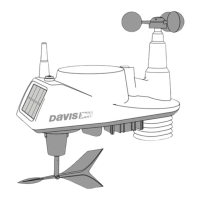
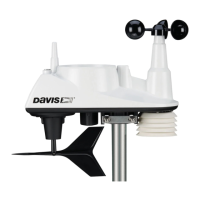
Vantage Connect allows you to automatically upload data from a Davis
Vantage Pro2
™
, Vantage Vue
®
, or other Vantage Pro2-compatible transmitting
station to WeatherLink.com through the cellular network. You can view data online
or through a smartphone, receive alarm e-mails or texts when preset weather
conditions occur, or download data into your PC with WeatherLink
®
software.
Vantage Connect comes in several models, both cabled and wireless, and is
available in different packages depending on country of use.
• 6621 operates on CDMA networks in the United States. In the United States,
CDMA offers a larger coverage footprint, making it an excellent choice for rural
installations.
• 6622 operates on GSM, 2G-3G.
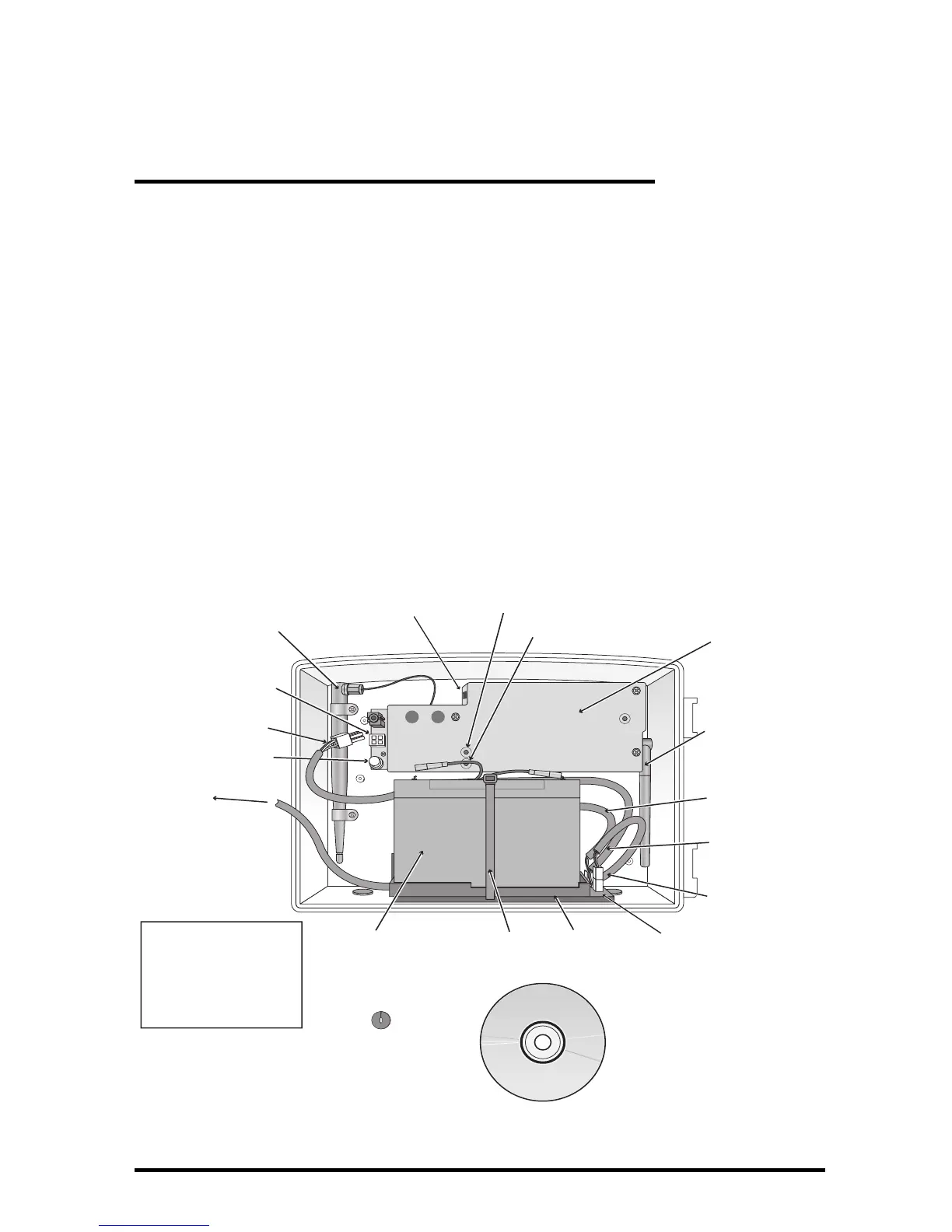
Contents of Package (all versions)
Cell modem antenna
Weather station status LED
Cell network status LED
Main power
cable (back)
Cover for cell
modem and
weather
receiver
Weather receiver
antenna
6-volt,
12-amp-hr
battery
Battery power
cable (middle)
Solar power
cable (front)
To solar panel
Battery
cable tie
Battery
platform
Status LED on/o
button
Main power jack
WeatherLink
software CD
Charging Circuit Board
Main power cable
Receptacle for
cabled ISS or
temp probe*
Oval split grommet
(in cabled
versions only)
*Use this receptacle if
you are using a Cabled
Vantage Connect or are
adding an external
temperature probe
(see Appendix A).



 To Next Page