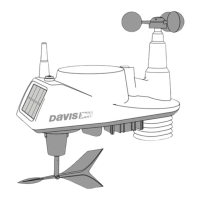
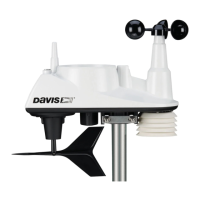
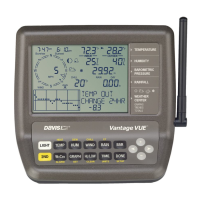
3
Icons
Alarm Bell — Appears when setting an alarm. Blinks on and off
when an alarm is triggered.
Graph — Indicates that graph mode is currently being displayed.
2ND — Indicates that 2ND was pressed and all the alternate key
functions (printed above or below each key) can be used.
Antenna — Displays the current status of the console’s reception.
Antenna with waves indicates signal from a station. Antenna with
no waves indicates resynchronization. No antenna means loss of
signal.
Arrow — Indicates the current variable selected or the variable
currently being graphed if in graph mode.
Umbrella — Appears when it is currently raining.


 To Next Page
 Loading...