4
HEALTH AND SAFETY INFORMATION
2 Read these simple guidelines.
Failure to comply may be dangerous or illegal.
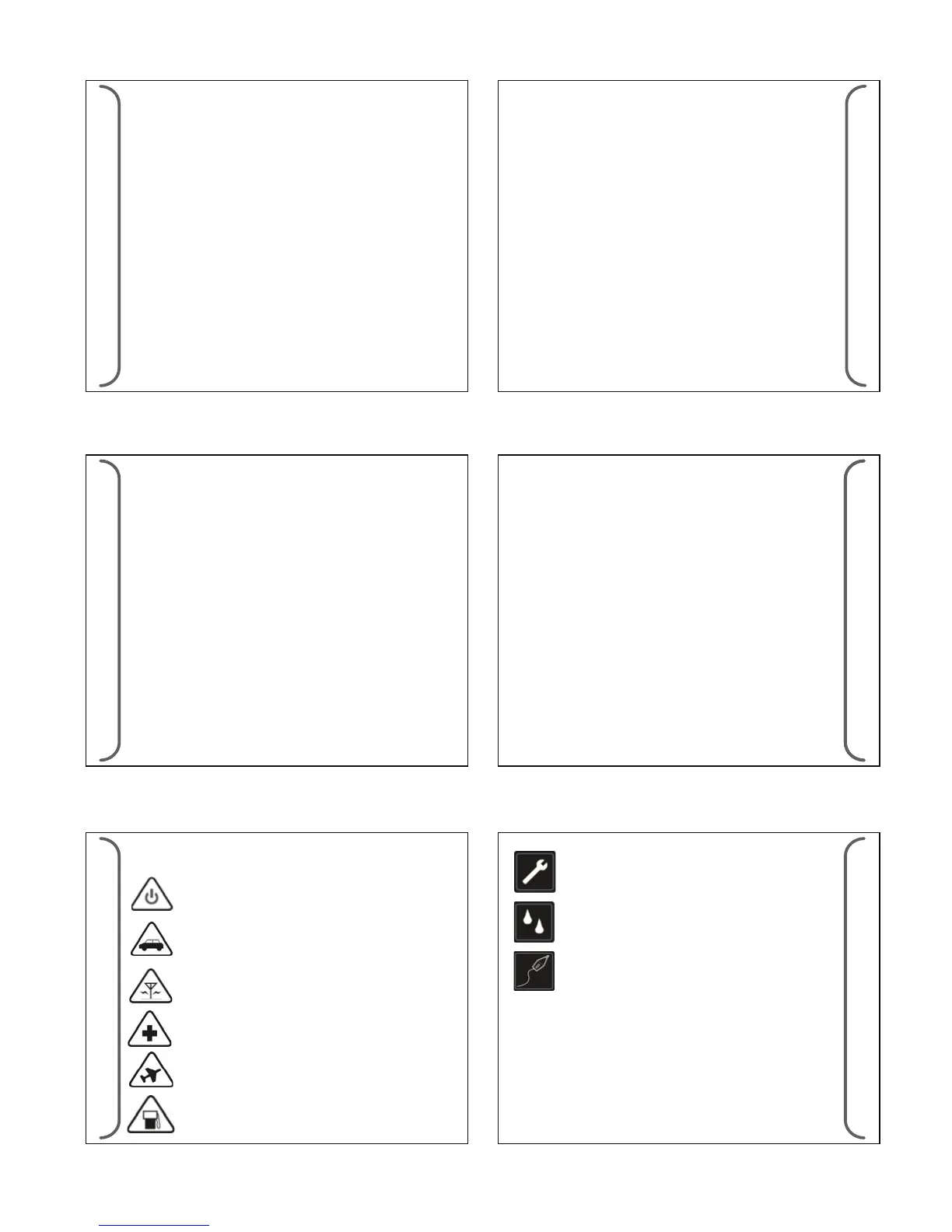
TURN OFF WHEN REFUELLING Do not use the
product at a refueling point. Do not use near fuel or
chemicals.
ROAD SAFETY COMES FIRST Obey all local laws. Always
free your hands to operate the vehicle while driving. Your
rst consideration while driving should be road safety.
TURN ON SAFELY Do not turn the product on when
wireless product use is prohibited or when it may cause
interference or danger.
INTERFERENCE All wireless products may be subject to
interference. Turn the product o near medical
equipment.
TURN OFF IN HOSPITALS Follow all restrictions. Turn the
product o near medical equipment.
TURN OFF IN AIRCRAFT Follow any restrictions. Wireless
devices can cause interference in aircraft.
HEALTH AND SAFETY INFORMATION
3
Road Safety
- Your wireless product gives you the powerful ability to
communicate by voice, anywhere and anytime. But an
important responsibility accompanies the benets of wireless
products, one that every user must uphold.
- When driving a car, driving is your rst responsibility. When
using your wireless product while driving, follow local
regulations in the country or region you are in.
QUALIFIED SERVICE Only qualied personnel may
install or repair this product.
WATER-RESISTANCE Your product is not water-proof.
Keep it dry.
ENHANCEMENT Use only approved enhancements.
Do not connect incompatible products.
2
FCC STATEMENT
1 Federal Communications Commission (FCC)
Statement
15.21
You are cautioned that changes or modications not expressly
approved by the part responsible for compliance could void the
user’s authority to operate the equipment.
15.105(b)
This equipment has been tested and found to comply with the
limits for a Class B digital device, pursuant to part 15 of the FCC
rules. These limits are designed to provide reasonable
protection against harmful interference in a residential
installation. This equipment generates, uses and can radiate
radio frequency energy and, if not installed and used in
accordance with the instructions, may cause harmful interfer-
ence to radio communications. However, there is no guarantee
that interference will not occur in a particular installation. If this
equipment does cause harmful interference to radio or
television reception, which can be determined by turning the
1
equipment o and on, the user is encouraged to try to correct the
interference by one or more of the following measures:
-Reorient or relocate the receiving antenna.
-Increase the separation between the equipment and receiver.
-Connect the equipment into an outlet on a circuit dierent
from that to which the receiver is connected.
-Consult the dealer or an experienced radio/TV technician for help.
This device complies with Part 15 of the FCC Rules.Operation is
subject to the following two conditions:
1) this device may not cause harmful interference and
2) this device must accept any interference received, including
interference that may cause undesired operation of the device.
FCC RF Radiation Exposure Statement:
For body worn operation, this phone has been tested and meets
FCC RF exposure guidelines when used with an accessory that
contains no metal and that positions the handset a minimum of
1.3cm from the body. Use of other accessories may not ensure
compliance with FCC RF exposure guidelines. SAR Max. Value is
0.846W/Kg(1g)
FCC STATEMENT
CONTENTS
CONTENTS
1. Federal Communications
Commission (FCC) Statement ...1
2. Health and Safety
Information..........................3
3. Battery Information...............6
4. General Infrmation................9
4.1 Device Specications
4.2 Device Description
4.3 General Device Features
5. Additional Information.........12
5.1 Br808 Congurator
5.2 Br808 Downloader
6. Getting Started ...................14
6.1 Charging the Battery
6.2 Reset Button
6.3 Powering the Device
ON & OFF
6.4 Idle Screen Unlock &
Soft Keys
6.5 Icons
6.6 Inserting & Removing
SIM Card
7. General Setting...............22
7.1 Message
7.2 Clock
7.3 Alerts
7.4 Device Setting
7.5 Shortcut Keys
8. Br808P...........................30
8.1 Additional Device
Feature
8.2 Message
8.3 Language Setting
8.4 Page Alert Setting
8.5 Keypad Program
8.6 AES Data Decryption
9. Br808G..............................37
9.1 Additional Device Feature
9.2 Message
9.3 Phone
9.4 GSM Module Feature
9.5 Input / Output Port
9.6 SOS
9.7 Alias Commands (via SMS)
10. Br808GT..........................50
10.1 Additional Device Feature
10.2 Auto Location Tracking
10.3 Map Link URL via SMS
10.4 Geo-Fencing
11. Location Tracking Setup....52
11.1 Conguration Setting
11.2 Report Format


 To Next Page
 Loading...
