ADDITIONAL INFORMATION
12
GENERAL INFORMATION
11
5.1 Br808 Congurator
• Large TFT Color Display, 2.2 inch, 320 x 240 pixels
• Normal display: 6-line, up to 25 characters per line
• 6-button user interface
• Up to 200 messages per folder
• Up to 500 characters per message
• 3 individual alarms with choice of day with weekly repeat
• Message Time and Date stamp
• Private Time (auto device o interval setting)
• Dust and splashing water protection IP54 rating
• Audio and vibrate mode alerts
• Status LED
• Rechargeable lithium battery
• Battery level indicator
4.3 General Device Features
Screen Unlock in Idle mode
Press the Right Soft Key followed by the Left Arrow
Key then Right Arrow Key/Power Key to unlock the
screen.
GETTING STARTED
15
GETTING STARTED
16
6.3 Powering the Device On & O
6.4 Idle Screen Unlock & Soft Keys
To Power ON
- Press and hold the Right/Power key for 2 seconds,
release and the device will power on with a screen that show the
word “Initializing”.
The device will show the main screen once start up completes.
To Power OFF
- Press and hold the Right/Power key for 2 seconds,
release and a conrmation prompt will appear.
- Select <Yes> to power o the device.
Yes
No
Power Off ?
6.1 Charging the Battery
1. Plug the USB cable into the charger or to a
computer USB port.
2. Insert the Charger into your wall power
outlet
3. Peel open the USB cover from the end.
4. Plug the other end of the USB cable into
the device.
LED Status:
- Red: Battery charging
- Green: Battery fully charged
6.2 Reset Button
- Press to reset the device.
The user will receive the congurator software as a .zip le.
• Run the congurator setup le and follow the installation
instructions.
If Br808 is used the congurator for the very rst time, USB driver is
needed to install.
• The user can nd the Br808 congurator driver installation setup
guide in the software package.
Br808 parameters can be programmed by “Br808 Congurator
version X.XX”.
• Check the “ Help tap” in the congurator if the user needs help for
Br808 conguration.
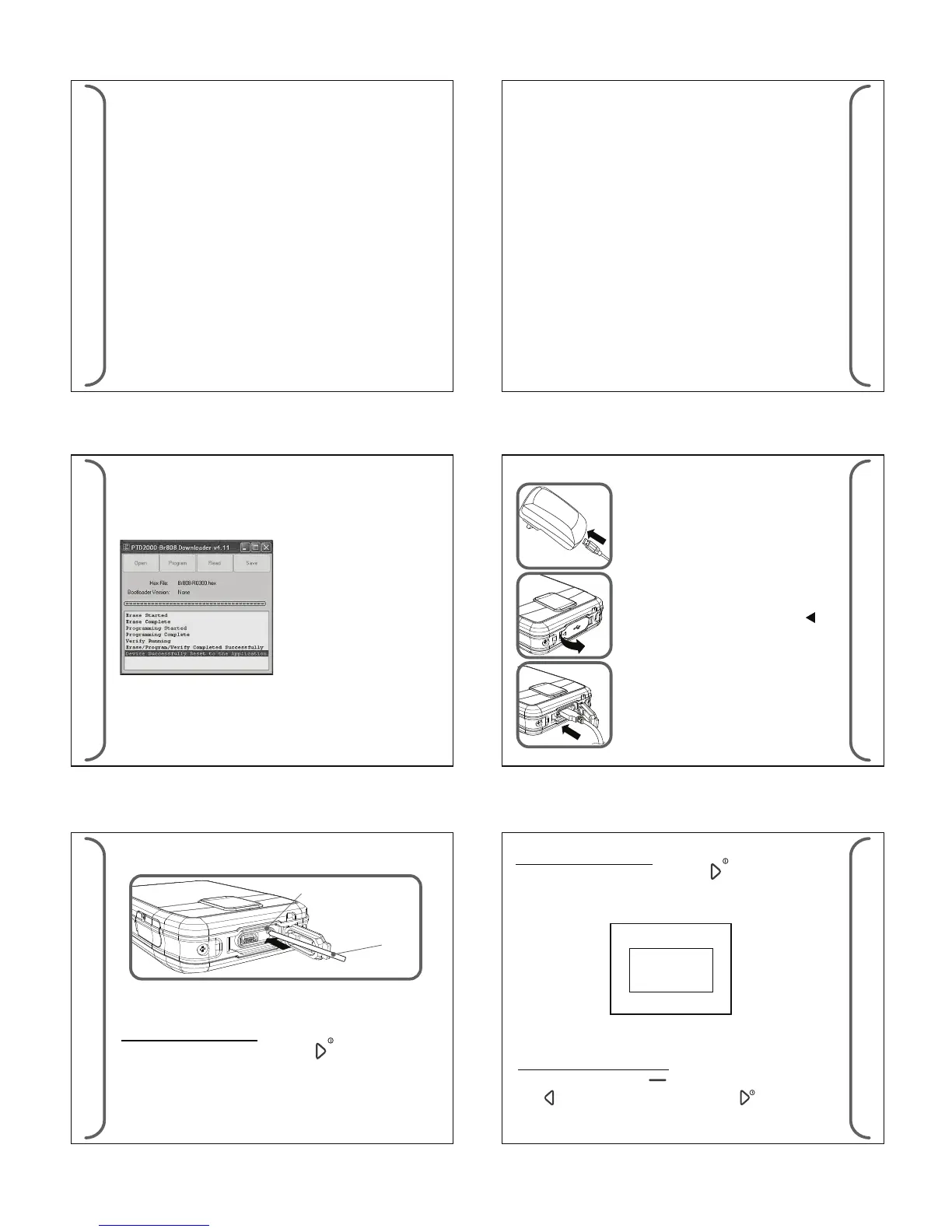
5.2 Br808 Downloader
The downloader is used for Br808 software downloading.
• Connect Br808 to PC with USB cable.
• Run downloader software “ Br808 downloader version X.XX
setup.exe.
• Reset the device by pressing Reset button (or ) press and hold left
and right arrow keys.
• The downloader will display “Device Connected”.
GETTING STARTED
ADDITIONAL INFORMATION
14
13
Note!
The user can download the latest version of software, downloader
and congurator for Br808 in the below link;
http://www.daviscomms.com.sg/oem.html
• Click “Open” button and choose hex le to download.
• Click “Program” to start the operation.
• After rmware is downloaded successfully to Br808, the
downloader will display as below;


 To Next Page
 Loading...
