GETTING STARTED
20
GENERAL SETTING
22
6.6 Inserting and Removing SIM card (Not for Br808P
Failure to unplug the wall charger and power o the device before
inserting or removing the SIM card may cause damage to both the
SIM card and device.
GETTING STARTED
19
GETTING STARTED
21
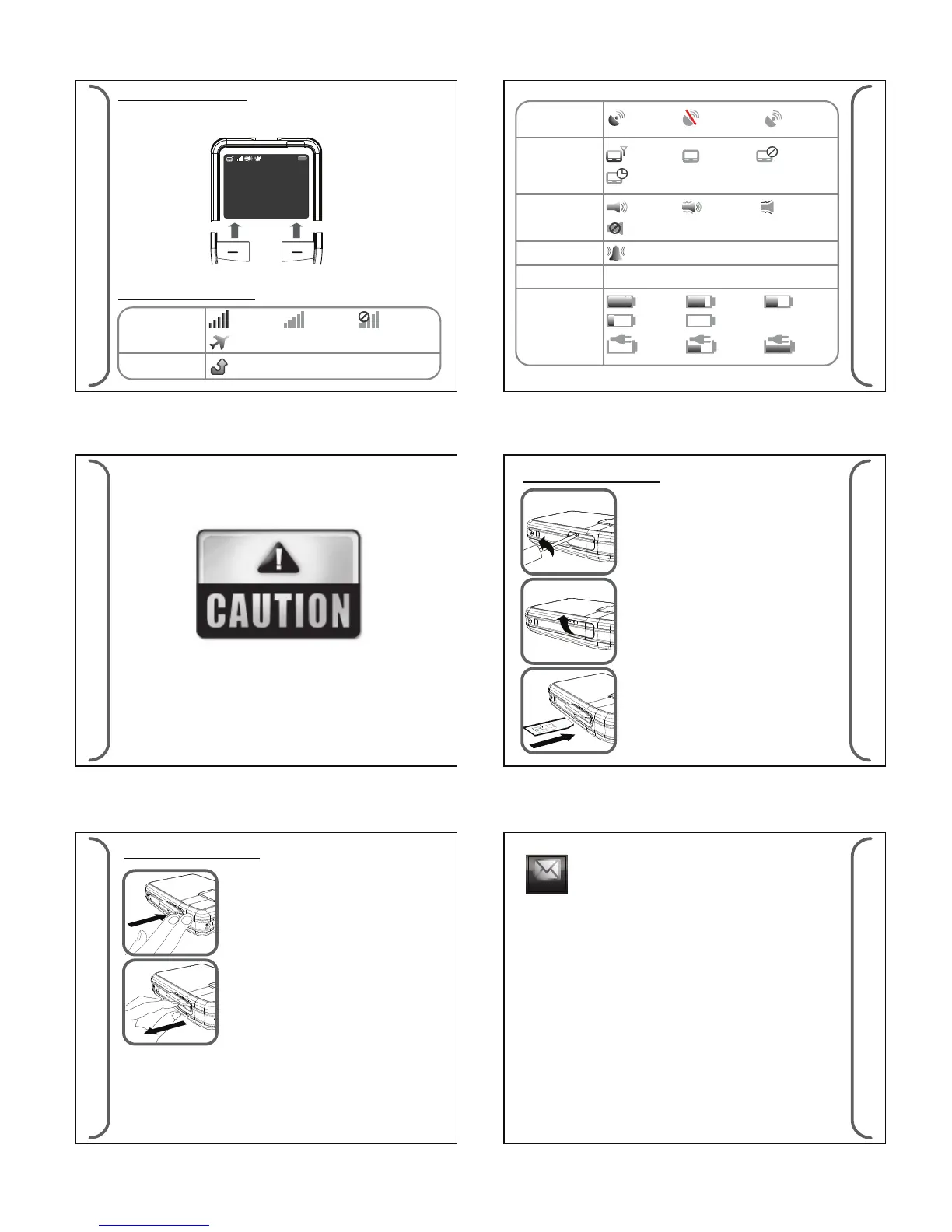
Inserting SIM Card
SIM Card
1. Unscrew the SIM card cover located at the
side of the device.
2. Peel open SIM card cover.
3. Insert SIM card into the SIM card slot with
the Orientation shown. Push and release
only when a “click” sound is heard.
A small tool (paper clip) may help in pushing
in the SIM card.
1. Push in the SIM card and release when a
“click” sound is heard.
2. Pull out the SIM card.
Removing SIM Card
Left and Right Soft Key
The roles of the soft keys vary depending on the function used.
The keys below select the function desired when pressed.
Left Soft Key
Menu
07:35
PM
WED 28/12/11
MessageMessage
Daviscomms
Right Soft Key
6.5 Icons
Main Screen Icons
GPS
Paging
Audio
Alarm
New Message
Battery Gauge
private time active
in range
GPS not
operational
audio only
silent
alarm active
3/4 full full
low
charging
2/4
charged
audio &
vibration
vibration
only
out of
range
GPS Data
valid
GPS Data
invalid
not
operational
1 Unread 1 Unread
message received
1/4 full
2/4 full
fully
charged
GETTING STARTED
17
GETTING STARTED
18
7.1 Message
(a) Receiving Messages
When a new page/sms message is received, the device will sound
alert and turn on the status LED (for 5 seconds). These messages
will go into the page or sms message folder accordingly. If the
message folder is full, the oldest message will be removed to
make way for news messages. The new page/sms message will
automatically be displayed on screen. Any key pressed will be
treated as reading the message and it will no longer be treated as
a new and unread message. If there is no key press after the screen
time out, it will go back to idle screen and this page/sms message
is counted as an unread message. If new page/sms messages
come in successfully, the latest message will be displayed and the
earlier ones will be treated as unread messages
GSM
Miss Call
registered
GSM o mode
not
registered
not
operational



 To Next Page