17 18
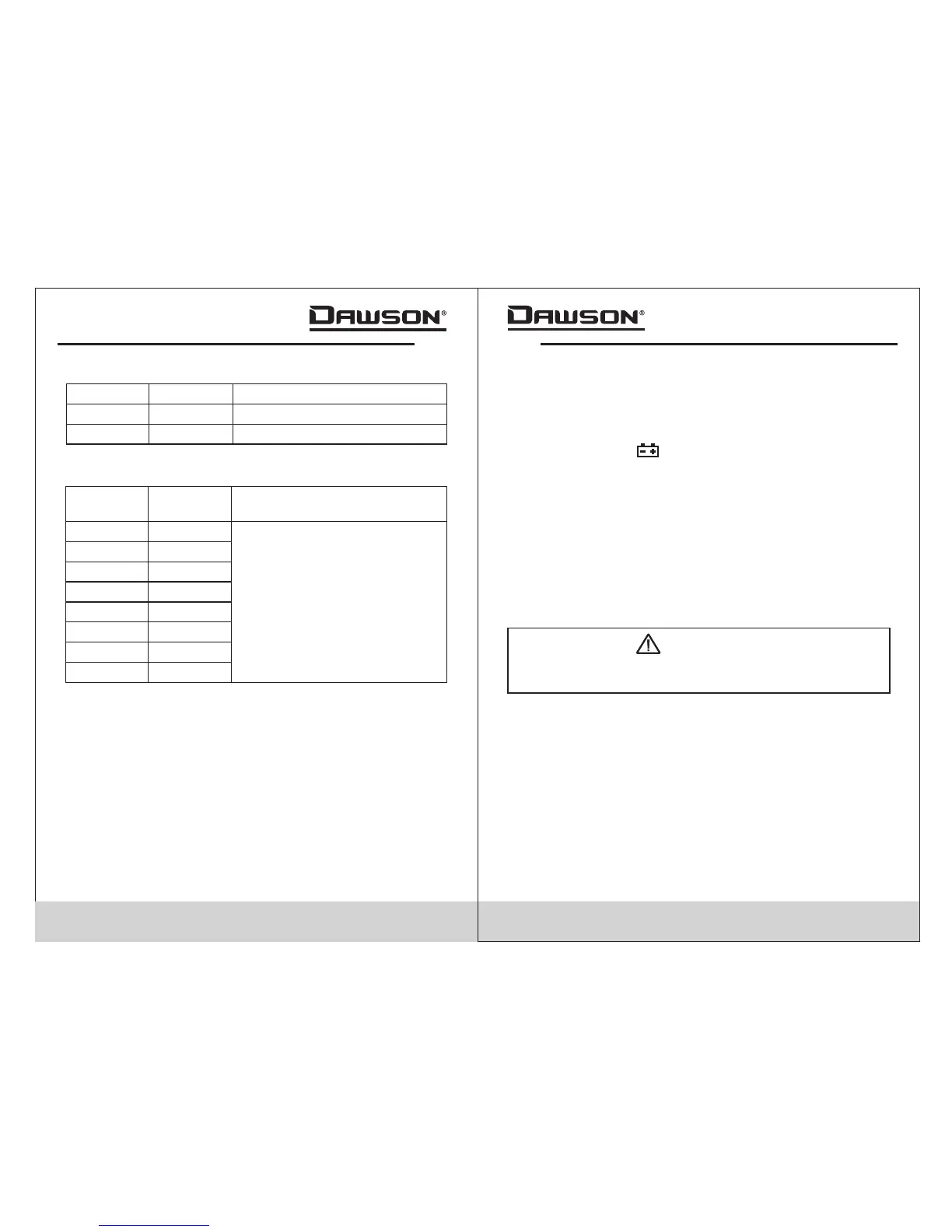
- Overload Protection: 250V DC or AC RMS
Function
±(0.5% reading + 3 digits)
Hz
%
Range
0-10MHz
1-99%
Frequency/Duty Cycle
Accuracy
±(3.0% reading + 3 digits)
Capacitance
Resolution
0.001nF
Accuracy
4nF
0.01nF
0.1nF
1nF
40nF
400nF
4µF
±(4.0% reading + 10 digits)
Range
0.01µF
40µF
0.1µF
400µF
1µF
4mF
0.01µF
40mF
- Overload Protection: 250V DC or AC RMS
Maintenance and Repair
Repair
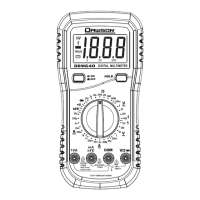
Please follow these steps closely if the meter is not
functioning properly:
• Check the batteries; replace with new batteries if low
battery indicator “ ”appears.
• Follow the user’s manual to confirm all procedures.
• Before sending the meter back for repair, include a
description of the problems encountered. Remove
batteries and pack the meter well to avoid damage
during delivery; Dawson does not cover damage due to
delivery.
• Repair or service not covered in this manual should be
performed only by the authorized service center or
qualified personnel.
Test Leads Replacement
Replace the test leads with identical or compatible
leads. lead spec:600V 10A.
Warning
Replace new leads if the current leads are worn or
damaged.
Replacing the batteries
Follow these steps to replace the batteries:
• Turn off the meter.
• Loosen the battery cover and remove the cover from
the case’s bottom.
• Remove the batteries and replace them with new ones.
• Re-attach the battery cover to the case’s bottom and
tighten the screw.


 To Next Page