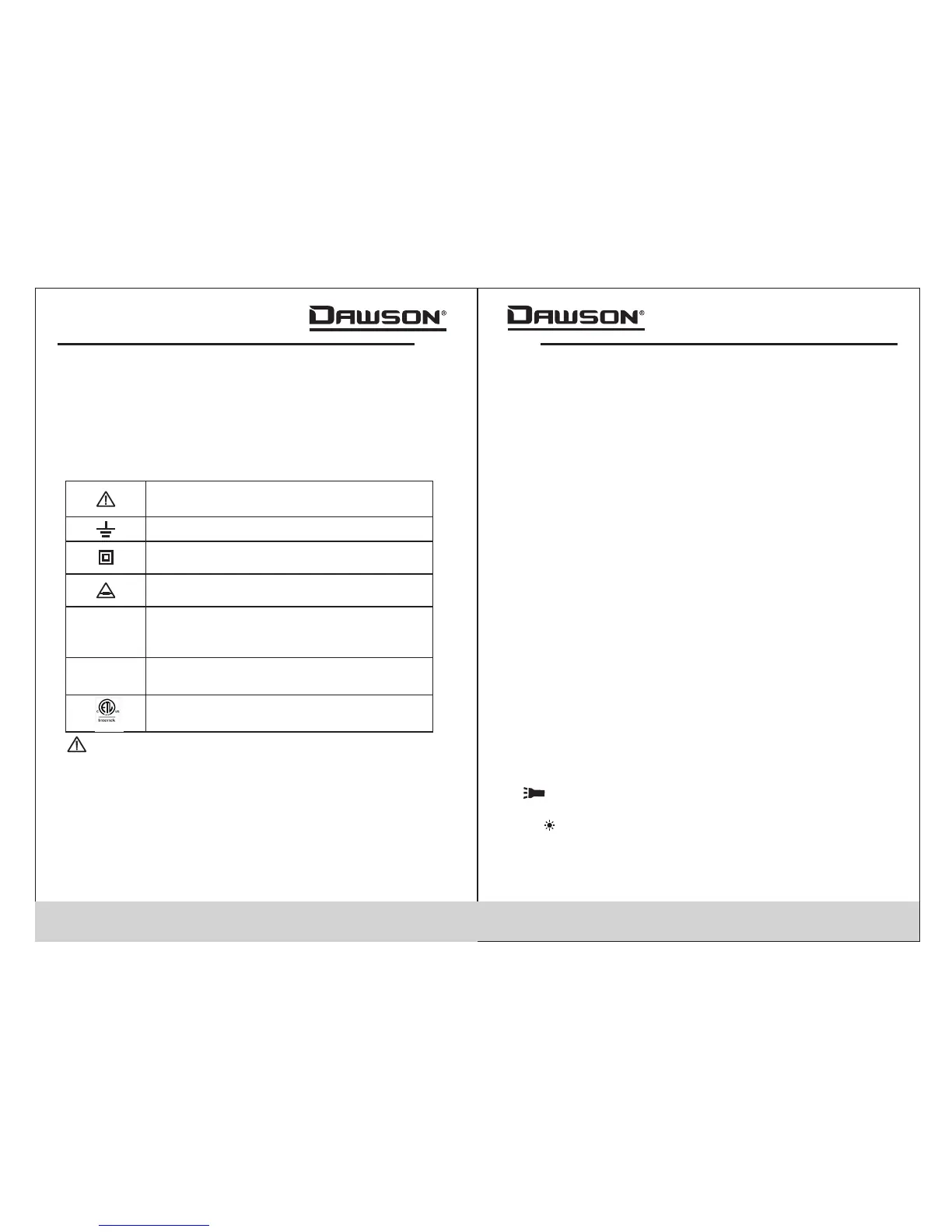
Important safety information, please
refer to the user’s manual
Earth ground
Indicates compliance with requirements
for double insulation
03 04
6.Avoid exposing batteries to humidity. Replace batteries
as soon as the low battery indicator appears.
7.Please keep the original packing for future shipping
purposes (ex. Calibration)
8.After opening the box, check for any damage during
delivery.
Safety Symbols
Important Safety Information
• Repair or maintenance should be implemented by
trained personnel only.
Certification
CAT I :This meter has met IEC1010-1 standard with an
overvoltage category (CAT III) and pollution degree of 2.
The meter comp ies to EMC requirements.
II
l
Fuse must be replaced with ratings
specified in the manual.
Conforms to IEC1010-1 standards for
overvoltage in category III installations
with a pollution degree of II.
Complies with European Union (EU)
standards
CE
CATIII
Complies with U.S. and Canadian safety
standards.
• Never use the meter to measure voltages that might
exceed 600V DC/AC above earth ground in category
III installations.
• Always be careful when working with voltage above
60V DC or 30VAC RMS. Keep fingers behind the probe
barriers while measuring.
• Inspect test leads and probes for cracks, breaks or
crazes on the insulation before using the meter.
Introduction
Overview
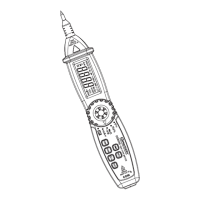
The DDM350 is a portable pen-type digital multimeter
featuring DC/AC voltage and current measurements,
resistance, capacitance, continuity, diode testing,
frequency and duty cycle, auto/manual range, worklight,
and an LCD w/backlight for easy reading. The slim and
lightweight design is mobile and ideal for both
professionals and hobbyists.
Figures and Components
Buttons and Components
1.Test Probe (+)
2.Probe Cap
3.NCV Indicator
4.Protective Ring
5.LCD Display
6.Rotary Switch
7.FUNC (Function) Button
8.RAN (Range) Button
9. (Work light) Button
10.NCV (Non-Contact Voltage) Button
11.H/ (Hold/Backlight) Button
12.Hz/% (Frequency/Duty Cycle) Button
13.COM Jack (-)
03


 To Next Page