www.Day6Outdoors.com Page 8
E. You should then see the file name of the sample video. Double click
on this file. This will launch the GameFinder time-lapse video player
software.
3. When you finish watching the test video, delete the test video files from the
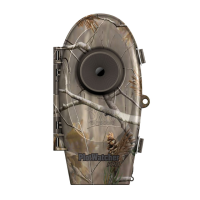
memory card and return it to the PlotWatcher camera.
Note: You generally will not want to copy your Time-Lapse Videos to your
computer because they are so large. They should play directly from the
memory card. You can save any individual pictures or short video snippets you
wish to keep to your hard drive with the Export feature inside the FILE button.
Special note for Apple users: After deleting files on a memory card, you must
then “empty the trash” folder to actually free the space on the memory card.


 To Next Page