EasyManua.ls Logo

DB Drive A3 1750.5 User Manual

DB Drive A3 1750.5
7 pages
To Next Page IconTo Next Page
Page #1 background imageLoading...
Page #1 background image
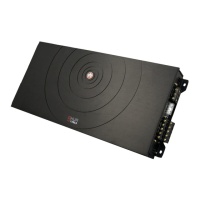
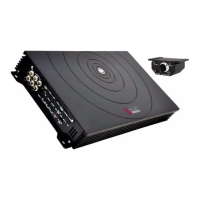
A3 1750.5 / A3 2250.5
5 CHANNEL AMPLIFIERS
Due to continuous improvement of the product the Specifications are subject to change without notice.
Question and Answer IconNeed help?

Do you have a question about the DB Drive A3 1750.5 and is the answer not in the manual?

DB Drive A3 1750.5 Specifications

General IconGeneral
BrandDB Drive
ModelA3 1750.5
CategoryAmplifier
LanguageEnglish

Summary

LIMITED WARRANTY

SPECIFICATIONS

FINE TUNE THE SYSTEM

TROUBLE SHOOTING THE SYSTEM

No Output

Diagnosing and resolving issues where the amplifier produces no sound output.

Low Output

Troubleshooting steps for when the amplifier's sound output is unexpectedly low.

Engine Noise

Identifying and eliminating electrical noise or engine-related interference.

Red Protection L.E.D. illuminated

Understanding and resolving amplifier protection mode activation indicated by LED.

ADJUSTMENTS AND SETTINGS

SPEAKER CONNECTIONS

SAFETY PRECAUTIONS

Fuse amplifiers power wire at the battery

Essential safety step to fuse the power wire near the battery.

Use caution when mounting amplifier

Warning to be aware of vehicle components during amplifier installation.

Make all ground wires as short as possible and at the same point

Best practice for grounding to minimize noise and resistance.
Related product manuals