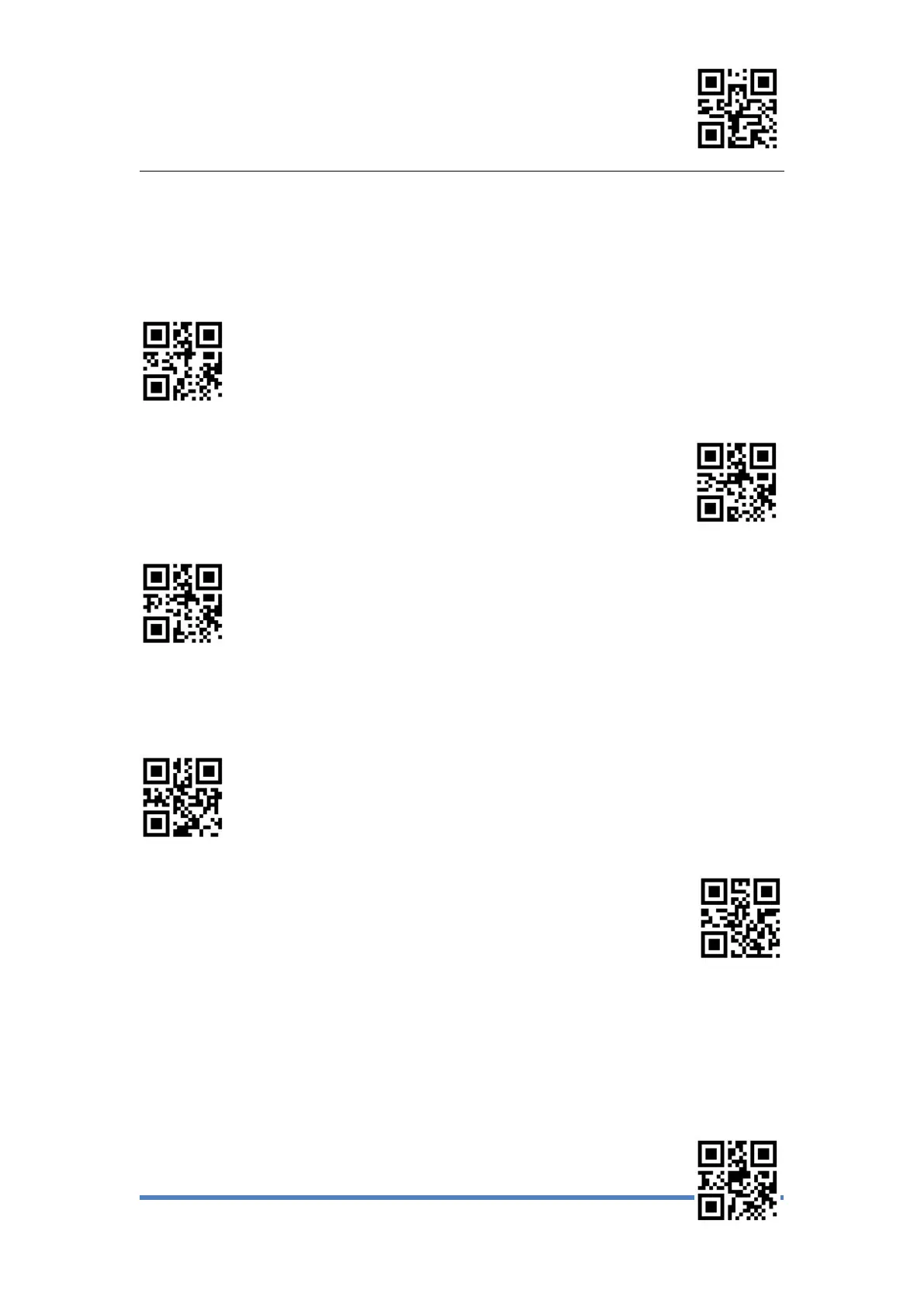
Enter Setup
Exit Setup
2、Continuous Scanning Mode
Continuous Scanning Mode,no manual trigger required, When reading succes or after
the
end of single code reading time, will automatically start the next reading.( Continuous
scanning period can switch to manual mode by press the button temporary.)
Continuous Mode
*Temporary switching Manual mode
Do Not Temporary switching Manual Mode
Single reading time
In continuous scanning mode,the maximum amount of time that continuous recognition
is allowed before successful reading.
Set reading time 1,000ms
Set reading time2,000ms


 To Next Page