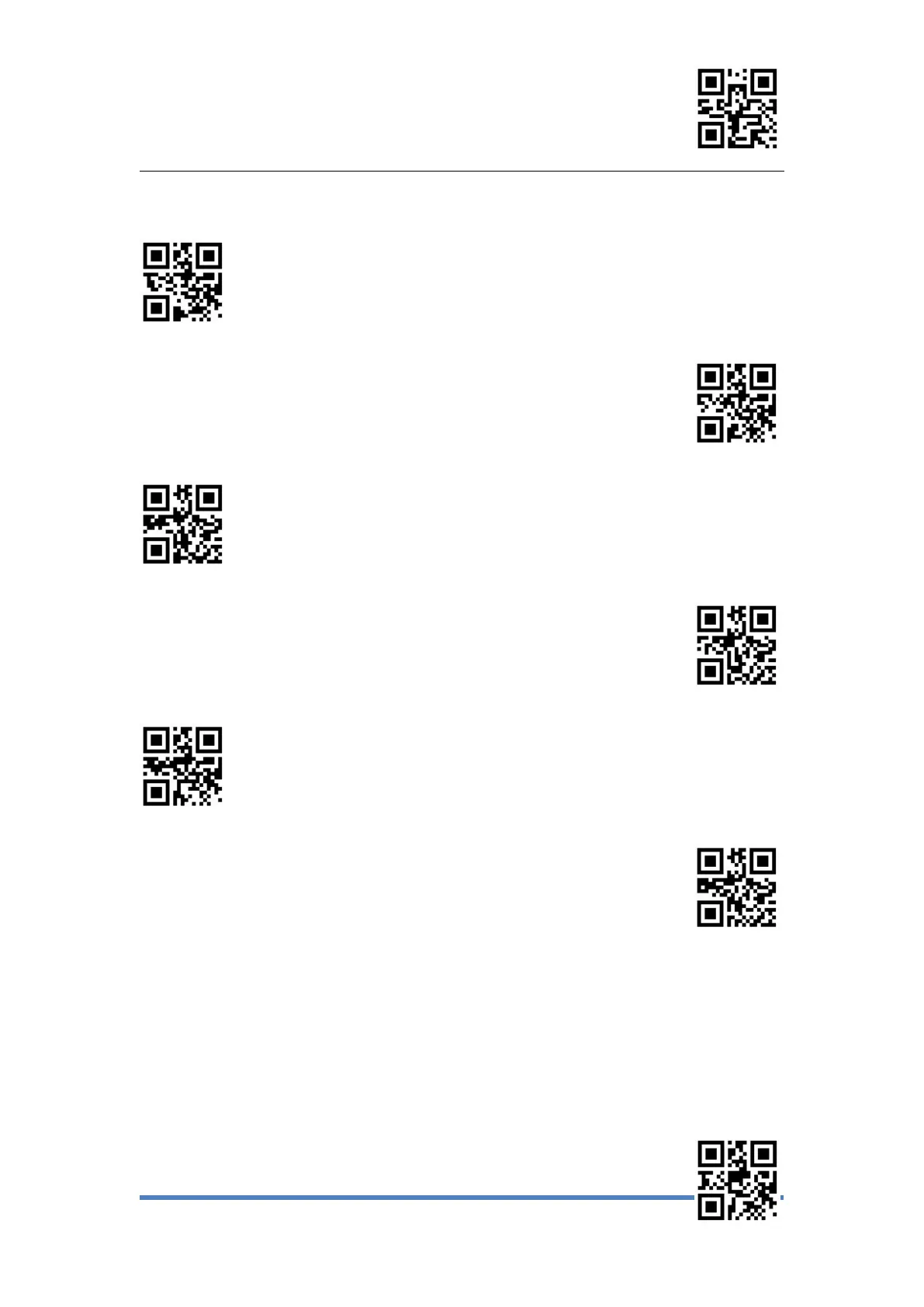
Enter Setup
Exit Setup
5、Set Virtual Keyboard
Output Characters ALT+Numeric keys
* Output characters using a large keyboard
Use "Ctrl" to combine output control characters
*Original output control character
Enable Small keypad
* Disable Small keypad
6
、
Capslock
Keyboard letter conver, in the output of the barcode with letter content, you can set the
code to make the output result is all to Upper Case or Lower Case.



 To Next Page