EasyManua.ls Logo

dbx 4BX - Expansion Control; Gain Change and Transition Level; Impact Restoration

dbx 4BX
18 pages
Print Icon
To Next Page IconTo Next Page
To Previous Page IconTo Previous Page
Loading...
and
fully dark.
The VOLUME
down
button
does
not
turn
the sound
off; it just
lowers it to
the
muted
(-40 dB)
level.
In
establishing
levels
with your
4BX, it
is best to
begin
by
setting the
volume to its
maximum,
+
10
dB.
Then
turn up the
preamp's
volume
control
to as
high
a level as
you
would
normally listen
to
comfort-
ably.
In this
relationship
the 4BX
always
will be
lowering the
volume
from this
high
level,
and the
probability
of alarming
level jumps
when the
4BX is
put into
or taken out
of the
signal
path is
reduced.
(See the
discussion of the
OPF
button.)
Still, it's
possible,
if the
levels are set
as
suggested
here
and
you're listening
at
below
-30
dB
and
press OFF,
for
the
sound to
jump
35-40 dB, a
startling
but
probably
not
damaging
occurrence.
Again,
caution
is war-
ranted with
the OFF
button.
You'll be
interested to
know that
each 10-dB
in-
crease in
level calls
for 10 times
as much
power,
even
though
the
difference to the
ear is
only
what
most
people call
twice as loud.
In fact,
each
3-dB
increase
(which
you'll
have
to
approximate
through
the
partial
illumination of
the next
VOLUME
LED),
even
though it
sounds small,
requires
twice
as
much
power.
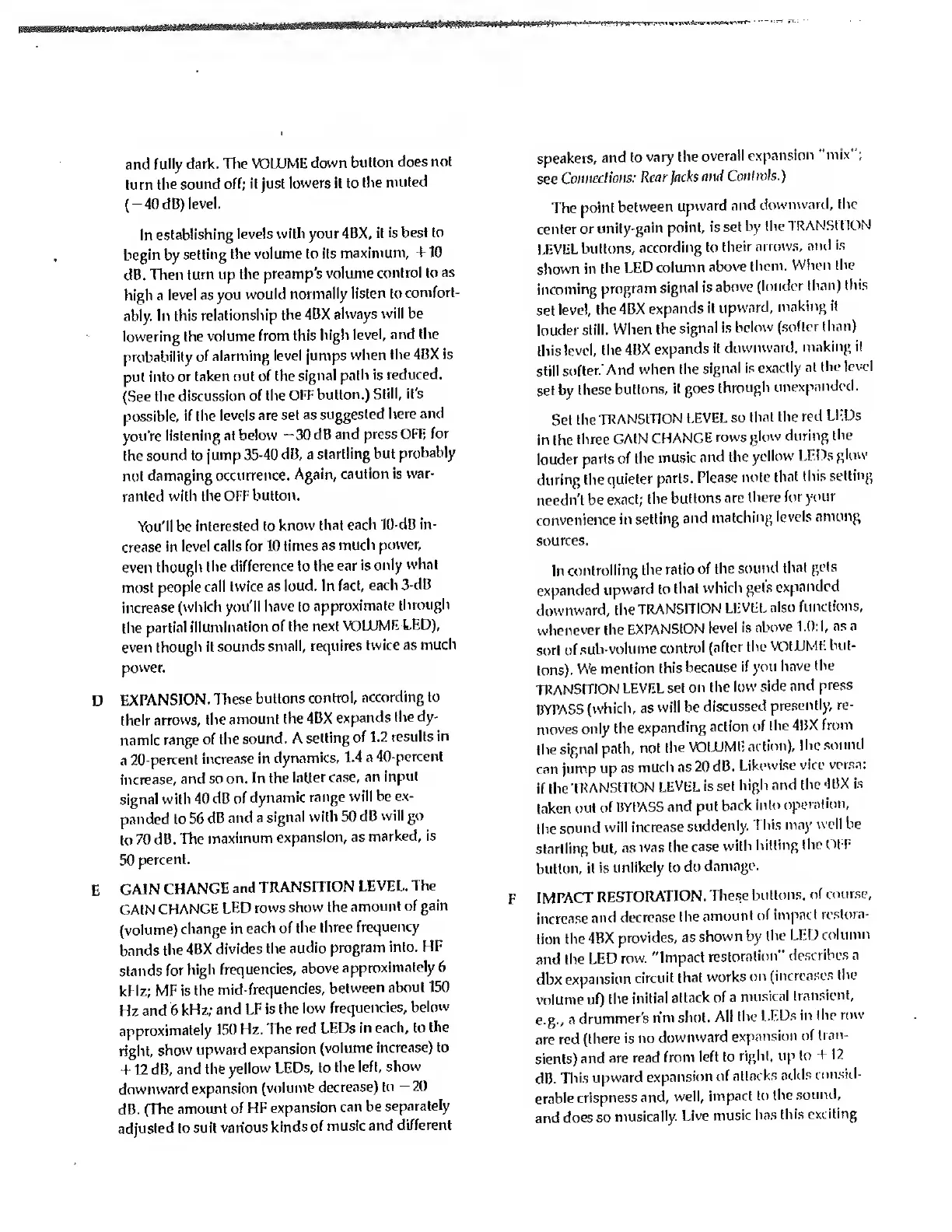
EXPANSION.
These
buttons
control,
according to
their
arrows, the
amount
the 4BX
expands
the
dy-
namic range
of the
sound. A
setting
of 1.2
results
in
a
20-percent
increase
in
dynamics, 1.4
a
40-percent
increase,
and so
on. In the
latter
case,
an
input
signal with
40
dB of
dynamic
range
will be ex-
panded to
56 dB
and a
signal
with 50
dB
will go
to
70 dB.
The
maximum
expansion,
as
marked, is
50
percent.
GAIN
CHANGE
and
TRANSITION
LEVEL. The
GAIN
CHANGE
LED
rows show
the
amount of
gain
(volume)
change in
each of
the
three
frequency
bands
the
4BX
divides
the
audio
program
into.
HF
stands
for
high
frequencies,
above
approximately
6
kHz;
MF
is
the
mid-
frequencies,
between
about
150
Hz
and
6
kHz;
and LF
is the
low
frequencies,
below
approximately
150
Hz. The
red LEDs
in
each, to
the
right,
show
upward
expansion
(volume
increase) to
+ 12 dB,
and
the yellow
LEDs,
to
the
left, show
downward
expansion
(volume
decrease)
to
-20
dB. (The
amount
of HF
expansion
can be
separately
adjusted
to
suit various
kinds
of
music
and
different
speakers,
and to
vary
the
overall
expansion
"mix";
see
Connections:
Rear
Jacks
and
Contmls.)
The
point
between
upward
and
downward, the
center
or
unity-gain
point,
is set
by the
TRANSITION
LEVEL
buttons,
according
to
their
arrows,
ami is
shown in
the
LED
column
above
them.
When the
incoming
program
signal is
above
(louder
than)
this
set
level,
the4BX
expands
it
upward,
making
it
louder
still.
When
the
signal
is
below
(softer than)
this
level, the
4BX
expands
it
downward,
making it
still
softer.
And
when the
signal is
exactly
at
(he
level
set by
these
buttons,
it goes
through
unexpandod.
Set
the
TRANSITION
LEVEL
so
that the
red LKDs
in the
three
GAIN
CHANGE
rows glow
during
the
louder
parts
of the
music
and the
yellow
LEDs
glow
during the
quieter
parts.
Please
note
that
this
setting
needn't
be
exact;
the
buttons
are
there
for
your
convenience
in
setting
and
matching
levels
among
sources.
In
controlling
the
ratio
of
the
sound
that
gets
expanded
upward
to
that
which
get's
expanded
downward,
the
TRANSITION
LEVEL
also
functions,
whenever the
EXPANSION
level
is
above 1.0:
L
as
n
sort
of
sub-volume
control
(after
the
VOIUMI-
but-
tons).
We
mention
this
because
if you
have the
TRANSmON
LEVEL
set
on the
low
side
and
press
BYPASS
(which,
as
will be
discussed
presently,
re-
moves
only
the
expanding
action
of
the
4BX
from
the
signal
path,
not
the
VOLUME
action),
the
sound
can
jump
up as
much as
20 dB.
Likewise
vice
versa:
if the
TRANSITION
LEVEL
is set
high and
the
4BX is
taken
out
of BYPASS
and put
back
into
operation,
the
sound
will
increase
suddenly.
This may
well be
startling
but,
as
was the
case
with
hitting
the OFF
button,
it
is
unlikely to
do
damage.
F
IMPACT
RESTORATION.
These buttons,
of course,
increase
and
decrease
the
amount
of impact
restora-
tion
the
4BX
provides,
as
shown
by
the LED
column
and
the LED
row.
"Impact
restoration"
describes a
dbx
expansion
circuit
that
works
on
(increases
the
volume
of)
the
initial
attack of
a
musical
transient,
e.g.,
a
drummer's
rim
shot.
All the
LEDs
in
the
row
are
red
(there
is
no
downward
expansion of
tran-
sients)
and are
read
from
left to
right, up
to +
12
dB.
This
upward
expansion
of
attacks
adds
consid-
erable
crispness
and,
well,
impact
to the
sound,
and
does so
musically.
Live
music
has
this
exciting

Related product manuals