EasyManua.ls Logo

dbx 4BX - Remote Logicontrol Operation

dbx 4BX
18 pages
Print Icon
To Next Page IconTo Next Page
To Previous Page IconTo Previous Page
Loading...
tape deck has electronic
(lighted-bar) meters
set to
their peak-reading position, in order to
give
you an
accurate idea of how potent the
4BX's
effects are.
Second, if PRE is used, the 4BX's
other
controls
also come
before the recording
that
is,
VOLUME,
POWER ON and OFF,
MUTE, and BYPASS.
Therefore
they must not be
pushed
thoughtlessly
during the
recording. This
means, among
other things,
that
the
loudness level
in the room
either has to be as
you
like
it
for the
duration of the
selection or
has to
be
controlled by your
preamp only.
Of course
it is
possible to
adjust the 4BX's
LOUDNESS
and the
tape deck's
recording
controls beforehand so
their
levels are
appropriate for
both listening
and
taping.
And in
many instances
it might be a
great
conven-
ience to
have an
instant remote
capability
for lower-
ing or
muting applause,
commercials,
etc.
after the
selection being
recorded is
over. It's just
that you
will want not to
press any 4BX
buttons
casually
when you're recording in
PRE.
For
foolproof
results, then,
we
recommend that
you
do your
expansion
and impact
restoration
on
playback.
But if you do
choose
levels and
settings
wisely
and
monitor
carefully, you'll be
able to
reduce
noise in
the original
program, add impact,
expand
dynamics,
and
preserve all these
changes on
the
tape.
Note
that
when you've
pressed
SOURCE
(say, to
compare the tape
recording
with the
original),
PRE
and POST
still
affect the
taping even
though they
don't affect
SOURCE.
Thus
if you're
making a
tape
and using
SOURCE
and TAPE
to check it
(to
monitor
it), be
sure not
to press
PRE and
POST back
and
forth.
•Probably it
is best to
monitor
a tape
being
made
of a
PRE-expanded
program
using the
deck's
own
Tape/Source
switch.
I
BYPASS.
Pressing this
button
removes the 4BX's
expansion
and
impact
restoration from the
signal
path
but
that's all.
Everything else
still works.
Which
means (among
other
things) that you
can
still control
your stereo
system's
loudness
remotely,
even with no
expansion or
impact
restoration
at
work.
J
DISPLAY.
This controls
the
brightness of the
4BX's
LEDs
(except
for the one
which
indicates
power,
above
OFF),
from full
intensity to
very dim.
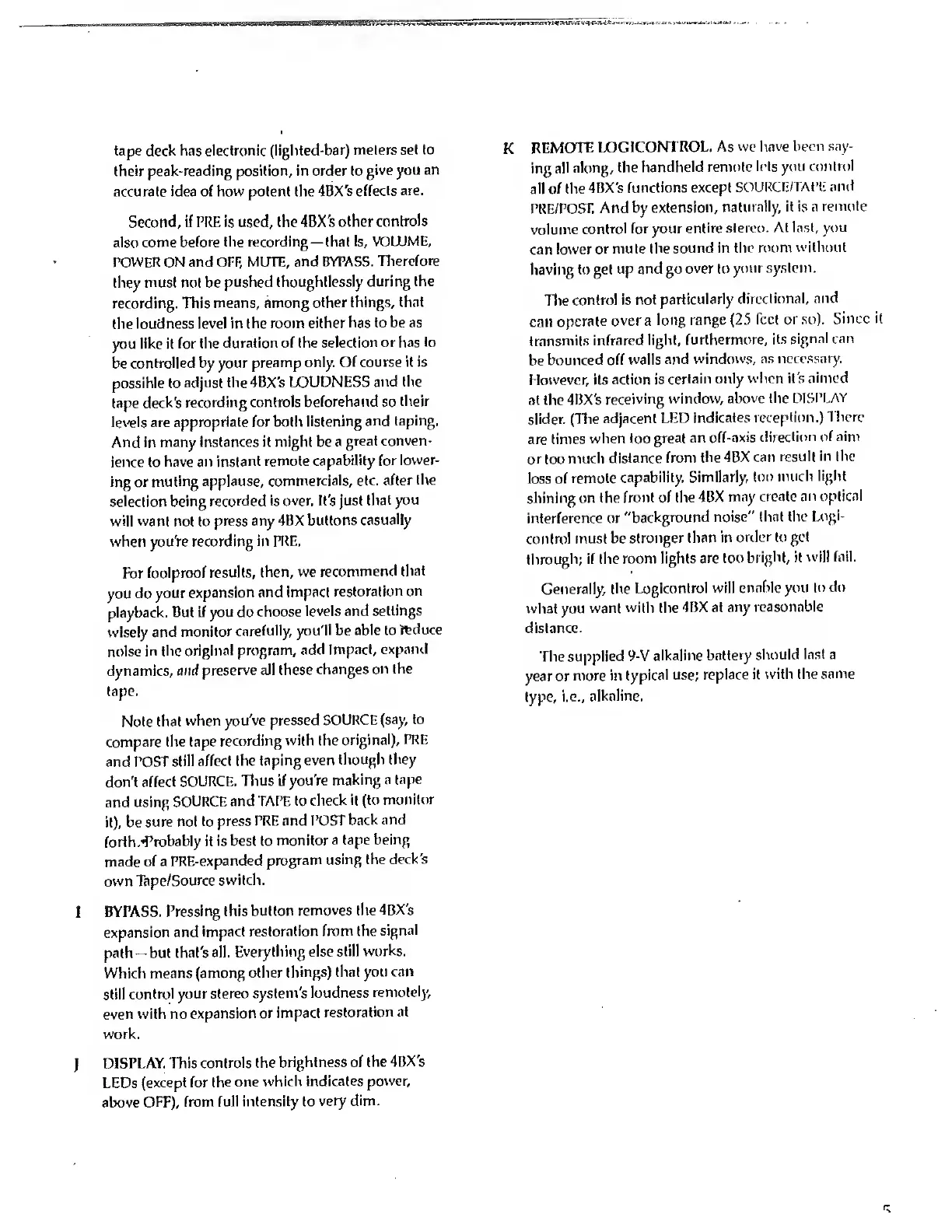
K
REMOTE
LOGICONTROL.
As we
have been say-
ing
all along,
the
handheld remote
lets you
control
all of the
4BX's
functions
except
SOURCE/TAPE
and
PRE/POST.
And by
extension,
naturally, it is n
remote
volume
control for
your entire stereo.
At
Inst, you
can
lower or mute
the sound in
the room
without
having to get
up and go
over
to
your system.
The
control is
not
particularly
directional,
and
can
operate
over a
long
range
(25
Tcct or so).
Since it
transmits
infrared light,
furthermore,
its
signal can
be
bounced off walls
and
windows, as
necessary.
However, its
action is
certain only
when it's
aimed
at the
4BX's
receiving
window,
above the
DISPLAY
slider. (The
adjacent
LED
indicates
reception.) There
are
times when
too
great an
off-axis
direction of aim
or too
much
distance from
the 4BX
can
result in
the
loss of
remote
capability.
Similarly,
too much
light
shining on
the front
of the 4BX
may
create an
optical
interference or
"background
noise"
that the
Logi-
control must be
stronger
than in
order to get
through;
if the
room lights are
too
bright, it
will fail.
Generally, the
Logicontrol will
enable you
to do
what
you want
with the
4BX at any
reasonable
distance.
The
supplied
9-V
alkaline
battery should
last a
year or
more in
typical use;
replace it
with the same
type,
i.e.,
alkaline.

Related product manuals