13
Choose the preset’s location.
SETUP
AFS
RECALL
SUBHARMONIC
COMP/LIMITER
UTILITY
PRESET
NEXT PG
STORE
EQ
WIZARD
UTILITY
PREV PG
WIZARD
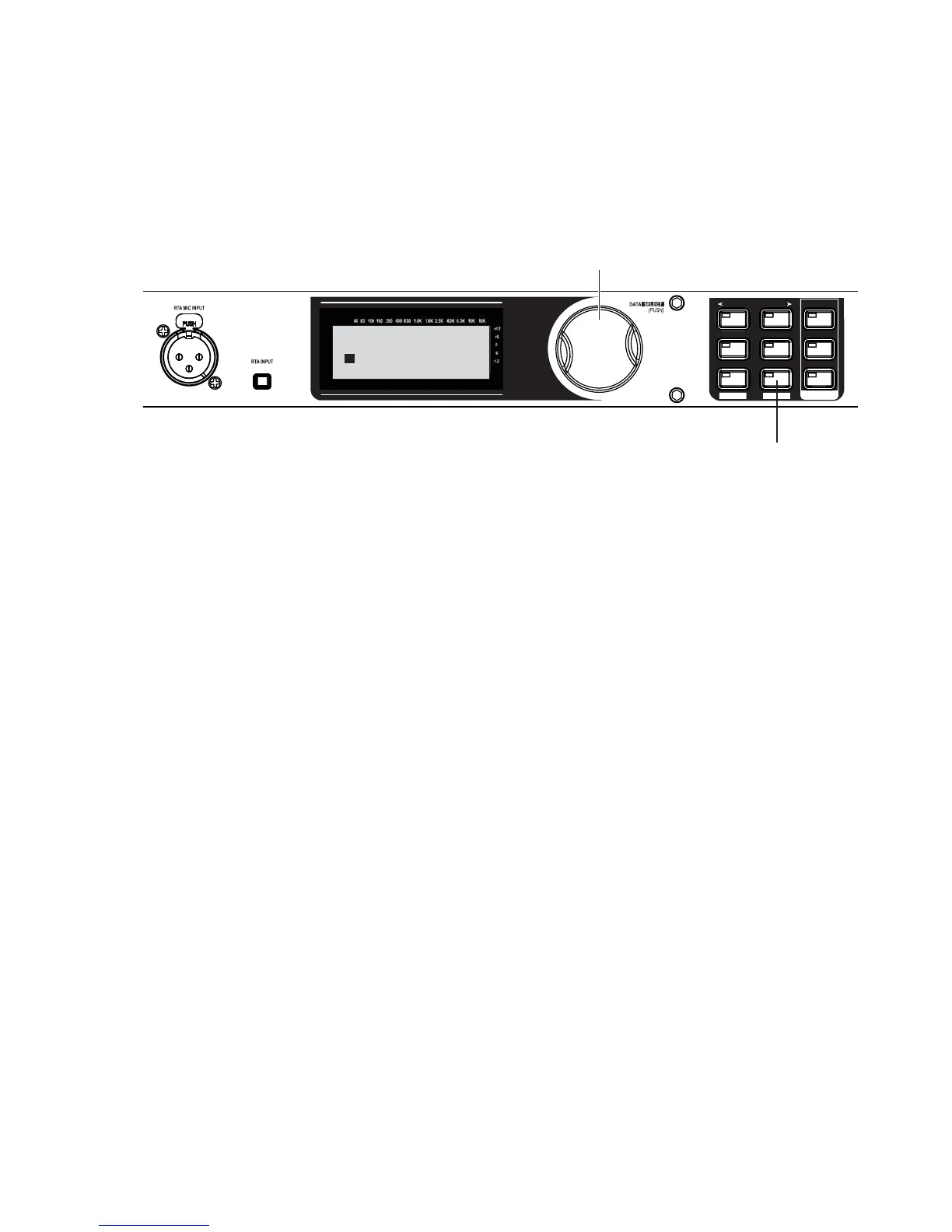
A. Turn the Data Wheel to
change the user preset
number where your new
program will reside.
NOTE: This will replace
the program that currently
resides in that location.
B. Press the STORE button
to advance.
Replacing
PRESS STORE TO ADVANCE
STORE: MY PRESET
U1 DJ Setup
Your new preset has now been stored. Congratulations and enjoy.
32.
33.


 To Next Page