12
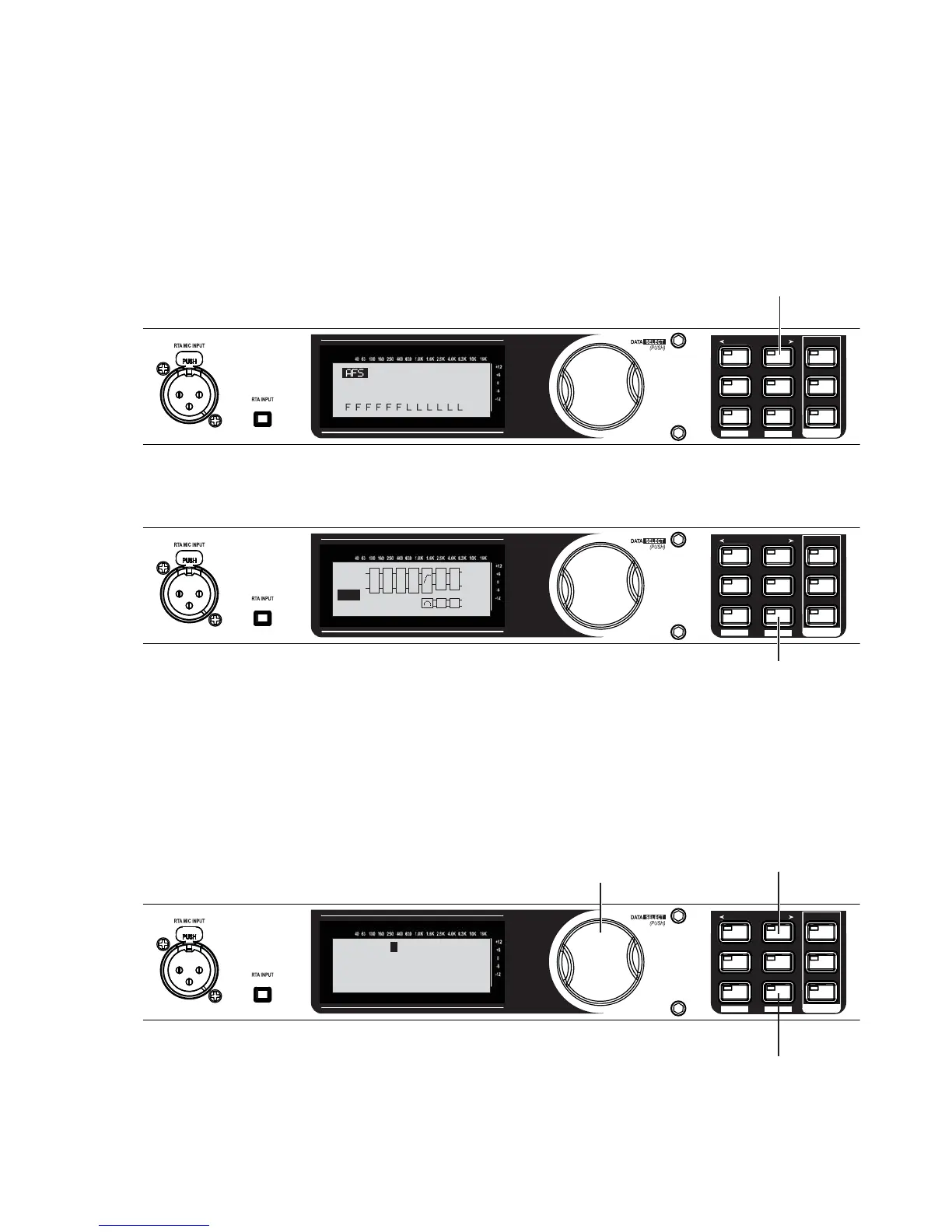
Advanced Feedback Suppression has completed when “Fixed Filter Setup Done. In LIVE mode” appears
on the Display.
NOTE: Out of control feedback is not advised. Please keep this under control manually with the mixer’s
channel or main faders.
SETUP
AFS
RECALL
SUBHARMONIC
COMP/LIMITER
UTILITY
PRESET
NEXT PG
STORE
EQ
WIZARD
UTILITY
PREV PG
WIZARD
Fixed Filter Setup
Done. In LIVE mode.
Press the NEXT PG button.
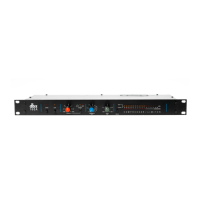
Store your new preset by pressing the STORE button.
SETUP
AFS
RECALL
SUBHARMONIC
COMP/LIMITER
UTILITY
PRESET
NEXT PG
STORE
EQ
WIZARD
UTILITY
PREV PG
WIZARD
E
L
P
L
R
OUT
SUB
L
PL
Q
R
C
A
F
S
S
U
B
PRX515 wSub
1
USER
L
R
Press the STORE button once.
Edit the preset’s name. For this example, name it “MY PRESET”.
SETUP
AFS
RECALL
SUBHARMONIC
COMP/LIMITER
UTILITY
PRESET
NEXT PG
STORE
EQ
WIZARD
UTILITY
PREV PG
WIZARD
DATA - SELECTS CHAR
PREV/NEXTPG - LEFT/RIGHT:
PRESS STORE TO ADVANCE
NAME: PRX515 wSub
A. Turn the Data Wheel to
change numbers and letters.
B. Press the NEXT or PREV
buttons to move between
characters. Repeat step
“A.” to change the next
letter.
C. Press the STORE button
to advance.
29.
30.
31.


 To Next Page