6
6
.
.
C
C
o
o
n
n
f
f
i
i
g
g
u
u
r
r
a
a
t
t
i
i
o
o
n
n
You can explore many of AK11’s great features through AT commands. The commands can be sent to AK11
via USB, SMS or cellular network (e.g. WCDMA/ LTE).
6
6
.
.
1
1
.
.
C
C
o
o
n
n
n
n
e
e
c
c
t
t
i
i
n
n
g
g
H
H
y
y
p
p
e
e
r
r
T
T
e
e
r
r
m
m
i
i
n
n
a
a
l
l
The following example shows how to connect the AK11 through Hyper Terminal. You may use other popular
terminal emulators such as Putty or Tera Term Pro to establish a console session with the AK11.
(1)
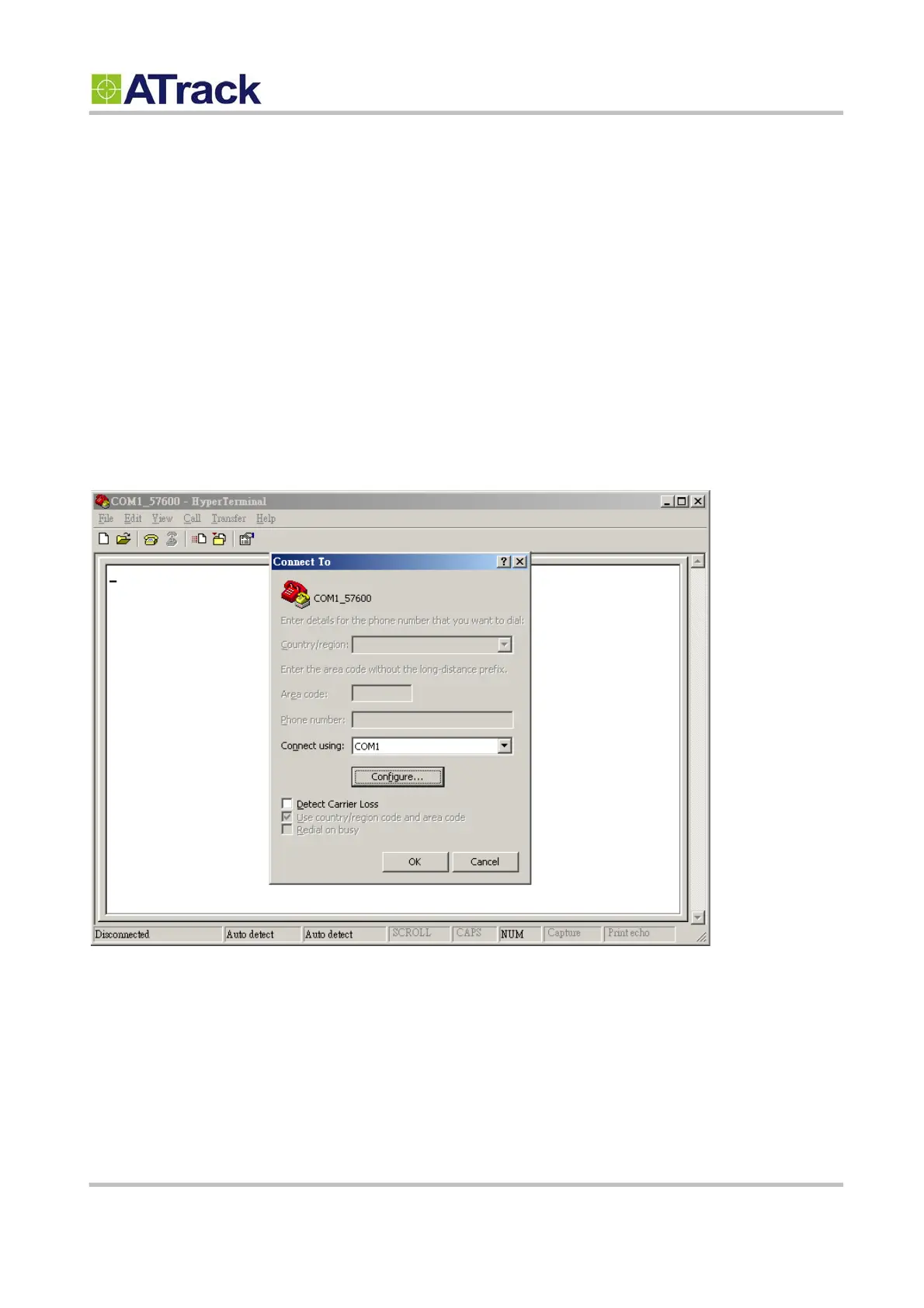
Run HyperTerminal and select the correct COM port and click on the [Configure…] button.


 To Next Page